SIEMENS NX CAD SOFTWARE – PROFESSIONAL 3D DESIGN SOLUTION

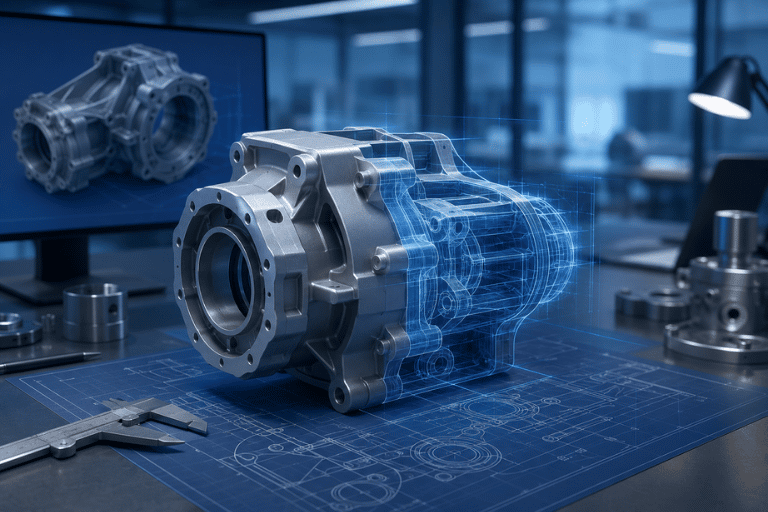
NX CAD is a 3D design solution from Siemens Digital Industries Software that supports part modeling, complex assemblies, 2D drafting, and industrial design within a unified platform. The solution helps manufacturers shorten product development cycles, optimize engineering costs, and connect seamlessly with the broader CAD/CAM/CAE/PLM ecosystem.

NX CAD – A HIGH-END CAD SOLUTION WITHIN THE SIEMENS XCELERATOR ECOSYSTEM

In the era of digital transformation in manufacturing, Siemens NX CAD serves as a core product design platform within the Siemens Xcelerator portfolio.

It is designed to support complex engineering and product development requirements across global manufacturing organizations.

NX CAD goes beyond conventional 3D design by combining flexible parametric modeling with Synchronous Technology, enabling engineers to modify geometry directly and work efficiently with imported CAD data.

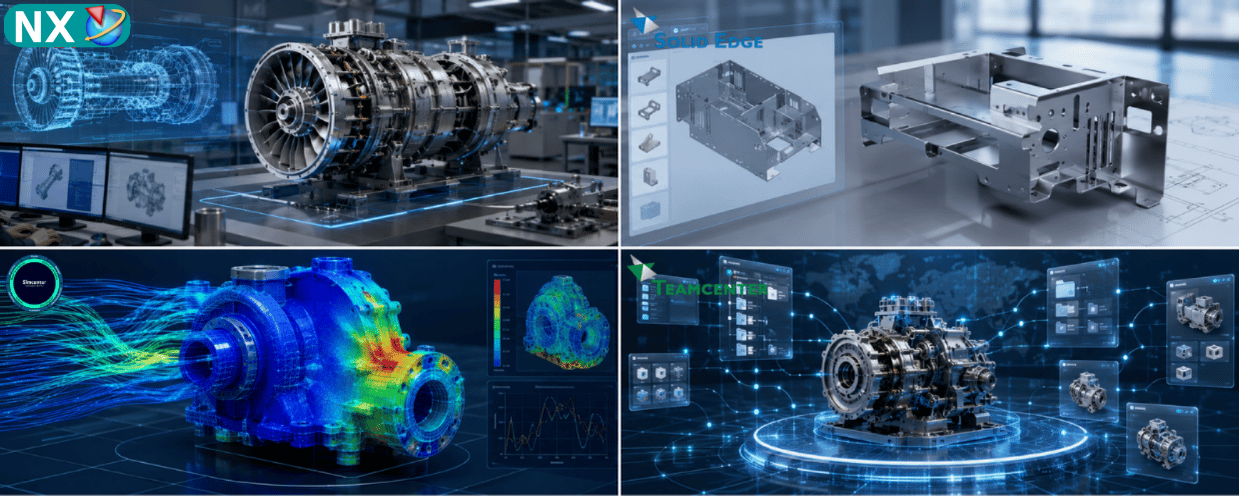
The software also integrates closely with NX CAM, Simcenter / NX CAE, and Teamcenter, creating a connected workflow from product design through manufacturing and lifecycle management.

WHAT IS NX CAD?

siemens-nx-cad

NX CAD is a high-end Computer-Aided Design (CAD) solution developed for mechanical and product engineering applications ranging from standard design tasks to highly complex industrial products.

1. Primary Users

NX CAD is designed for:

  • Product design engineers
  • Mechanical engineers
  • Industrial designers
  • R&D departments
  • Automotive, aerospace, electronics, machinery, and mold manufacturers
  • Organizations managing very large and complex product assemblies

2. Advanced 2D and 3D Design Capabilities

NX CAD provides a comprehensive design environment that connects 2D engineering documentation with 3D product modeling.

Engineers can create:

  • 2D sketches
  • Parametric solid models
  • Advanced surface geometry
  • Sheet metal components
  • Production-ready engineering drawings

The platform supports commonly used engineering standards such as ISO, DIN, ANSI, and JIS.

3. Synchronous Technology

One of the key capabilities of NX CAD is Synchronous Technology, which enables engineers to edit imported or native 3D geometry without depending entirely on the original feature history.

This helps engineering teams work more efficiently with data originating from other CAD systems and reduces the amount of model reconstruction required when modifying imported geometry.

KEY FEATURES

3D Modeling

Assembly

Surface

Drafting

Collaboration

Data Reuse

1. Flexible 3D Modeling

Combine Parametric Modeling and Freeform Modeling to develop geometry ranging from standard mechanical parts to highly complex product shapes.

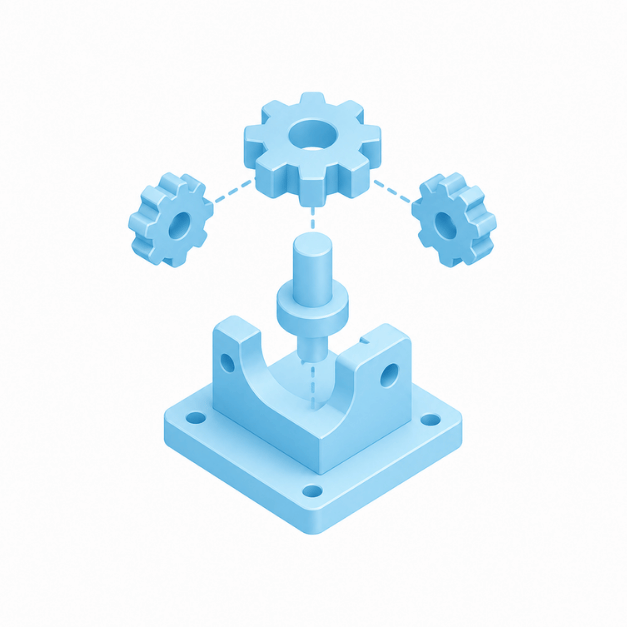
2. Large Assembly Management

Manage large assemblies containing thousands or potentially very large numbers of components.

NX provides tools for interference detection, clearance analysis, and efficient visualization of complex product structures.

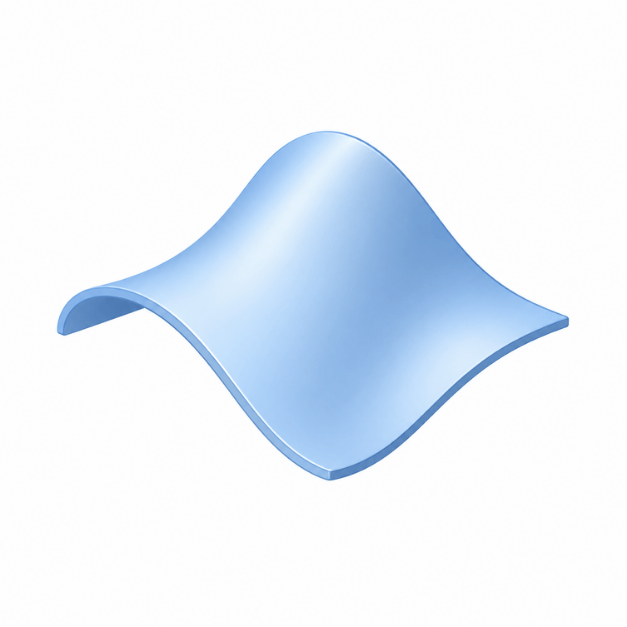
3. Advanced Surface Design

Use advanced surfacing capabilities to create high-quality freeform and Class-A surfaces for automotive, motorcycle, consumer electronics, and mold applications.

4. Drafting & PMI

Automatically generate 2D engineering drawings from 3D product models.

NX also supports Product and Manufacturing Information (PMI) and Model-Based Definition (MBD) workflows, allowing dimensions, tolerances, and manufacturing information to be embedded directly in the 3D model.

5. Integration Across the Siemens Ecosystem

NX CAD can connect with:

  • NX CAM
  • Simcenter
  • Teamcenter

This supports continuity of engineering data across design, simulation, manufacturing, and product lifecycle management.

6. Modular Expansion

NX uses a modular architecture, enabling companies to add specialized capabilities for applications such as mold design, sheet metal, routing, advanced surfacing, and other engineering disciplines as requirements grow.

NX CAD MODULES FOR DIFFERENT ENGINEERING TASKS

One of the major advantages of licensed NX CAD is the ability to configure the software according to the actual requirements of different engineering roles and workflows.

NX Modeling thiết kế mô hình cơ khí 3D tham số

NX Modeling

Core module for parametric 3D modeling, solid modeling, and basic surface design.
NX Assemblies thiết kế cụm lắp ráp cơ khí phức tạp

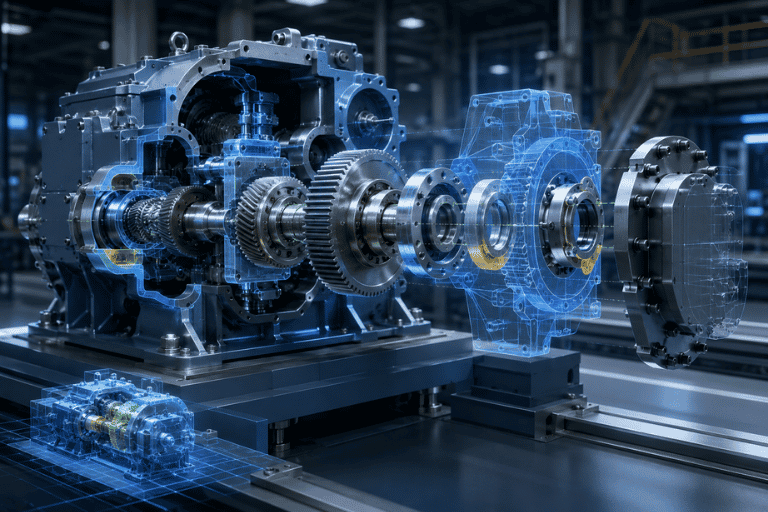
NX Assemblies

Manage, assemble, and validate complex mechanical product structures.
NX Drafting tạo bản vẽ kỹ thuật 2D từ mô hình 3D

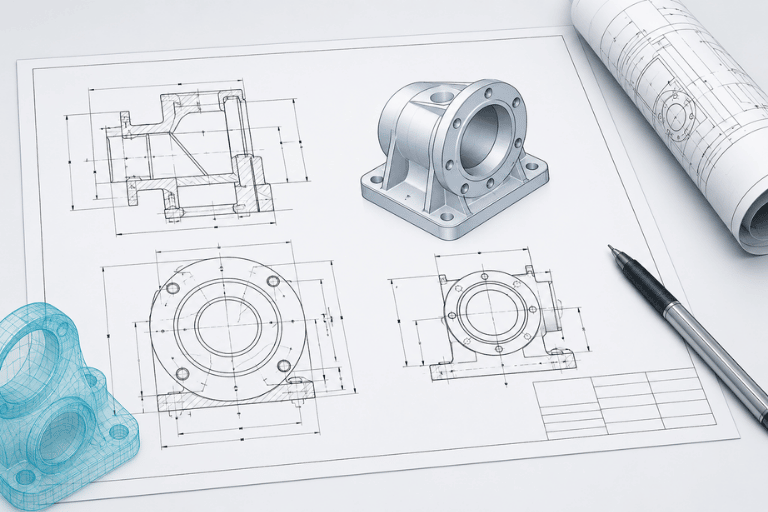
NX Drafting

Create 2D engineering drawings, dimensions, annotations, and standardized manufacturing documentation.

NX Surface Design thiết kế bề mặt cong Class A

NX Surface Design

Develop advanced freeform and Class-A surfaces for complex product styling.
NX Sheet Metal thiết kế và trải phôi kim loại tấm

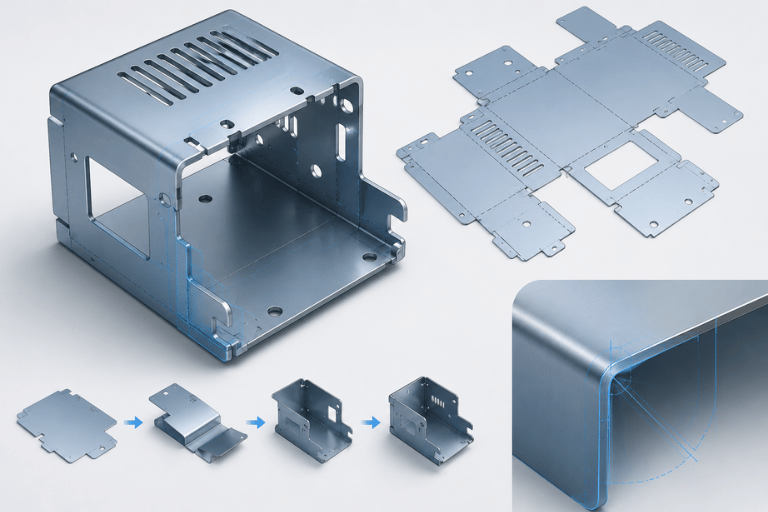
NX Sheet Metal

Design sheet metal components and generate flat patterns for manufacturing.
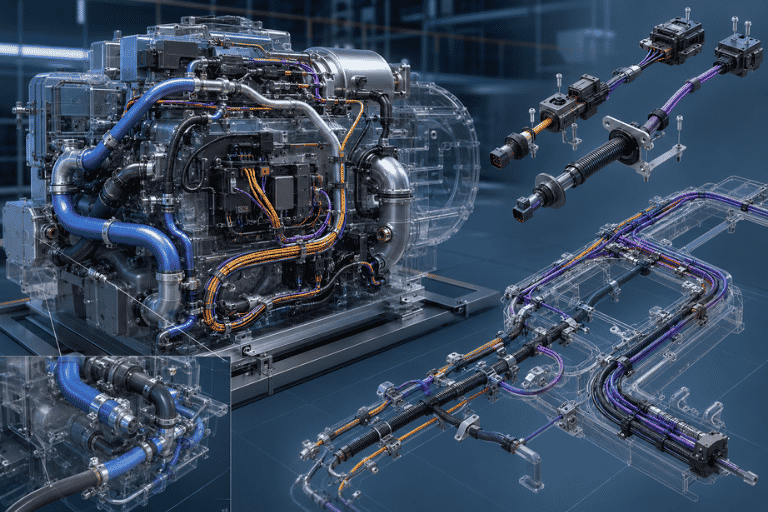
NX Routing thiết kế hệ thống đường ống và dây điện

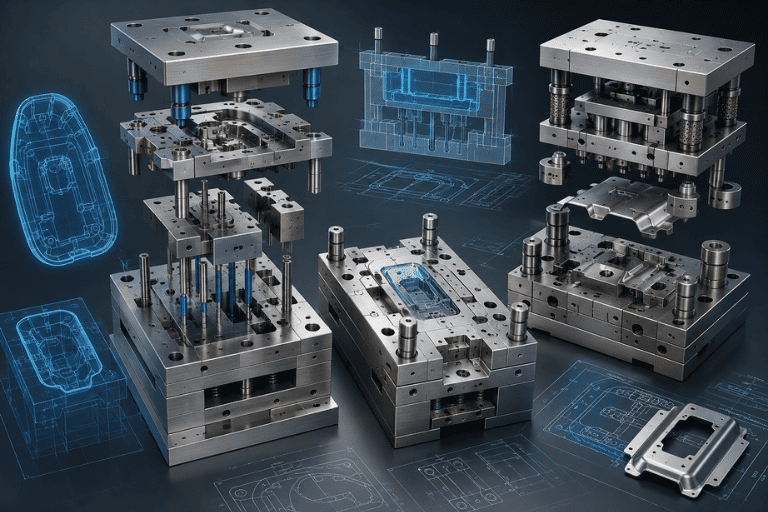
NX Mold Design

Automate the design of plastic injection molds and other tooling applications.
NX Mold Design thiết kế khuôn ép nhựa tự động

NX Routing

Design rigid piping, flexible routing, harnesses, and cable systems.
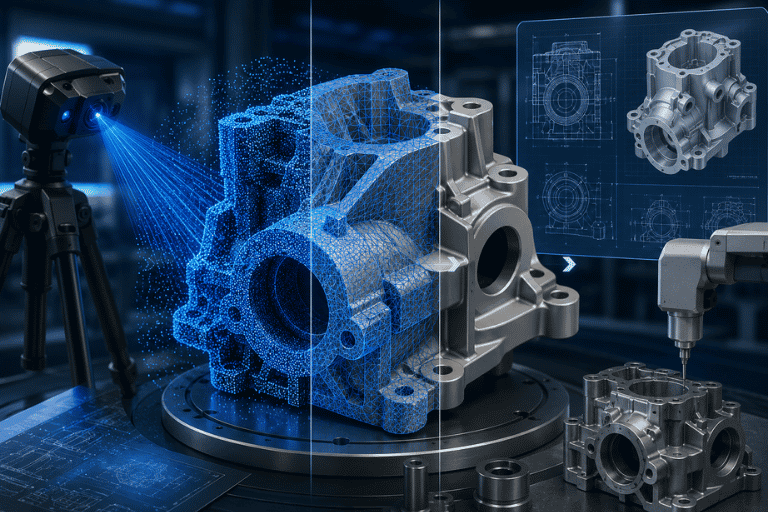
NX Reverse Engineering dựng mô hình CAD từ dữ liệu quét 3D

NX Reverse Engineering

Convert scanned or point-cloud-based geometry into editable CAD models.
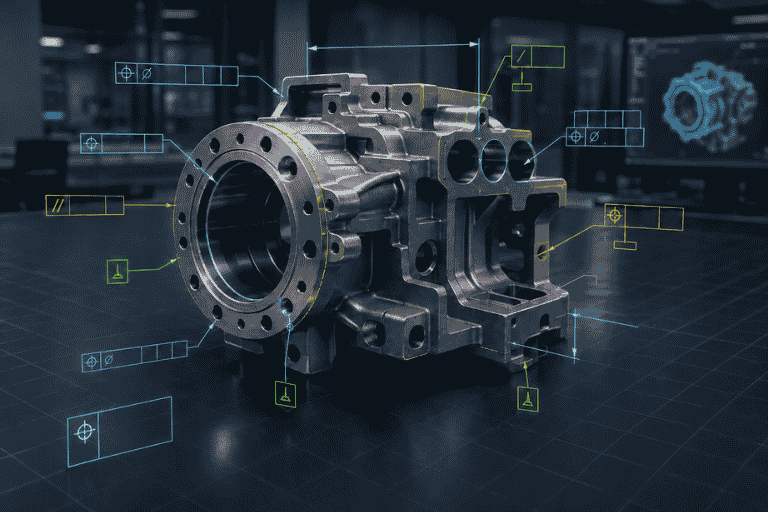
NX PMI gán thông tin kỹ thuật trực tiếp trên mô hình 3D

NX PMI

Add engineering and manufacturing information directly to the 3D model to support model-based workflows.

6 STRATEGIC BENEFITS OF NX CAD FOR MANUFACTURERS

1. Shorten Time to Market

Accelerate product design and engineering change processes through direct modeling, design reuse, and integrated workflows.

2. Improve Data Standardization

Maintain more consistent engineering data, drawings, and product information across design processes.

3. Reduce Manufacturing Errors

Use interference checking, digital validation, and integrated CAD/CAM workflows to identify potential issues before production.

4. Improve Engineering Collaboration

Support multiple engineers working on complex products and large assemblies within a coordinated development environment.

5. Connect Design with CAM and CAE

Changes to CAD geometry can be propagated into downstream manufacturing and simulation workflows, reducing unnecessary data conversion.

6. Scale with Business Growth

Expand software capabilities by adding modules or additional licenses as engineering teams and production requirements grow.

INDUSTRY APPLICATIONS OF SIEMENS NX CAD

Automotive, Motorcycles & Components

Develop vehicle components, assemblies, mechanical systems, and complex product structures.
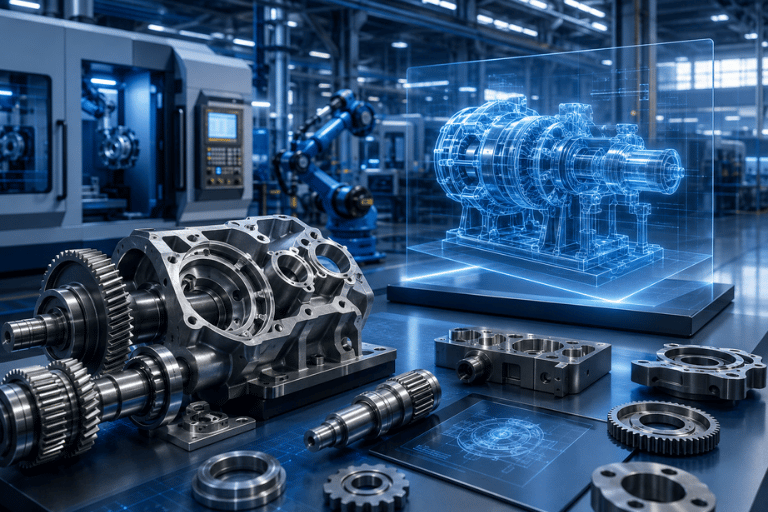
Mechanical Manufacturing & Industrial Machinery

Design machinery, fixtures, automation equipment, frames, and mechanical components.
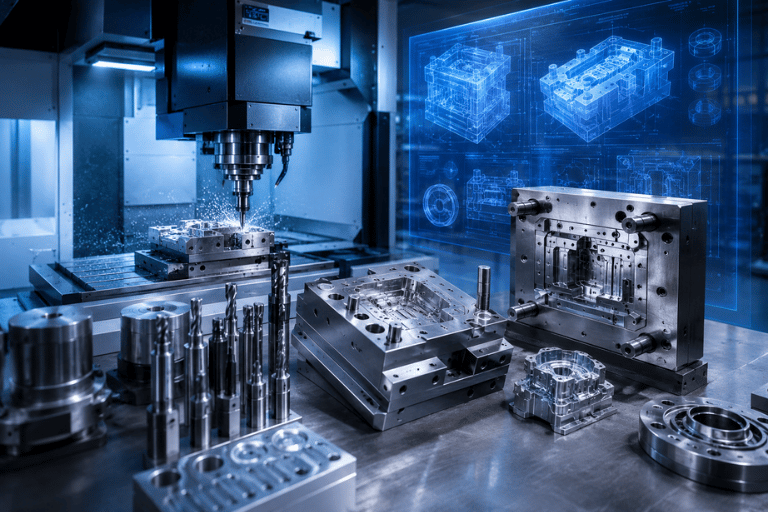
Mold, Die & Precision Manufacturing

Design plastic injection molds, stamping dies, tooling, and high-precision components.

Electronics & Industrial Equipment

Design equipment housings, electronic components, cabinets, production equipment, and related industrial products.
TOP SOLUTIONS – NX CAD CONSULTING & IMPLEMENTATION PARTNER

Successful NX CAD deployment involves more than software licensing. The software configuration, engineering workflow, training plan, and implementation approach should reflect the actual requirements of each manufacturing organization.

Top Solutions supports companies through the complete NX CAD evaluation and implementation process.

Siemens Gold Partner

Provide licensed Siemens software and implementation support for manufacturing organizations.

Requirement-Based Consulting

Assess actual engineering requirements and recommend suitable NX bundles and modules without unnecessary functionality.

Demo & Proof of Concept (POC)

Demonstrate NX CAD using actual customer products, CAD data, or engineering challenges where appropriate.

Experienced Engineering Team

Provide technical consulting and implementation support based on practical CAD/CAM/PLM project experience.

Training & Technology Transfer

Deliver structured training from fundamentals to advanced workflows to help engineering teams adopt the software effectively.

Post-Implementation Technical Support

Provide ongoing support for software operation, configuration, and technical issues after deployment.

NX CAD DEMO & QUOTATION

Complete the form below and a Top Solutions specialist will contact you to discuss your engineering requirements and recommend an appropriate NX CAD configuration.

FREQUENTLY ASKED QUESTIONS (FAQ)

NX CAD is a high-end CAD solution from Siemens designed for complex engineering environments.

Compared with mainstream CAD platforms, NX provides stronger capabilities for very large assemblies, advanced surfacing, integrated CAD/CAM/CAE workflows, and enterprise integration with Teamcenter.

Common NX CAD modules include:

  • NX Modeling
  • NX Assemblies
  • NX Drafting
  • NX Surface Design
  • NX Sheet Metal
  • NX Mold Design
  • NX Routing
  • NX Reverse Engineering
  • NX PMI

Solid Edge is commonly positioned for small and medium-sized engineering organizations requiring flexible and professional mechanical design capabilities.

NX CAD is designed for more complex engineering requirements involving advanced geometry, large assemblies, Class-A surfacing, and highly integrated enterprise product development workflows.

Yes.

NX licensing can be configured using core bundles together with optional add-on modules according to actual engineering requirements.

The appropriate configuration depends on the company’s design workflows, user roles, product complexity, and future expansion plans.

Yes.

Top Solutions provides requirement assessment, software demonstrations, Proof of Concept activities, implementation support, and technology-transfer training for NX CAD.

The Top Solutions team will recommend the right CAD/CAM/CAE/PLM solutions based on your design and manufacturing workflows, technical requirements, and business scale.

Đội ngũ Top Solutions sẽ tư vấn giải pháp CAD/CAM/CAE/PLM phù hợp với quy trình thiết kế, sản xuất và quy mô doanh nghiệp của bạn.