SIMCENTER SOFTWARE – SIEMENS SIMULATION & TESTING SOLUTIONS
COMPREHENSIVE PRODUCT PERFORMANCE SIMULATION BEFORE PRODUCTION
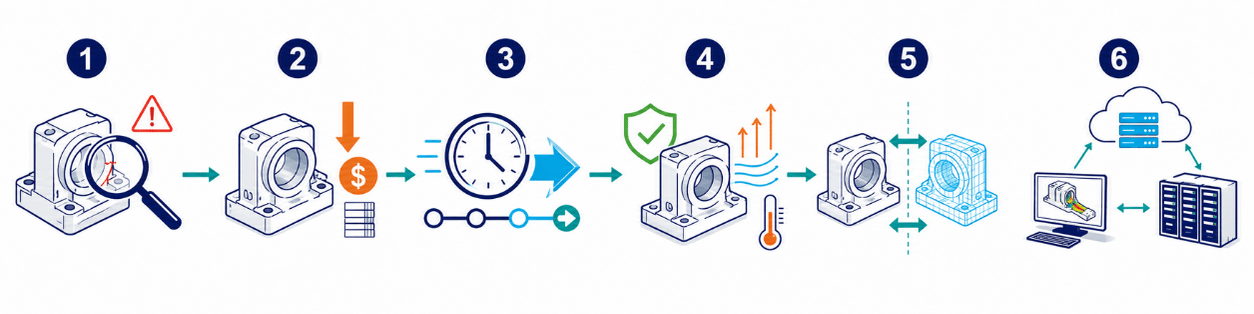
In the era of industrial digital transformation, relying heavily on physical prototypes for design validation can require significant time and cost while making it difficult to evaluate every demanding operating condition.
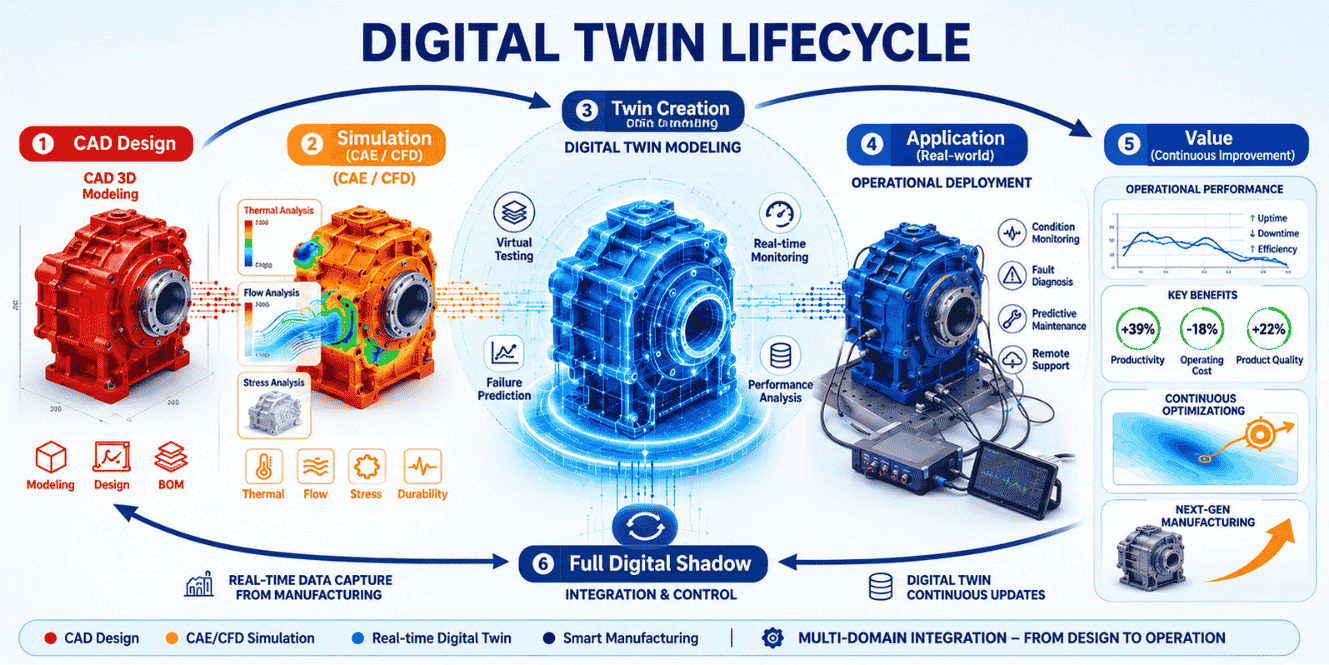
Simcenter provides a more advanced approach by enabling companies to build and validate Digital Twin models that predict the physical behavior and performance of products before production.
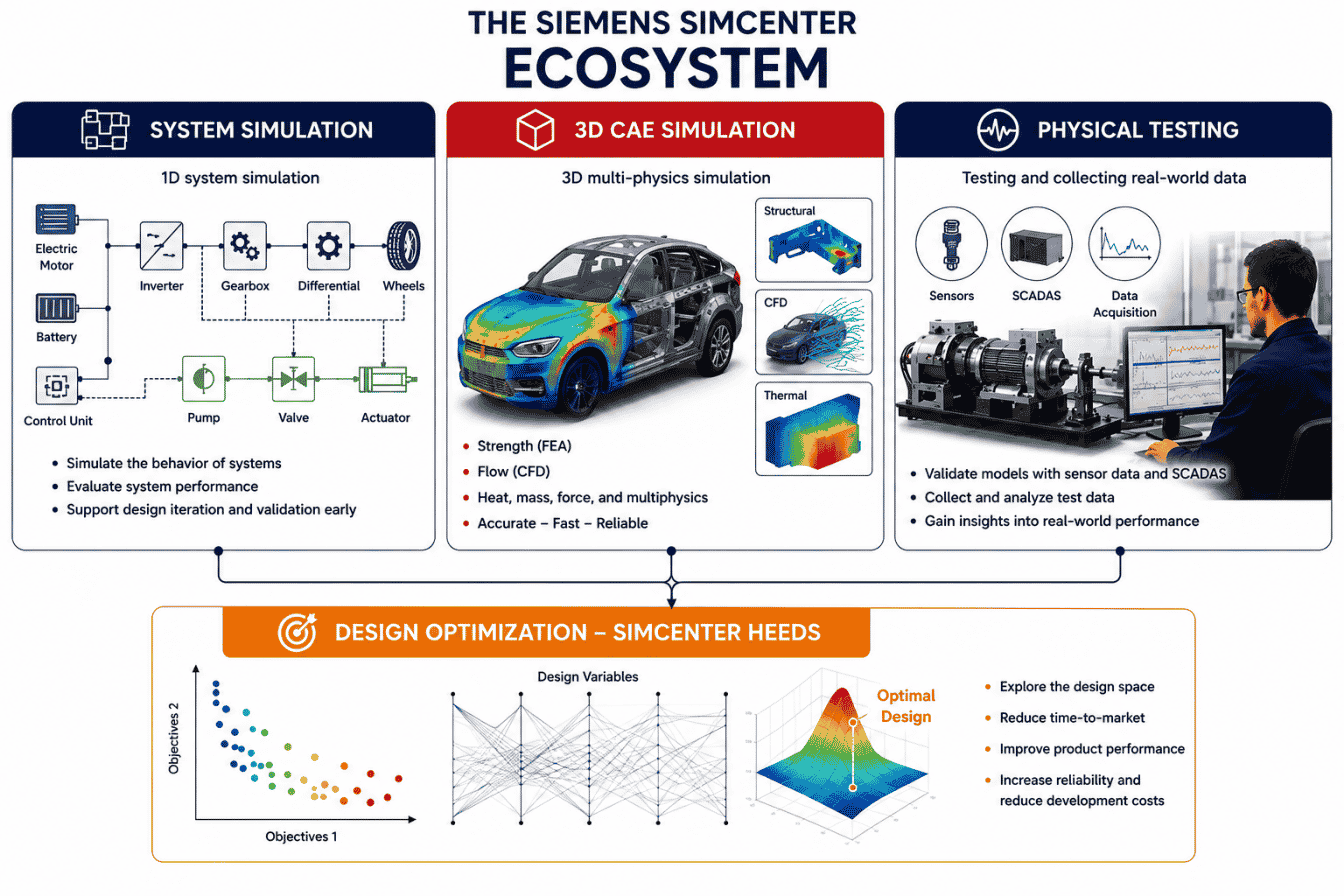
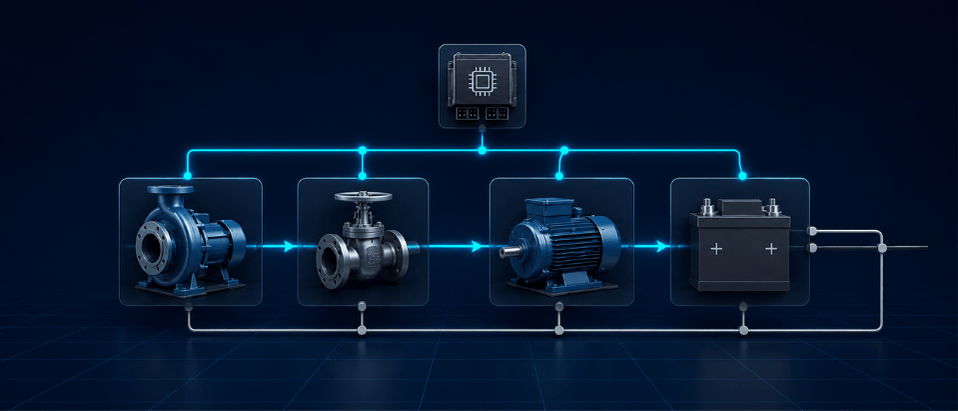
The Simcenter portfolio combines three core capabilities:
- System Simulation
- 3D CAE Simulation
- Physical Testing
Through an open and flexible architecture, Simcenter connects CAD design data, simulation models, and real-world testing results, enabling engineering teams to improve product quality from the early stages of development.
WHAT IS SIMCENTER?
Simcenter is not a single software application. It is a comprehensive portfolio of engineering simulation and testing solutions from Siemens Digital Industries Software.
The portfolio supports engineering analysis ranging from individual component-level studies to simulation of complete, complex mechanical, electrical, thermal, fluid, and mechatronic systems.
Within the Siemens CAE ecosystem, Simcenter supports a broad range of engineering disciplines:
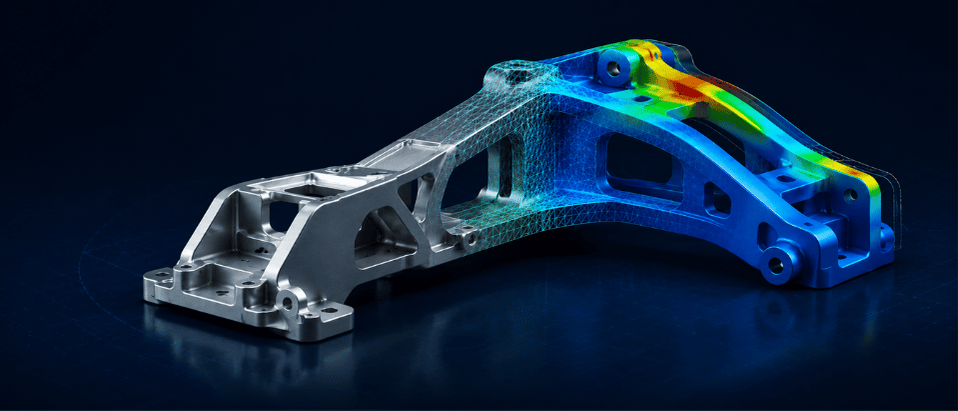
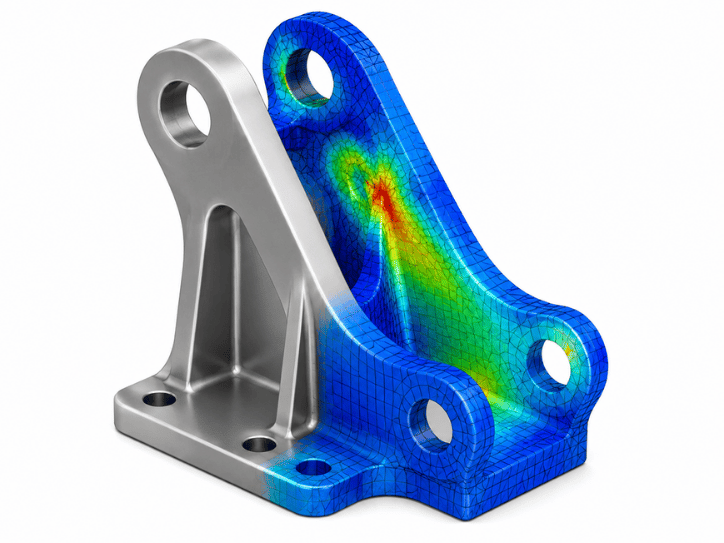
- Mechanical & Structural Simulation: Stress, deformation, fatigue, vibration, and dynamics analysis.
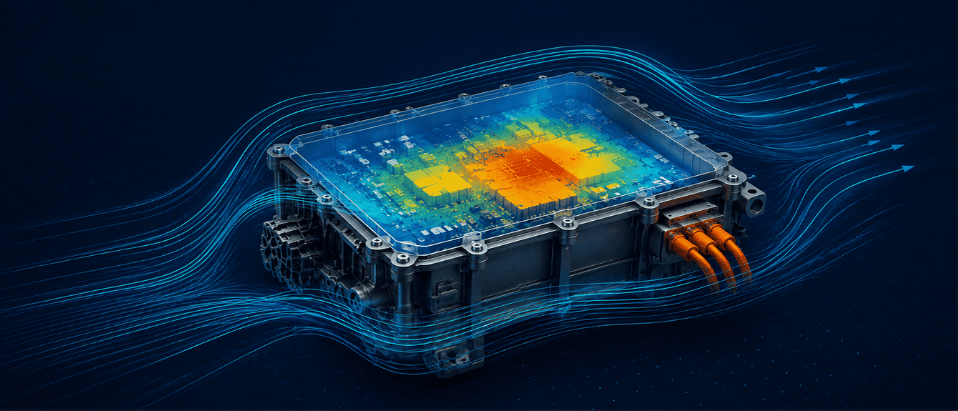
- CFD & Thermal Simulation: Aerodynamics, multiphase flow, heat transfer, cooling, and fluid-flow analysis.
- 1D Multiphysics System Simulation: Evaluate mechanical, hydraulic, pneumatic, electrical, and electronic system behavior.
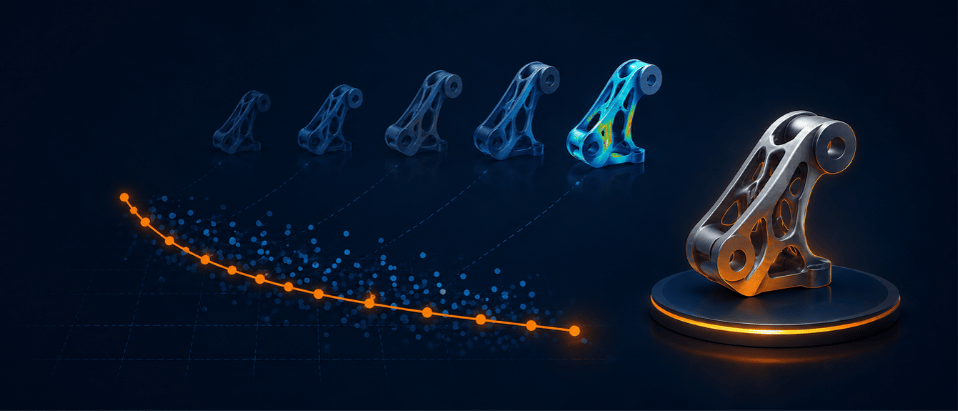
- Design Optimization: Automatically explore the design space to identify improved engineering configurations.
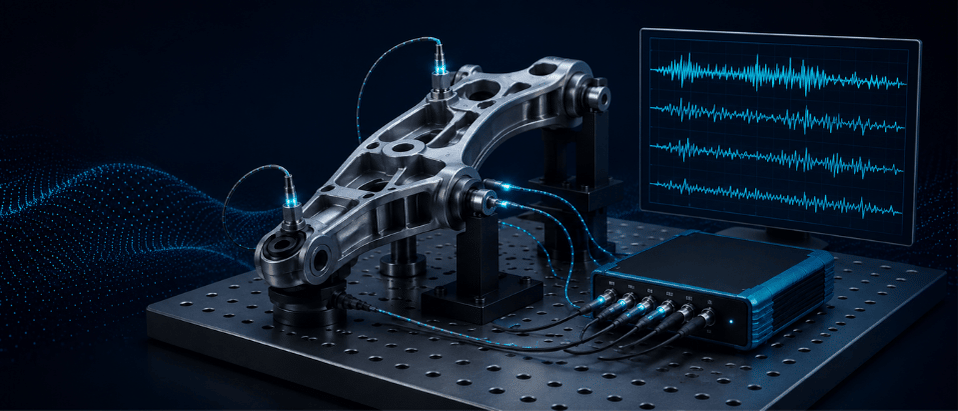
- Testing & Validation: Acquire real-world sensor data to correlate, refine, and validate simulation models.
4. Design Space Exploration & Optimization
Automate simulation workflows, vary engineering parameters, and identify improved designs based on multiple performance objectives and engineering constraints.
This helps engineers evaluate more design alternatives without relying entirely on manual trial-and-error.
5. Physical Testing & Validation
Combine specialized data acquisition hardware with engineering software to measure and analyze:
- Noise
- Vibration
- NVH
- Mechanical loads
- Structural behavior
These capabilities help engineering teams validate numerical models using real-world test data.
Key solutions include Simcenter Testlab and Simcenter SCADAS.
FEATURED SOFTWARE IN THE SIEMENS SIMCENTER PORTFOLIO

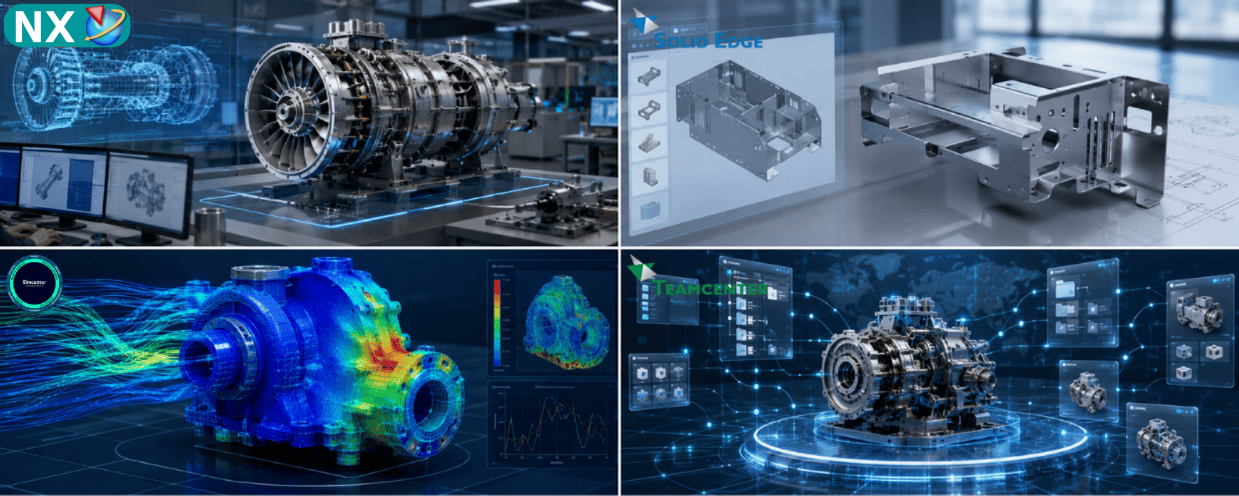
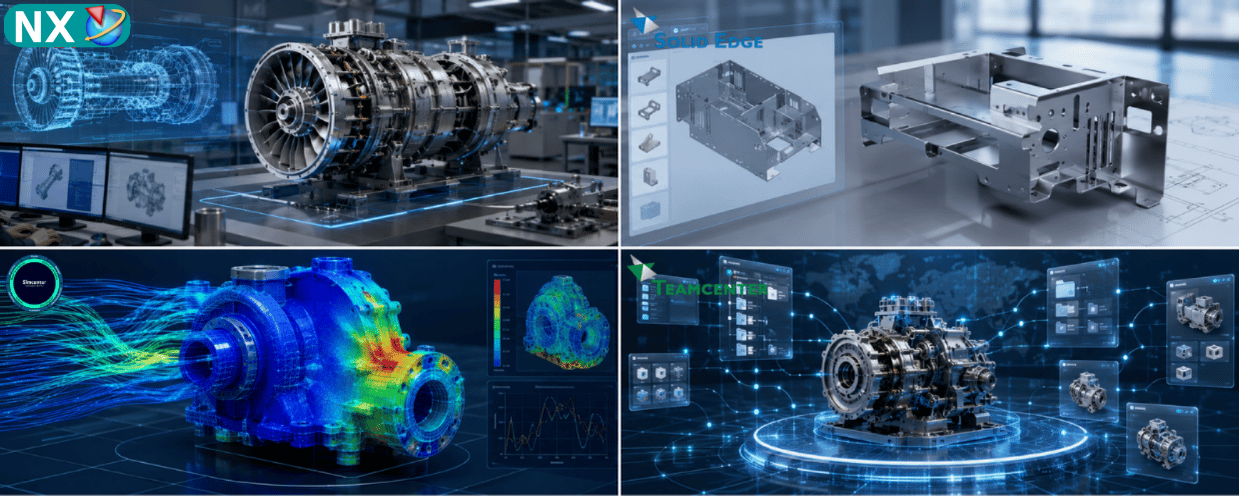
Simcenter 3D - NX CAE
An integrated 3D CAE platform supporting structural, thermal, dynamics, acoustics, fatigue, and multiphysics simulation within a unified environment.
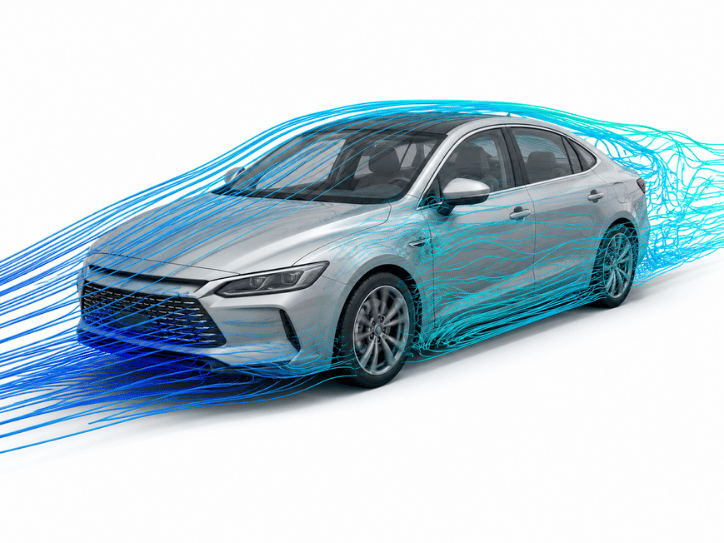
Simcenter STAR-CCM+
An advanced CFD and multiphysics simulation solution designed for complex fluid-flow, aerodynamics, heat-transfer, and fluid-structure interaction applications.
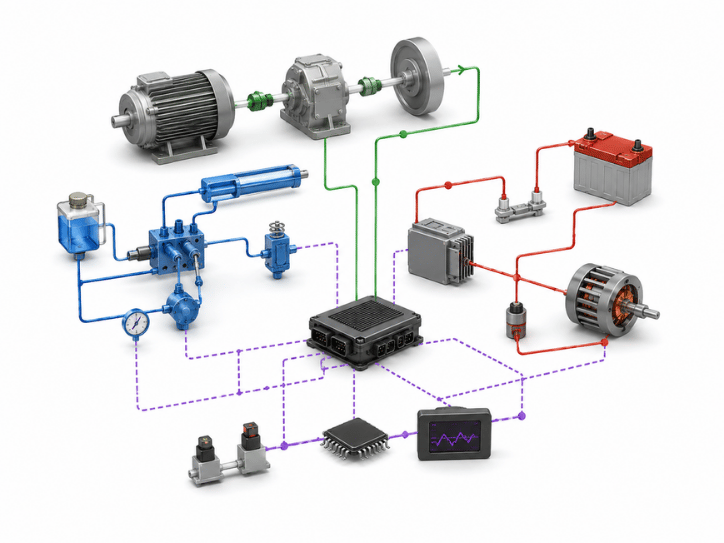
Simcenter Amesim
A 1D multidisciplinary system simulation platform for mechanical, electrical, hydraulic, and thermal systems. It enables engineers to evaluate system-level performance, energy consumption, and system interactions during the early stages of product development.
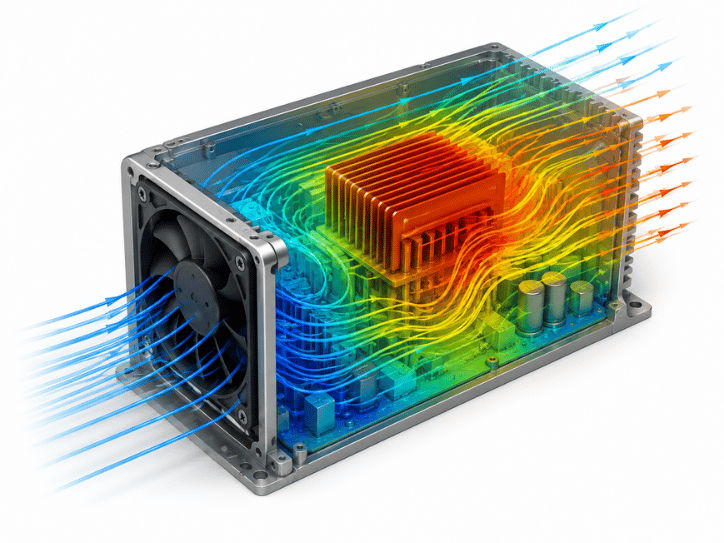
Simcenter FLOEFD
A CAD-embedded CFD simulation solution that integrates into widely used CAD environments, including Siemens NX, Solid Edge, Creo, and CATIA V5. It enables design engineers to perform thermal and fluid-flow analysis directly within the product development environment.
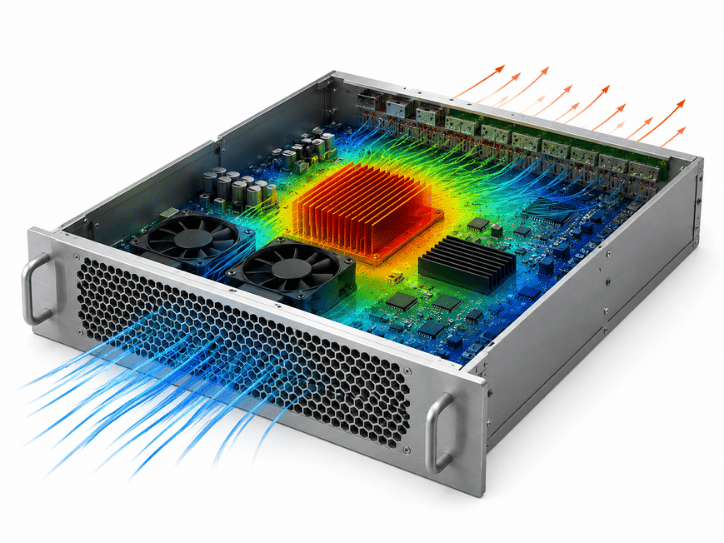
Simcenter Flotherm
A specialized electronics thermal simulation solution for analyzing heat dissipation from integrated circuits and PCBs to complete electronic systems and data-center equipment.
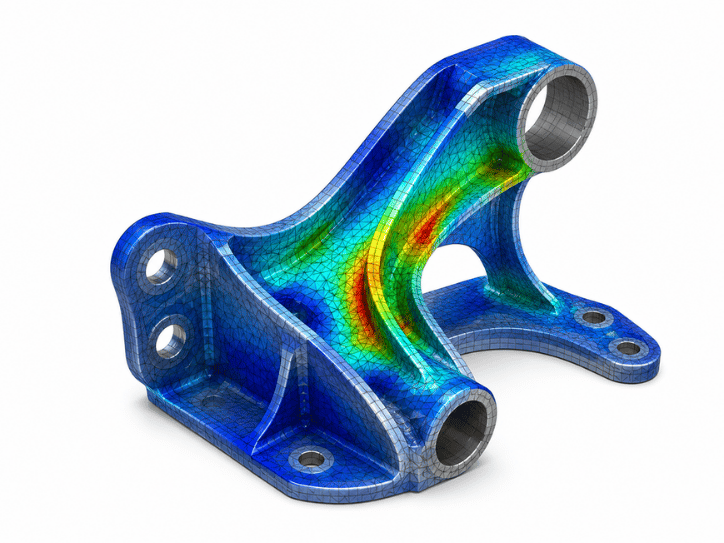
Simcenter Femap
An independent finite element pre- and post-processing environment compatible with a range of commercial solvers, including Nastran-based workflows and other engineering analysis environments. It is widely used in industries requiring advanced finite element modeling and analysis.
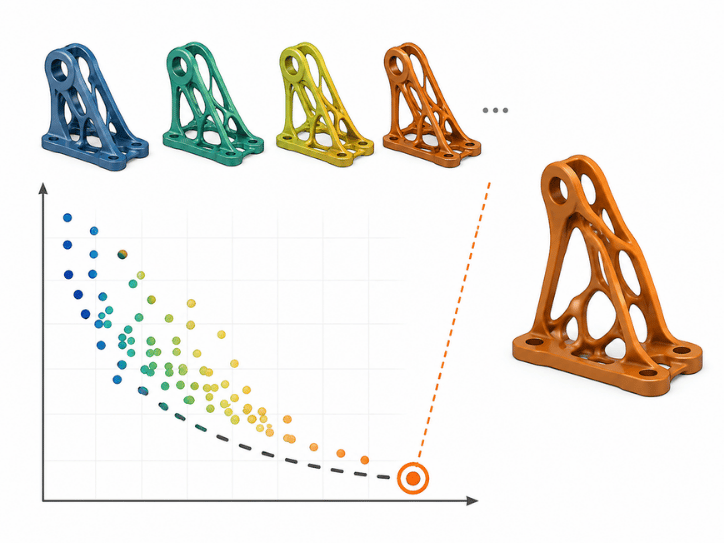
Simcenter HEEDS
A process automation and design-space exploration solution for multidisciplinary engineering optimization. HEEDS can connect with a wide range of commercial CAD and CAE tools to automate simulation workflows and identify improved engineering designs.
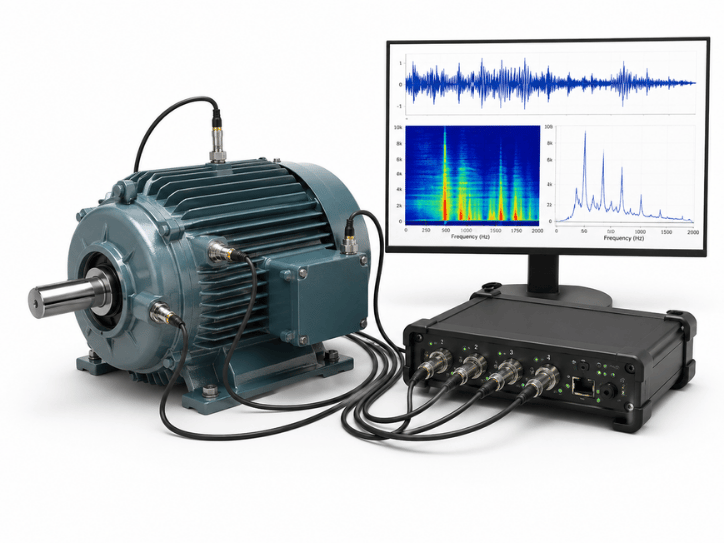
Simcenter Testlab
An integrated testing and engineering analysis solution that works with specialized measurement hardware to acquire and analyze noise, vibration, NVH, and structural test data in laboratory or field environments.
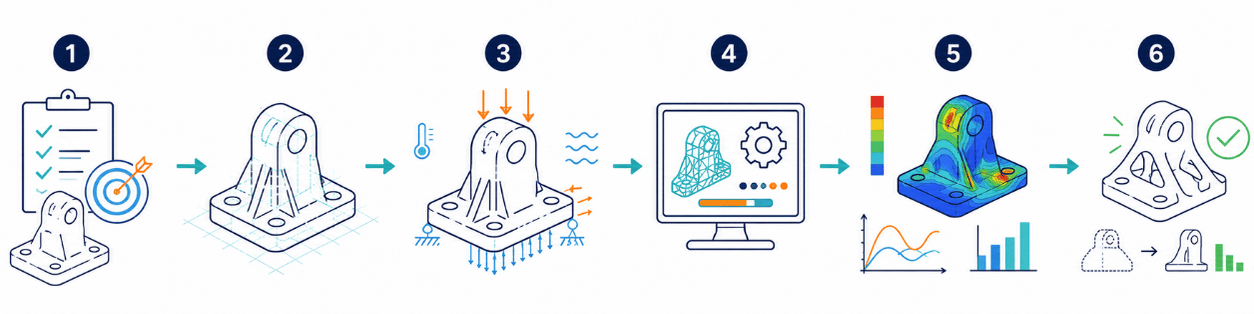
6-STEP SIMCENTER SIMULATION WORKFLOW
Step 1 – Define the Engineering Problem
Identify the technical objective to be evaluated, such as:
- Structural strength
- Thermal management
- Fluid flow
- Vibration
- Energy consumption
- System performance
Step 2 – Prepare the Model
Import 3D CAD data and simplify the geometry through idealization, or create a 1D system model depending on the engineering problem.
Step 3 – Define Simulation Conditions
Specify:
- Material properties
- Mechanical loads
- Pressure
- Velocity
- Ambient temperature
- Boundary conditions
- Operating parameters
Step 4 – Run the Simulation
Select the appropriate solver or simulation technology, such as Simcenter Nastran or the solver environment within Simcenter STAR-CCM+, and execute the numerical analysis.
Step 5 – Evaluate Results
Review simulation results using:
- 3D contour plots
- Flow streamlines
- Thermal distributions
- Frequency-response plots
- Engineering graphs and reports
Step 6 – Optimize & Validate
Use tools such as Simcenter HEEDS to explore improved design configurations, or compare simulation results with physical test data acquired through Simcenter Testlab.
STRATEGIC BENEFITS OF LICENSED SIMCENTER SOFTWARE
Identify Engineering Issues Earlier
Evaluate potential failures during the design phase before they become costly manufacturing or field problems.
Reduce Dependence on Physical Prototypes
Use virtual simulation to evaluate more design scenarios before investing in physical prototypes and testing programs.
Shorten Time to Market
Simulation-driven design enables faster engineering decisions and helps teams respond more efficiently to design changes.
Improve Product Quality & Performance
Optimize structural strength, weight, thermal performance, vibration behavior, and other product characteristics using simulation data.
Build a Digital Twin Foundation
Combine predictive simulation with real-world testing and measurement data to support Digital Twin development throughout the product lifecycle.
Scale Computing Resources
Depending on the application and solution architecture, Simcenter workloads can be deployed across engineering workstations, HPC environments, and cloud-based simulation services.
INDUSTRY APPLICATIONS OF SIMCENTER

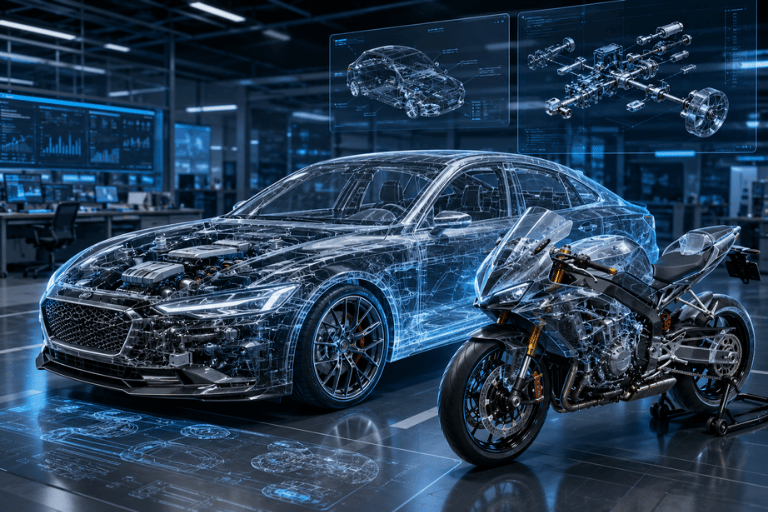
Automotive, Electric Vehicles & Transportation
Applications include: Aerodynamics EV battery simulation Structural and impact analysis Cabin NVH Chassis durability
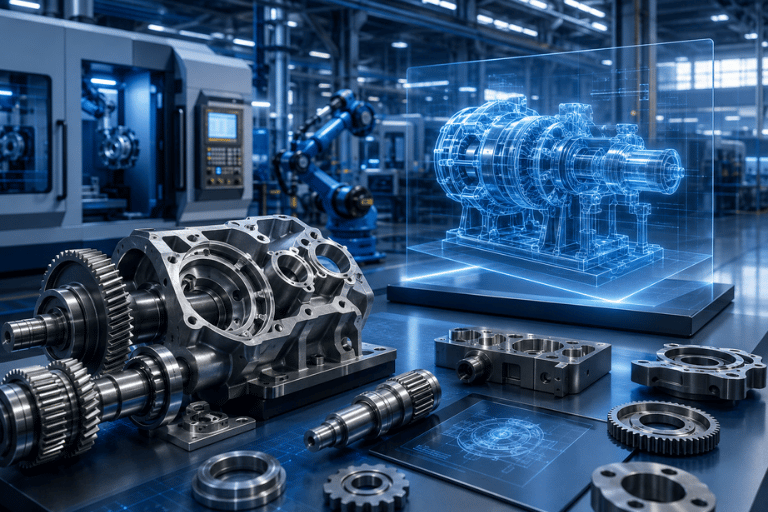
Mechanical Manufacturing & Industrial Machinery
Analyze: Machine-frame stiffness Structural fatigue Motor thermal performance Mechanical systems Equipment weight optimization
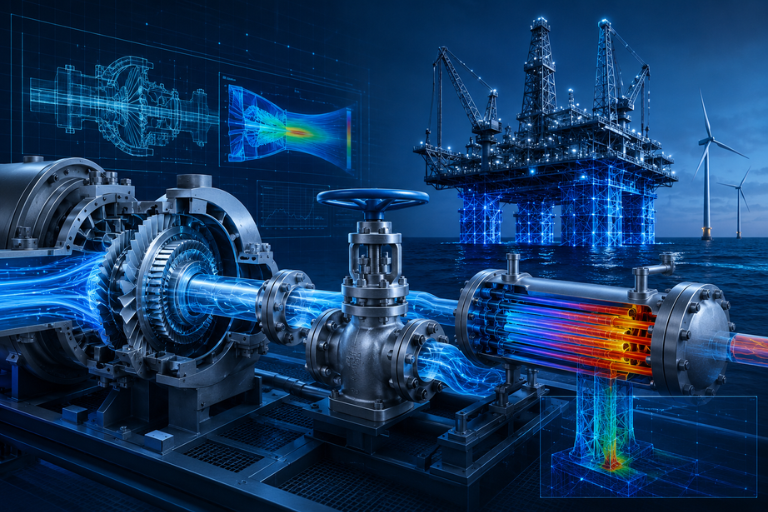
Energy & Industrial Equipment
Applications include: Turbine flow analysis Industrial valves Heat exchangers Thermal systems Offshore structures
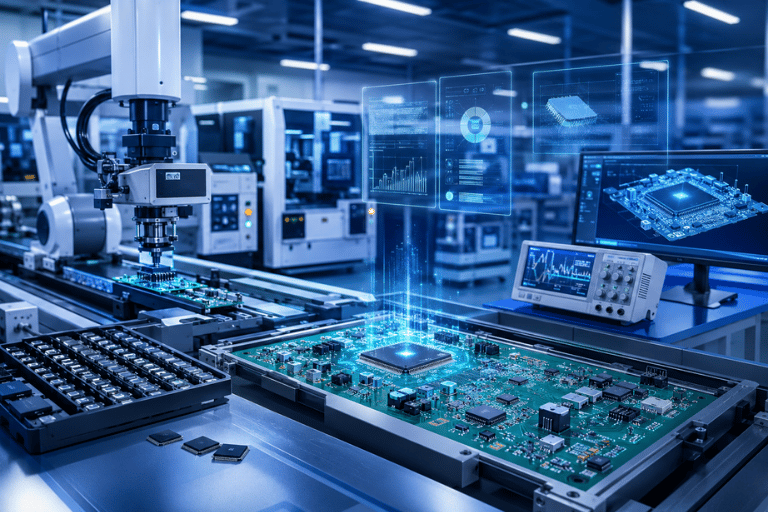
Electronics & Semiconductors
Simulate: IC thermal performance PCB cooling Telecommunications equipment Electronics enclosures Data-center cooling systems
TOP SOLUTIONS – SIMCENTER CONSULTING & IMPLEMENTATION
Successful engineering simulation deployment requires more than software installation. It requires expertise in engineering mechanics, fluid dynamics, numerical methods, model preparation, solver configuration, and results interpretation.
Top Solutions supports companies in evaluating and implementing Siemens Simcenter solutions according to their actual engineering requirements.
Siemens Partner Support
Provide licensed Siemens Simcenter software together with consulting, implementation, training, and technical support services.
Engineering Requirement Assessment
Evaluate the customer’s simulation requirements and recommend appropriate solutions such as:
- Simcenter 3D
- Simcenter STAR-CCM+
- Simcenter Amesim
- Simcenter FLOEFD
- Simcenter Flotherm
Benchmark & Proof of Concept
Use customer CAD models and engineering scenarios to demonstrate relevant simulation capabilities before implementation where appropriate.
Training & Technology Transfer
Provide structured technical training covering:
- Meshing
- Boundary conditions
- Solver setup
- Simulation workflows
- Result interpretation
- Engineering optimization
Ongoing Technical Support
Provide technical assistance for simulation model setup, convergence issues, solver configuration, licensing, and engineering workflow optimization.
SIMCENTER DEMO & QUOTATION
Please complete the form below. A Top Solutions CAE / Simulation Specialist will contact you to discuss your engineering requirements and recommend the appropriate Simcenter solution and configuration.
FREQUENTLY ASKED QUESTIONS (FAQ)
What is Simcenter?
Simcenter is Siemens’ portfolio of CAE simulation and engineering testing solutions.
It combines 1D system simulation, 3D multiphysics simulation, design optimization, and physical testing to support product performance prediction and validation.
Is Simcenter a single software application?
No.
Simcenter is a portfolio consisting of multiple specialized solutions, including:
- Simcenter 3D
- Simcenter STAR-CCM+
- Simcenter Amesim
- Simcenter FLOEFD
- Simcenter Flotherm
- Simcenter Femap
- Simcenter HEEDS
- Simcenter Testlab
What is the difference between Simcenter 3D and NX CAE?
NX CAE is the legacy name associated with simulation capabilities in the NX environment, while Simcenter 3D is Siemens’ current multidisciplinary 3D CAE platform built on the NX technology platform.
For the English website, it is appropriate to retain “NX CAE (Simcenter 3D)” where SEO or customer recognition is important, while using “Simcenter 3D” as the primary current product name.
Does Simcenter support CFD simulation?
Yes.
The Simcenter portfolio includes multiple CFD and thermal-flow solutions, including:
- Simcenter STAR-CCM+ for advanced CFD and multiphysics
- Simcenter FLOEFD for CAD-embedded CFD
- Simcenter Flotherm for electronics thermal simulation
Can Simcenter be used with cloud computing?
Yes.
The page currently positions Simcenter X as a cloud-enabled option for accessing and scaling simulation capabilities without relying entirely on local computing infrastructure.