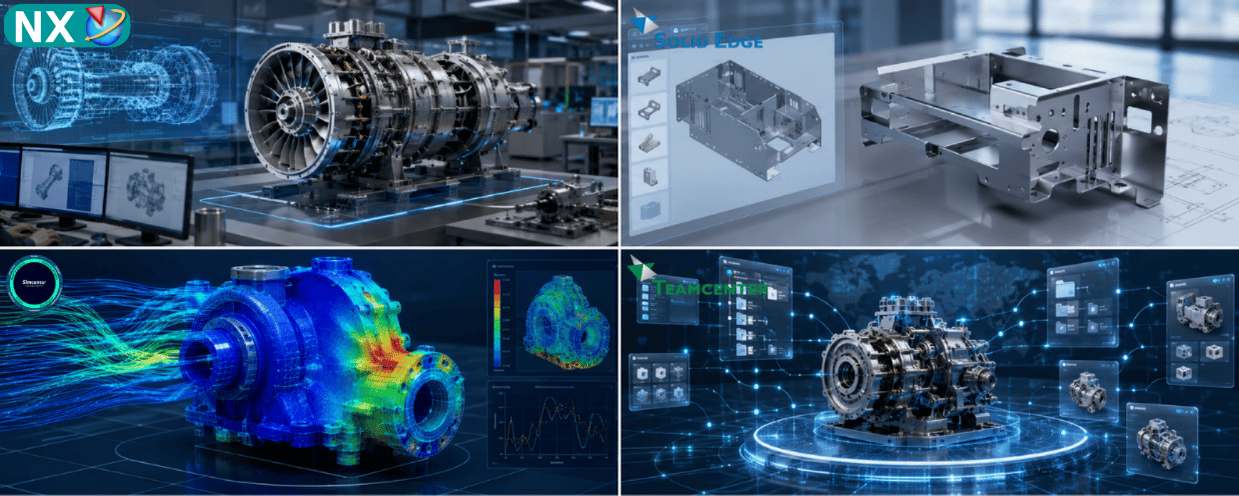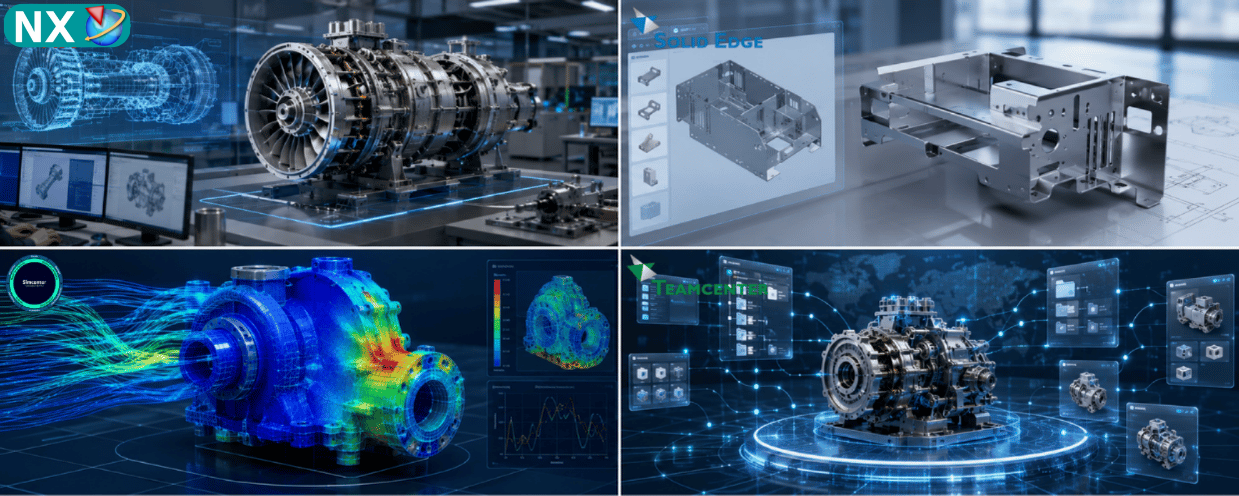
Siemens Simcenter STAR-CCM+ software
Analyze fluid flow, heat transfer and interacting physics in an integrated CFD environment to support informed product design decisions.
What is Simcenter STAR-CCM+?
Simcenter STAR-CCM+ is Siemens multiphysics computational fluid dynamics (CFD) software. Engineers can prepare geometry, generate a mesh, define physics, solve the model and examine results in one environment. This integrated workflow helps teams study how a product may perform under operating conditions before committing to multiple physical prototypes.
The software is relevant when fluid flow and thermal behavior must be evaluated together, when a project involves more complex interacting phenomena, or when an engineering team wants a repeatable simulation process. As with any CFD tool, useful predictions depend on input data, modeling assumptions, mesh quality and validation against trusted measurements.
Key STAR-CCM+ capabilities
Fluid flow and heat transfer
Study velocity, pressure, flow losses, heat exchange and thermal management within products and systems.
Multiphysics simulation
Address applications involving multiphase flows, particles, reacting flows and fluid–structure interactions where the project requires them.
Automation and design exploration
Use automated meshing and repeatable workflows to compare design variants against engineering targets.
Simcenter STAR-CCM+ also supports models with moving components and a range of scalable computing options. The suitable physics setup, CPU or GPU resources and license approach depend on the specific model and project scope.
Where is STAR-CCM+ used?
Automotive and mobility
Vehicle aerodynamics, cabin airflow, battery cooling and thermal management.
Industrial equipment
Flow through pumps, fans, valves, pipes, heat exchangers and rotating machinery.
Energy and electronics
Thermal performance, ventilation, component cooling and fluid–thermal system behavior.
Aerospace, marine and process engineering teams may also use CFD for questions specific to their operating environment. A representative engineering case is the best starting point for defining a simulation scope.
How should a team evaluate STAR-CCM+?
Begin with a specific design question: reduce pressure loss, improve heat dissipation or compare two geometries. Then identify CAD data, operating conditions, materials, measurable targets and any test results that can serve as a baseline.
- Define the target: choose a representative product or assembly and a measurable KPI.
- Prepare the inputs: review geometry, operating conditions, material data and available measurements.
- Run a pilot model: build the mesh, select physics and check solution convergence.
- Review the results: compare against the baseline, understand deviations and decide whether to scale the workflow.
Explore the solution in more detail
This page provides a product overview and a starting framework. For a detailed discussion of meshing, physics, automation and industry examples, read the Simcenter STAR-CCM+ guide. Explore the Simcenter software portfolio to see related simulation solutions. Product capabilities were checked against the official Siemens STAR-CCM+ page.
Consult Top Solutions about Simcenter STAR-CCM+
Tell us about your flow or thermal challenge, CAD data, model size and engineering goals. Top Solutions can discuss simulation scope, licensing options and an appropriate implementation plan.
Frequently asked questions
Is STAR-CCM+ only for fluid flow?
No. Alongside CFD, it supports heat transfer and related multiphysics applications such as multiphase flows, particles and fluid–structure interaction.
Is complete CAD data required before an initial evaluation?
A representative model and reliable operating data can be a useful starting point. The required level of detail depends on the engineering question.
Can we start with one pilot case?
Yes. A pilot with a defined KPI, baseline and evaluation criteria helps establish whether the workflow fits before a wider deployment.