


NX CAE SOFTWARE – SIMCENTER 3D ENGINEERING SIMULATION SOLUTION

NX CAE (Simcenter 3D) is a Siemens engineering simulation solution that supports CAD model preparation, FEM meshing, simulation setup, solving, and results evaluation within an integrated environment. The software helps engineering teams identify design issues earlier, reduce reliance on physical testing, and shorten product development cycles.

COMPREHENSIVE PRODUCT SIMULATION BEFORE PHYSICAL PRODUCTION

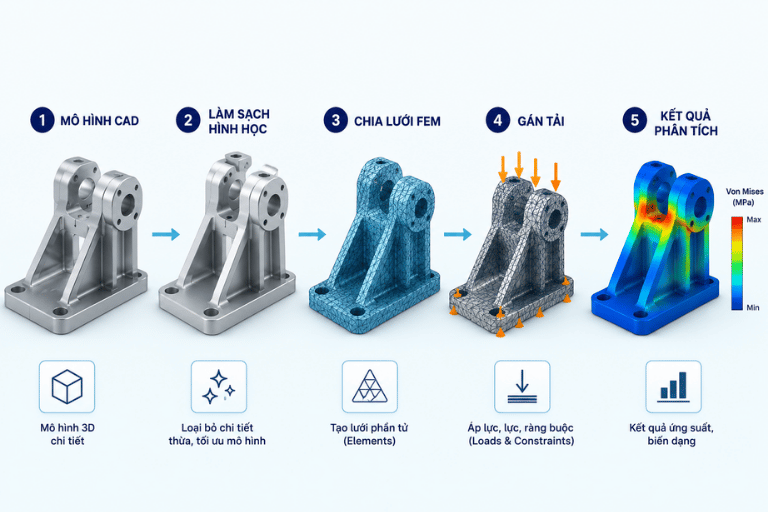
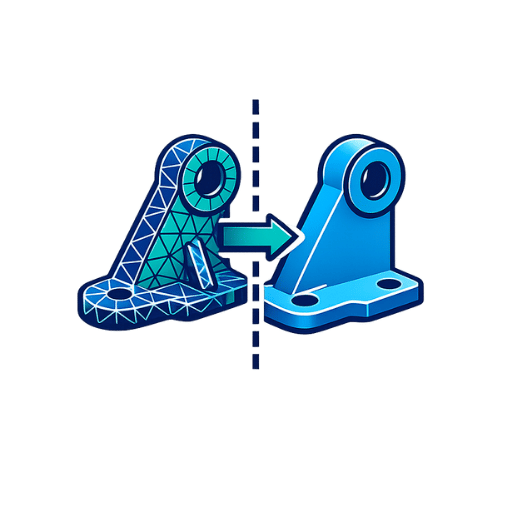
Quy trình từ mô hình CAD đến kết quả mô phỏng NX CAE

In modern product development, physical prototyping and testing can require significant time and investment.

NX CAE was the established name for the finite element analysis and engineering simulation capabilities integrated within the Siemens NX environment. Today, these capabilities have evolved into Simcenter 3D, Siemens’ integrated multidiscipline CAE platform built on the NX technology platform. Simcenter 3D can be deployed as a standalone CAE application or as an integrated CAD/CAE environment with NX.

NX CAE / Simcenter 3D enables engineers to build analysis models directly from CAD geometry. Users can simplify geometry, remove unnecessary features, generate high-quality finite element meshes, define material properties, and apply realistic loads and boundary conditions.

By introducing simulation earlier in the design process, manufacturers can evaluate product behavior digitally, identify potential failures, and optimize designs before committing to physical prototypes or production tooling.

WHAT IS NX CAE?

NX CAE refers to Computer-Aided Engineering (CAE) capabilities used to calculate, analyze, and predict the performance of components and mechanical assemblies under real-world operating conditions.

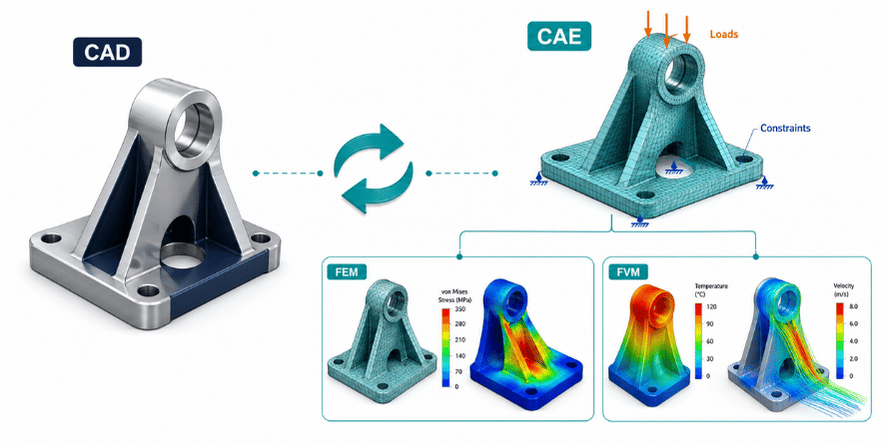
Unlike CAD software, which primarily focuses on creating product geometry, CAE applies numerical methods such as the Finite Element Method (FEM) and other computational techniques to predict the physical behavior of products and systems.

In engineering product development, NX CAE / Simcenter 3D helps engineers answer critical questions such as:

  • Will a mechanical component permanently deform or fail under applied loads?
  • Is a structure at risk of buckling under compression?
  • Could the product experience dangerous resonance caused by vibration?
  • Will operating temperatures exceed allowable material limits?
  • How many loading cycles can a component withstand before fatigue failure occurs?
  • Which design configuration provides the best balance between weight, stiffness, and structural safety?

Simcenter 3D provides specialized solutions for structural analysis, dynamics, composites, durability, acoustics, thermal and flow simulation, motion, optimization, electromagnetics, and multiphysics simulation.

NX CAD đồng bộ hình học với NX CAE Simcenter 3D

Hiện nay, môi trường Simcenter 3D cung cấp đầy đủ các mô-đun chuyên sâu: phân tích kết cấu tĩnh/động, động lực học, vật liệu composite, độ bền mỏi, âm học, nhiệt, dòng chảy lưu chất, chuyển động cơ học, điện từ và tối ưu hóa thiết kế. Các nhóm phân tích này có thể kết hợp mượt màng trong các bài toán đa vật lý (Multiphysics) như nhiệt – kết cấu hoặc rung động – âm học.

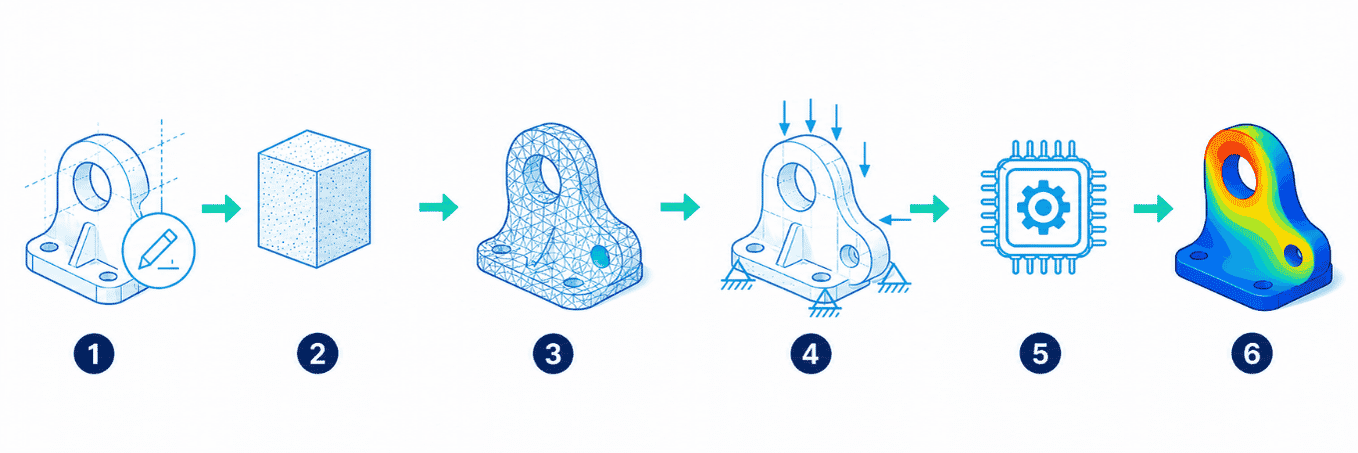
6-STEP ENGINEERING SIMULATION WORKFLOW WITH NX CAE / SIMCENTER 3D

Quy trình mô phỏng kỹ thuật 6 bước trên NX CAE

Step 1 – Geometry Preparation (Idealization)

Import CAD geometry from NX or other CAD systems.

Use geometry idealization and preparation tools to remove unnecessary details such as small chamfers, fillets, holes, or other features that do not materially affect the simulation but may increase computational complexity.

Step 2 – Define Material Properties

Assign the mechanical, thermal, and physical properties required for the analysis, such as:

  • Young’s modulus
  • Poisson’s ratio
  • Yield strength
  • Thermal conductivity
  • Coefficient of thermal expansion
  • Density

Step 3 – Finite Element Meshing

Create a finite element model using appropriate element types, including:

  • 1D elements for beams and rods
  • 2D elements for shells and thin-walled structures
  • 3D elements such as tetrahedral or hexahedral solids

Mesh density and element size can be adjusted according to geometry complexity and required solution accuracy.

Step 4 – Define Boundary Conditions & Loads

Apply realistic constraints, contacts, and operating loads, including:

  • Fixed constraints and supports
  • Contact conditions
  • Concentrated forces
  • Pressure
  • Torque
  • Angular velocity
  • Temperature
  • Gravity and acceleration

Step 5 – Solve the Simulation

Execute numerical calculations using Siemens simulation solvers according to the required analysis type.

Simcenter 3D can work with technologies such as Simcenter Nastran, nonlinear solutions including SOL 401/402, and dedicated thermal, flow, and other multidisciplinary solvers.

Step 6 – Results Evaluation & Post-Processing

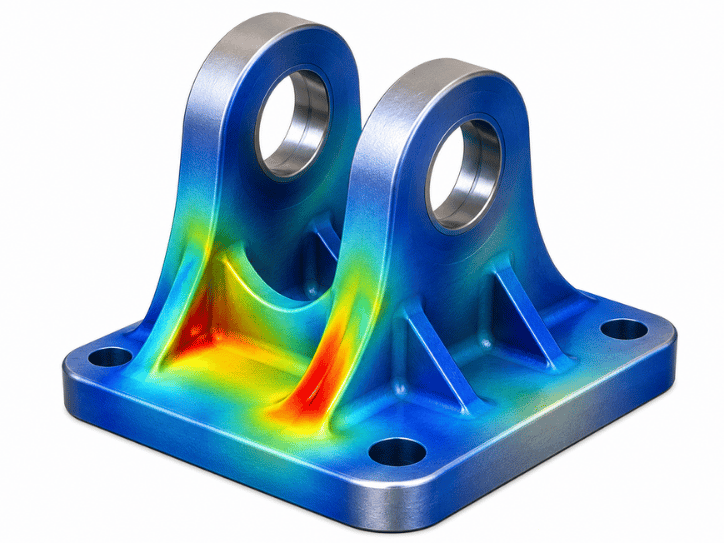
Visualize simulation results using 3D contour plots, animations, graphs, and engineering reports.

Typical results include:

  • Von Mises stress
  • Strain
  • Displacement
  • Temperature distribution
  • Natural frequencies
  • Mode shapes
  • Time- and frequency-domain responses

6 CORE CAPABILITIES OF NX CAE / SIMCENTER 3D

1

2

3

4

5

6

1. Integrated CAD–CAE Workflow

Simcenter 3D is built on the NX technology platform, enabling close integration with NX CAD.

When the base CAD geometry changes, associated FE models, meshes, loads, and boundary conditions can be updated more efficiently without recreating the simulation model from the beginning.

2. Automated Simulation Model Preparation

Synchronous Technology supports rapid geometry editing and model abstraction.

Engineers can remove unnecessary features and create simplified representations such as mid-surfaces or beam idealizations to prepare models for efficient analysis.

3. Advanced FEM Meshing Technology

Support both automatic and manual mesh generation for complex structures.

Mesh quality criteria such as Jacobian, aspect ratio, and skewness can be evaluated to improve finite element model quality and simulation reliability.

4. Multidiscipline Analysis in a Unified Environment

Simcenter 3D supports multiple engineering disciplines within a common platform, including structural, thermal, dynamics, durability, acoustics, motion, composites, and other physics.

5. Flexible Design Change Management

Engineering teams can compare simulation results across different design alternatives and iterate more efficiently as product geometry changes.

Simulation-driven optimization can also support weight reduction while maintaining required stiffness, strength, or other performance targets.

6. Advanced Results Visualization

Display simulation results using detailed 3D contours and animations.

Engineers can evaluate stress, deformation, temperature, vibration, and frequency-domain responses and generate reports for design reviews and engineering decision-making.

ENGINEERING ANALYSIS SOLUTIONS AVAILABLE IN SIMCENTER 3D

Simcenter 3D provides a broad portfolio of multidisciplinary simulation capabilities for engineering applications ranging from standard FEA to advanced multiphysics simulation.

Structural Analysis

Analyze: Linear and nonlinear stress Deformation Contact behavior Structural stability and buckling Material nonlinearities
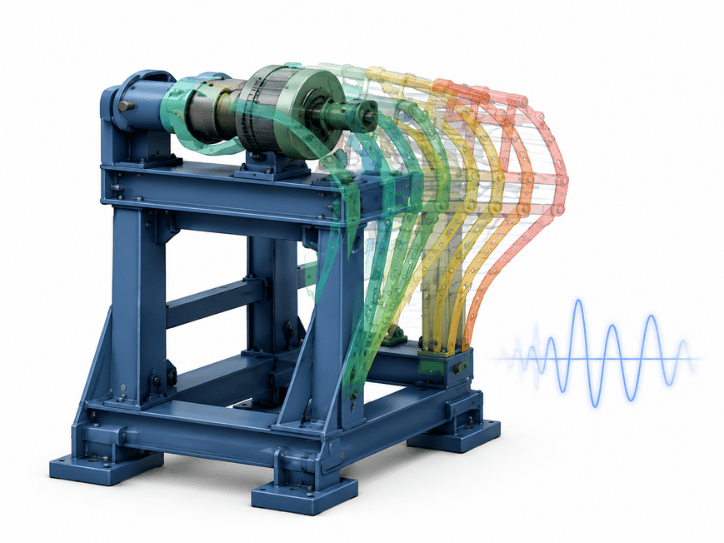
Dynamics Analysis

Perform: Modal analysis Frequency response analysis Transient response Random vibration analysis
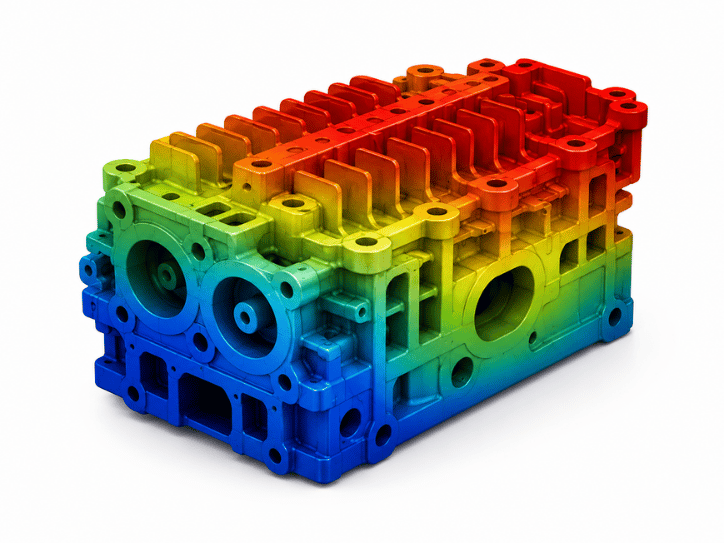
Thermal Analysis

Simulate: Heat conduction Convection Thermal radiation Steady-state thermal behavior Transient thermal behavior
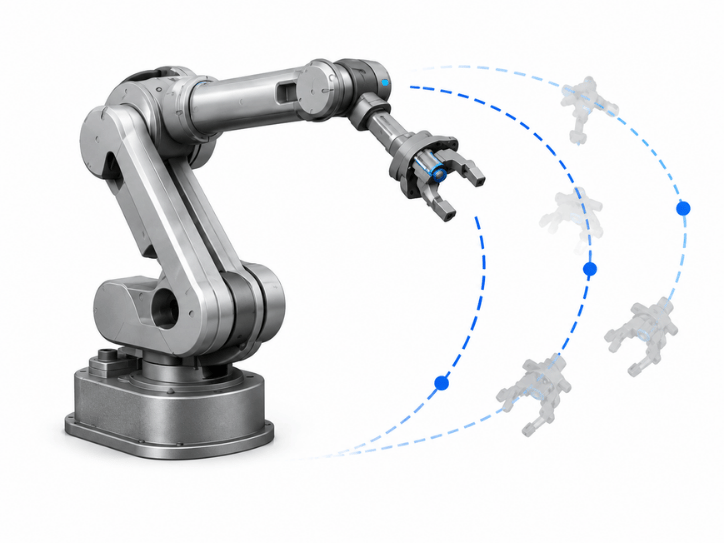
Motion Simulation

Analyze multibody mechanisms and mechanical systems, including: Position Velocity Acceleration Joint forces Reaction loads
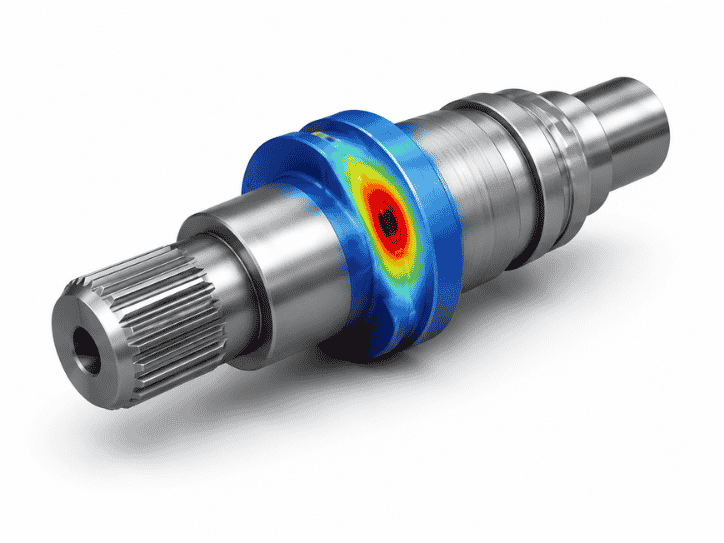
Durability Analysis

Predict fatigue life under cyclic loading and identify regions with elevated fatigue-failure risk. Siemens provides dedicated durability capabilities within Simcenter 3D.
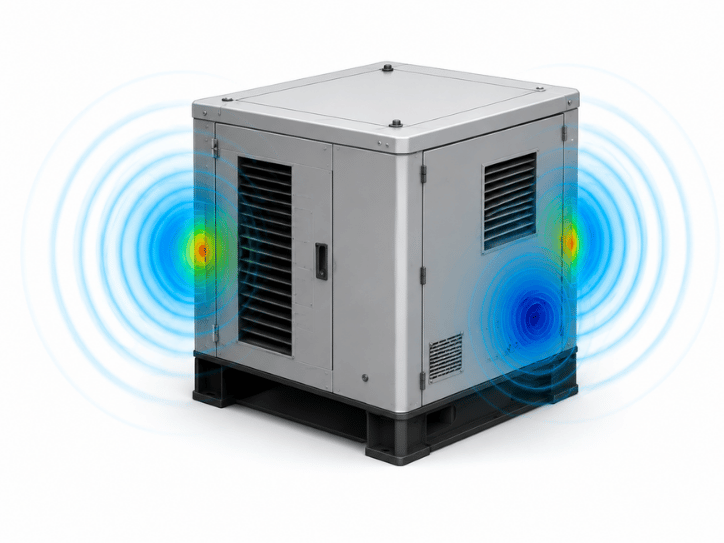
Acoustic Analysis

Analyze noise and vibration behavior, including structural and airborne acoustics, for applications such as vehicle NVH and industrial equipment.
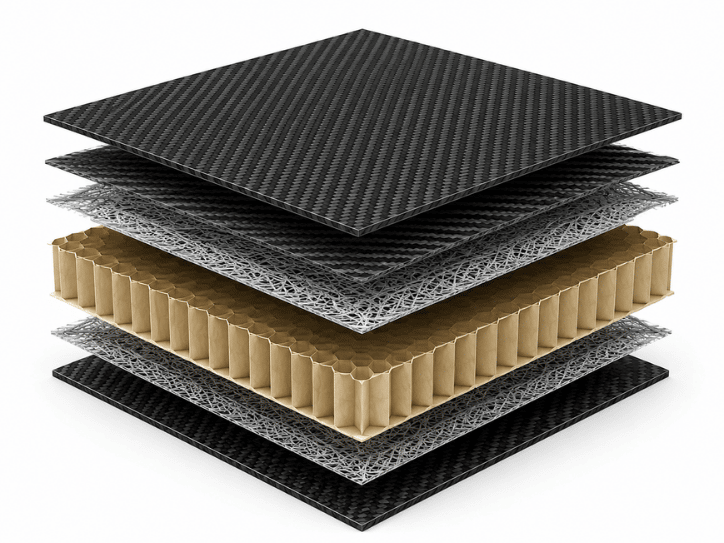
Composite Analysis

Evaluate composite structures, ply behavior, and failure mechanisms such as delamination, fiber failure, and matrix cracking.
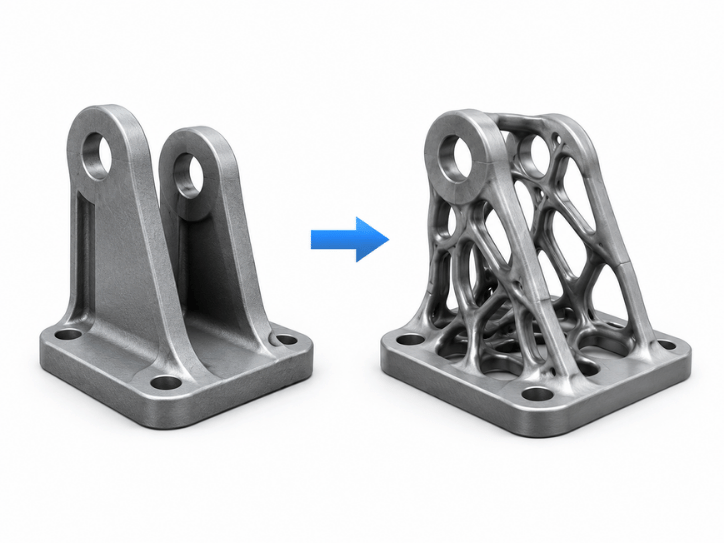
Optimization

Perform parameter-based and topology optimization to reduce weight while meeting engineering performance requirements.
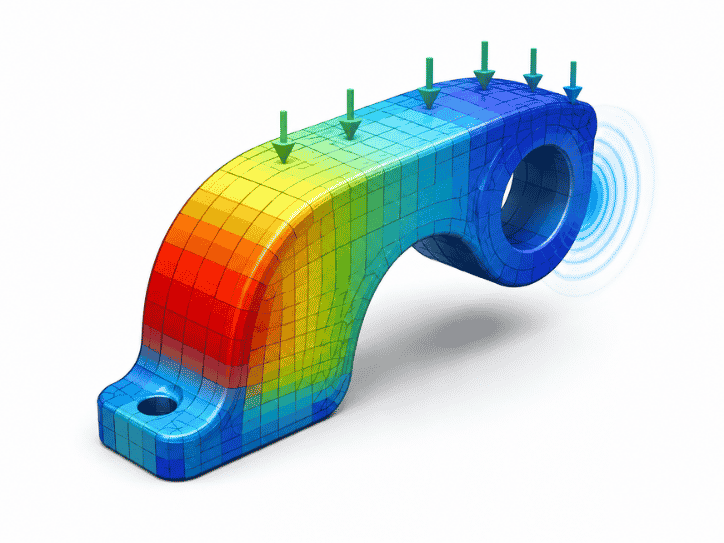
Multiphysics Simulation

Evaluate coupled physical interactions such as: Thermal–Structural Fluid–Structure Interaction (FSI) Vibro-Acoustics
STRATEGIC BENEFITS OF LICENSED NX CAE / SIMCENTER 3D

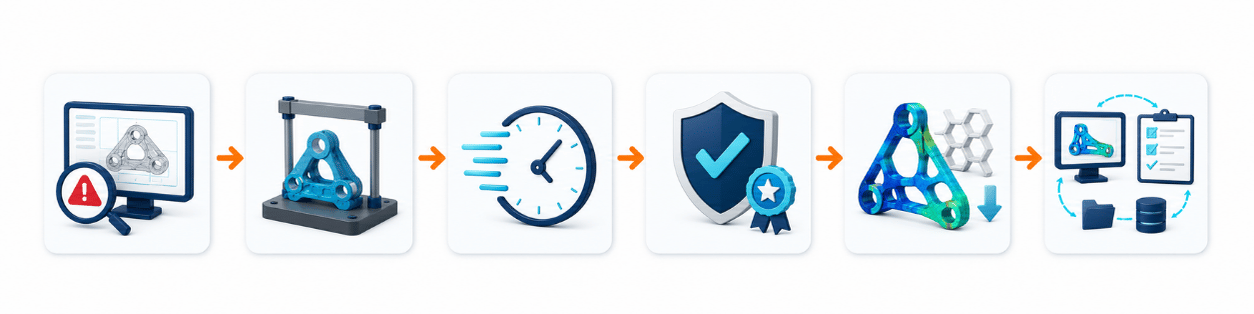
1. Identify Design Issues Earlier

Detect stress concentrations, excessive deformation, overheating, resonance, and other engineering risks before physical production.

2. Reduce Physical Prototype Dependency

Use virtual simulation to evaluate multiple operating conditions and design alternatives before committing to expensive physical testing.

3. Shorten Time to Market

Connected CAD–CAE workflows and faster engineering iterations allow teams to make technical decisions earlier in the development cycle.

4. Improve Product Quality & Reliability

Validate product performance against engineering requirements before release to manufacturing.

5. Optimize Material Usage and Weight

Identify a more effective balance between strength, stiffness, weight, and material consumption.

6. Standardize Engineering Simulation Workflows

Use a unified Siemens simulation environment to improve data consistency and collaboration between R&D, design, simulation, and manufacturing teams.

INDUSTRY APPLICATIONS

Automotive, Motorcycles & Components

Applications include: Chassis structural analysis Vibration and NVH analysis Thermal simulation Component durability Mechanical system performance
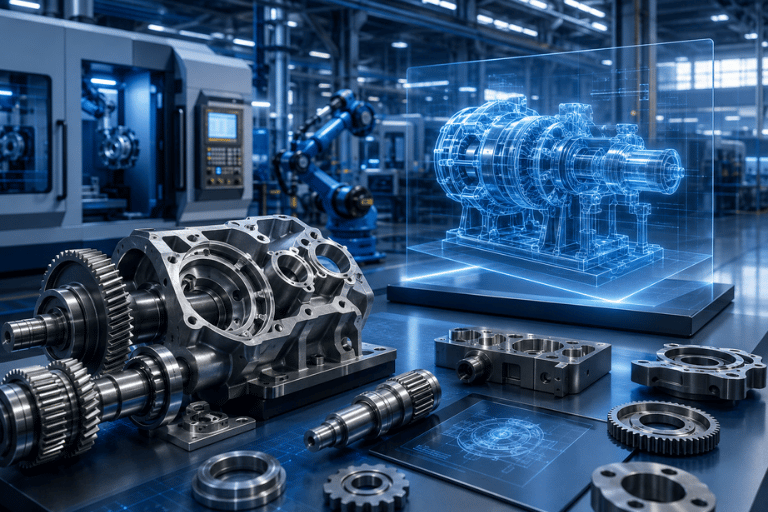
Mechanical Manufacturing & Industrial Machinery

Analyze: Machine frames Structural stiffness Shaft fatigue Lifting mechanisms Automation equipment Industrial machinery
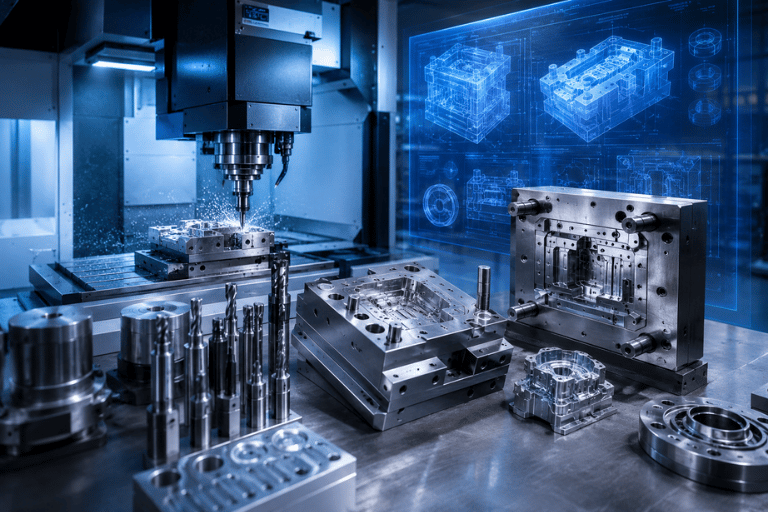
Mold, Die & Precision Manufacturing

Evaluate mold and fixture deformation under high mechanical loads and verify structural rigidity before manufacturing.

Electronics & Industrial Equipment

Support: Thermal management Drop-test simulation Structural integrity Equipment enclosure design Thermal-mechanical assessment
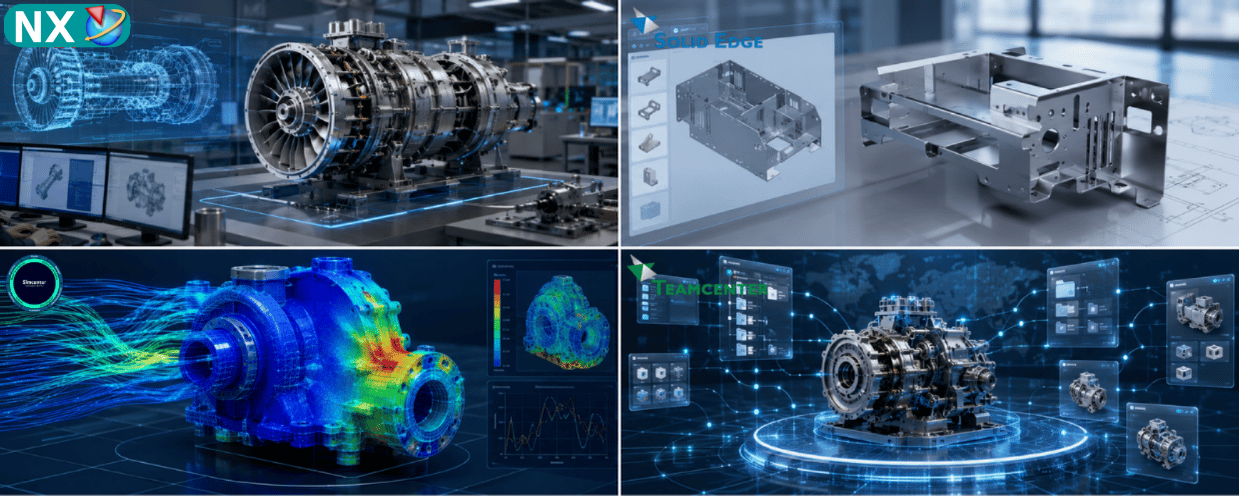
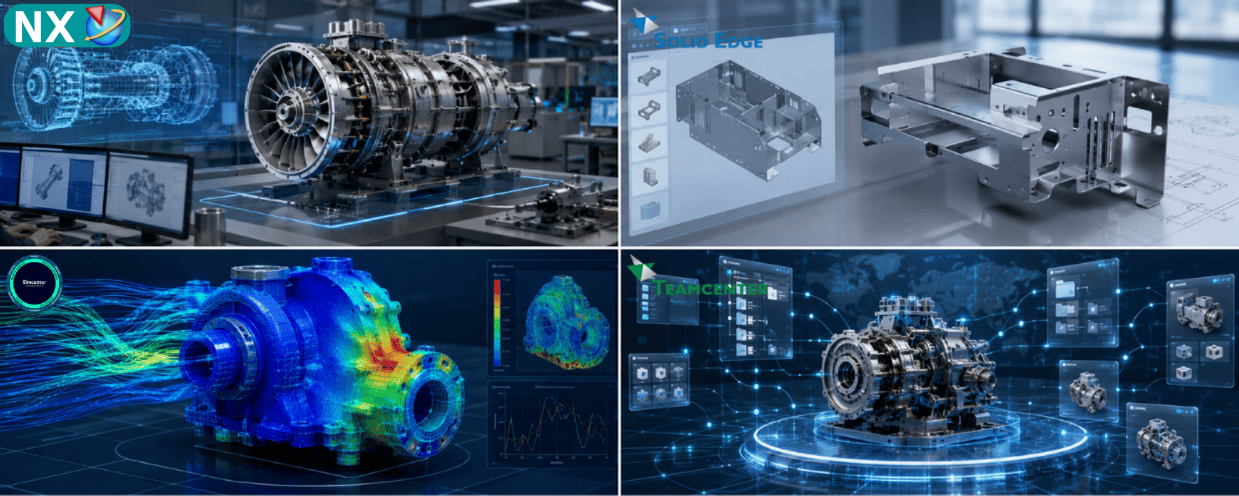
TOP SOLUTIONS – NX CAE / SIMCENTER 3D CONSULTING & IMPLEMENTATION

Engineering simulation implementation requires more than software installation. Successful CAE deployment requires a sound understanding of engineering mechanics, numerical simulation methods, model preparation, meshing, solver selection, and results interpretation.

Top Solutions provides consulting, implementation, training, and technical support for companies adopting NX CAE / Simcenter 3D.

Authorized Siemens Partner

Provide licensed Siemens simulation software and implementation support for manufacturing organizations.

Engineering Requirement Assessment

Assess the customer’s actual simulation requirements and recommend the appropriate Simcenter 3D modules and solver configuration.

Demo & Benchmark with Actual Engineering Cases

Perform demonstrations or benchmark studies using relevant customer products, CAD models, or engineering problems where appropriate.

Training & Technology Transfer

Provide structured training covering:

  • CAE fundamentals
  • Geometry preparation
  • FEM meshing
  • Boundary conditions
  • Solver setup
  • Results interpretation
  • Simulation optimization

Long-Term Technical Support

Provide ongoing technical assistance for simulation setup, model troubleshooting, solver configuration, and engineering workflow optimization.

NX CAE / SIMCENTER 3D DEMO & QUOTATION

Complete the form below. A Top Solutions specialist will contact you to discuss your engineering simulation requirements and recommend an appropriate NX CAE / Simcenter 3D configuration.

FREQUENTLY ASKED QUESTIONS (FAQ)

NX CAE is the former name associated with engineering simulation capabilities within the Siemens NX environment.

Today, Siemens provides these advanced multidiscipline simulation capabilities through Simcenter 3D, which is built on the NX technology platform and supports integrated or standalone CAE workflows.

Not exactly in terms of current product naming.

NX CAE is the legacy product name, while Simcenter 3D is the current Siemens CAE platform that builds on the NX platform and integrates a broader range of simulation technologies and solvers.

For the English website, I recommend using “NX CAE (Simcenter 3D)” for SEO and customer recognition, while using “Simcenter 3D” as the primary product name within the technical content.

Yes.

Simcenter 3D is built on the NX platform, enabling CAD data to move directly into simulation workflows without unnecessary translation. Geometry-based FE models can also be updated when the underlying CAD design changes.

Simcenter 3D supports a broad range of disciplines, including:

  • Structural analysis
  • Dynamics
  • Thermal and flow
  • Motion
  • Durability
  • Acoustics
  • Composites
  • Optimization
  • Electromagnetics
  • Multiphysics simulation

Yes.

Top Solutions provides consulting, implementation, technical training, and ongoing support based on the customer’s engineering simulation requirements and actual use cases.

The Top Solutions team will recommend the right CAD/CAM/CAE/PLM solutions based on your design and manufacturing workflows, technical requirements, and business scale.

Đội ngũ Top Solutions sẽ tư vấn giải pháp CAD/CAM/CAE/PLM phù hợp với quy trình thiết kế, sản xuất và quy mô doanh nghiệp của bạn.