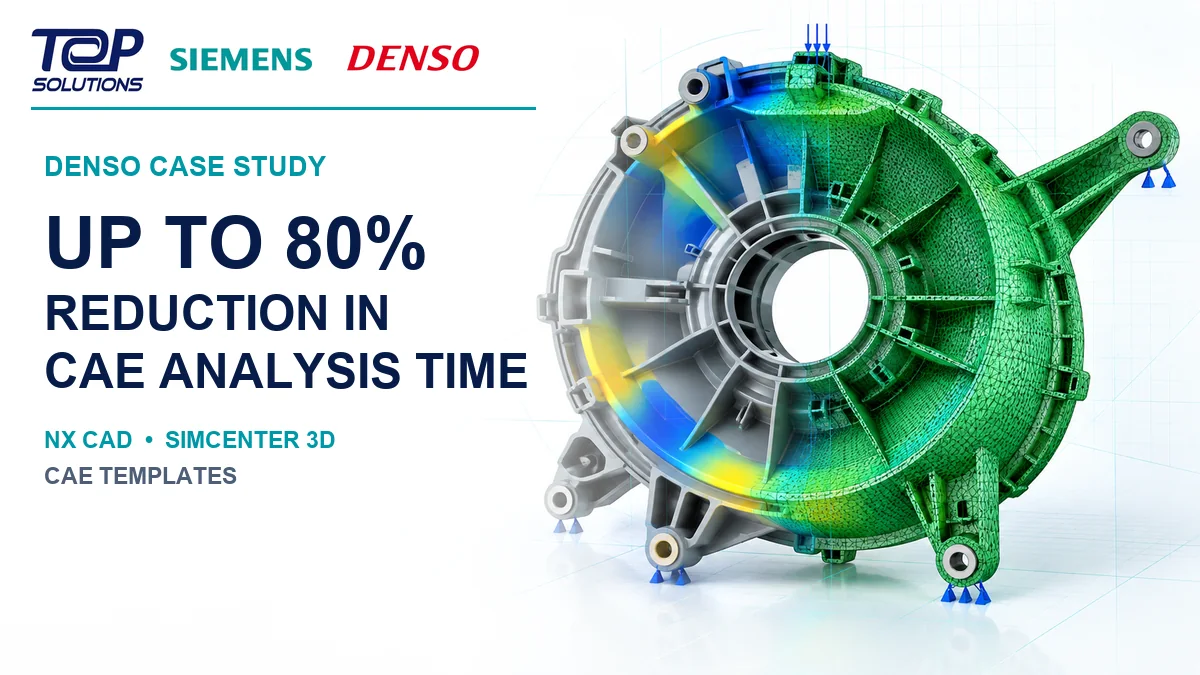
How DENSO Reduced CAE Analysis Time by Up to 80% with NX and Simcenter 3D
In automotive component development, simulation lead time is not determined by solver runtime alone. A significant amount of time can be spent transferring CAD data, communicating between design and CAE teams, preparing simulation models, defining boundary conditions and repeating the workflow after geometry changes.
DENSO addressed this challenge by combining NX CAD, Simcenter 3D and analyst-developed CAE templates. According to Siemens, the integrated workflow enabled DENSO to reduce CAE analysis time by up to 80%. For one component, the simulation process was reduced from five days to one.
Explore
Siemens NX software
and the
Simcenter portfolio.
DENSO and the CAE lead-time challenge
DENSO Corporation is a global automotive components manufacturer headquartered in Kariya, Aichi, Japan.
Siemens states that DENSO is the world’s second-largest parts and systems provider by sales and reported $45.1 billion in consolidated net sales in 2022.
Its core technologies include electrification, connected driving, advanced safety and automated driving, as well as factory automation and agricultural technology.
One challenge DENSO faced was the traditional iterative workflow between designers and CAE analysts.
The process could involve:
- Creating the initial analysis request
- Transferring CAD data into the CAE environment
- Clarifying geometry and simulation requirements
- Preparing the simulation model
- Running the analysis
- Generating reports
- Revising the design
- Repeating the workflow after geometry changes
DENSO’s three main objectives
According to Siemens, DENSO aimed to:
- Reduce the traditional iterative workflow between designers and analysts
- Improve product robustness earlier in development
- Free simulation analysts to focus on more challenging projects
Connecting NX CAD and Simcenter 3D
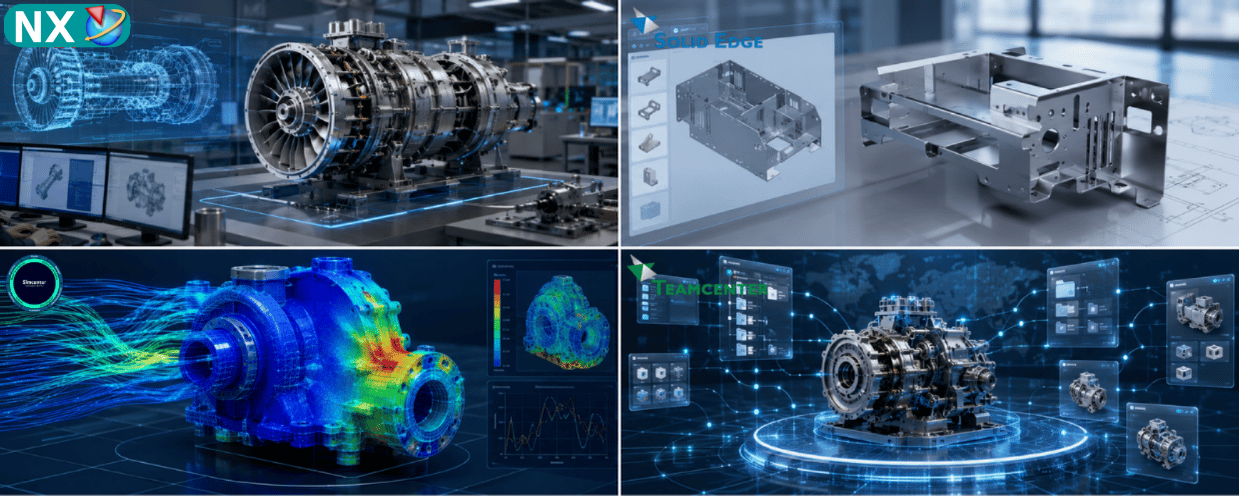
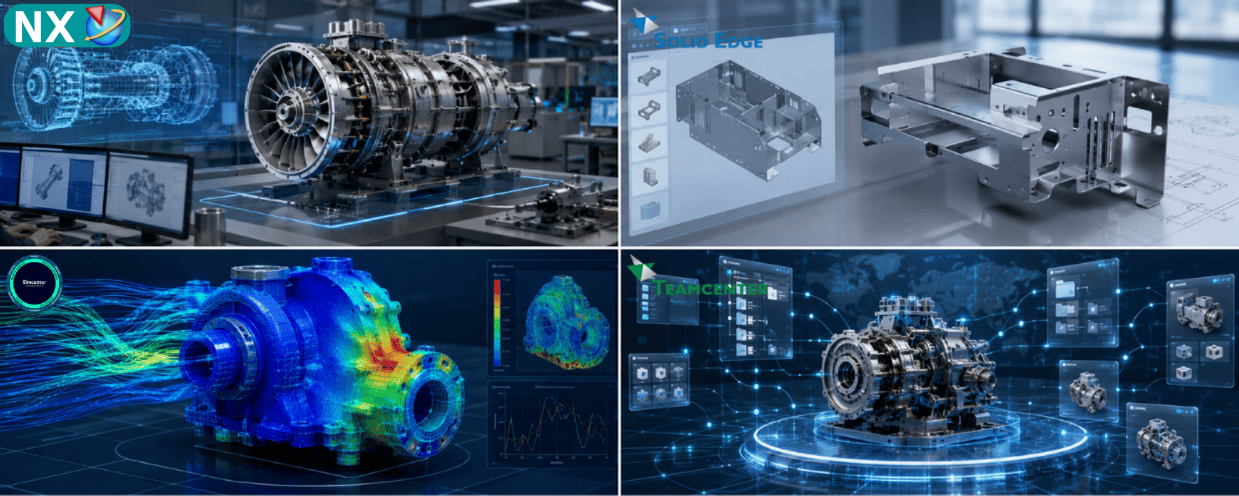
DENSO has used NX for design and manufacturing and Simcenter for engineering simulation.
NX and Simcenter 3D share a common platform. This allows geometry to move between CAD and CAE while maintaining association between the design geometry and simulation model.
When upstream geometry changes, the associated simulation model can be updated accordingly.
For DENSO, this integration reduced time previously spent on part translation, communication between teams and documentation associated with repeated CAD–CAE iterations.
Learn more about
CAE simulation solutions.
Automating simulation with analyst-developed templates
DENSO identified that certain component simulation processes are repeatable.
Simulation analysts therefore captured modeling expertise and process best practices inside simulation templates that could be used by designers working in NX.
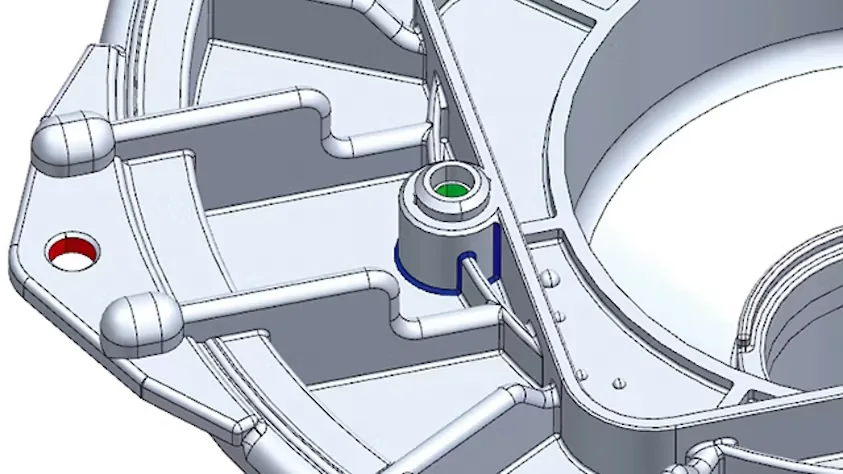
Designers start by creating the model in NX and color-code selected geometry features.
These features can represent areas such as:
- Narrow blends
- Fixed-constraint locations
- Geometry requiring specific mesh or simulation treatment
FEM templates automate mesh creation
When the designer is ready to evaluate component performance, a finite element method template is applied.
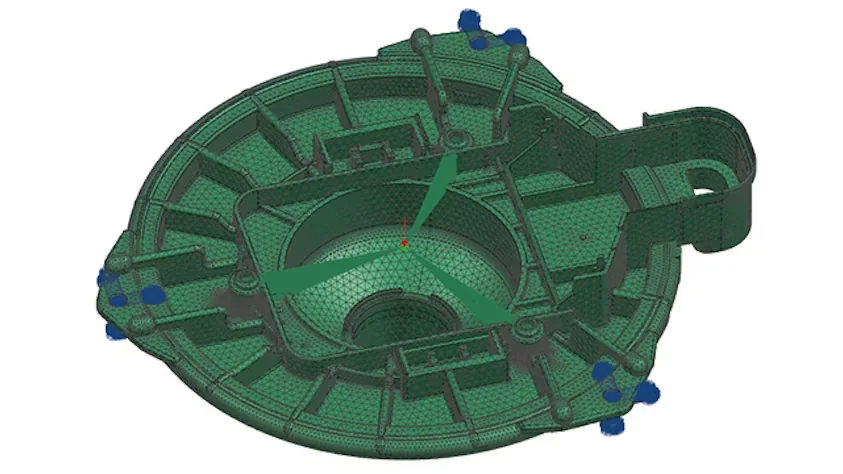
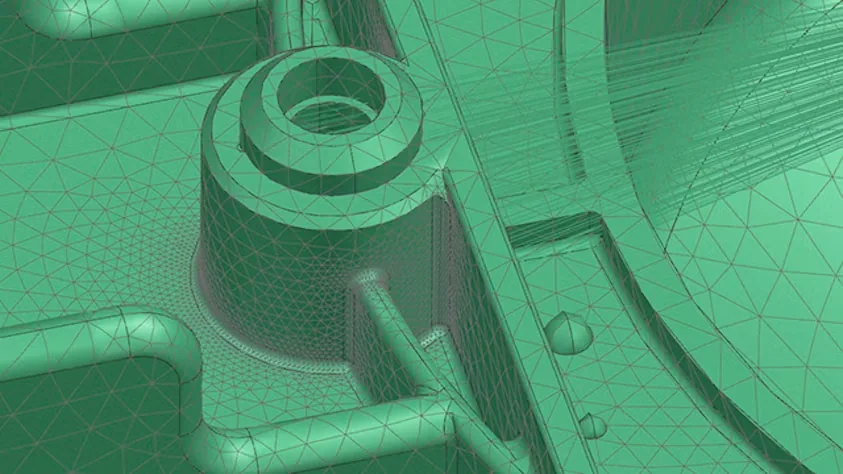
The FEM template automatically creates the FE mesh according to rules associated with the geometry color coding.
This allows the template to reproduce analysis practices that previously required manual intervention from an analyst.
SIM templates automate simulation setup
The designer then applies the SIM template.
The template uses the color-coded geometry to define the appropriate boundary conditions and required simulation parameters.
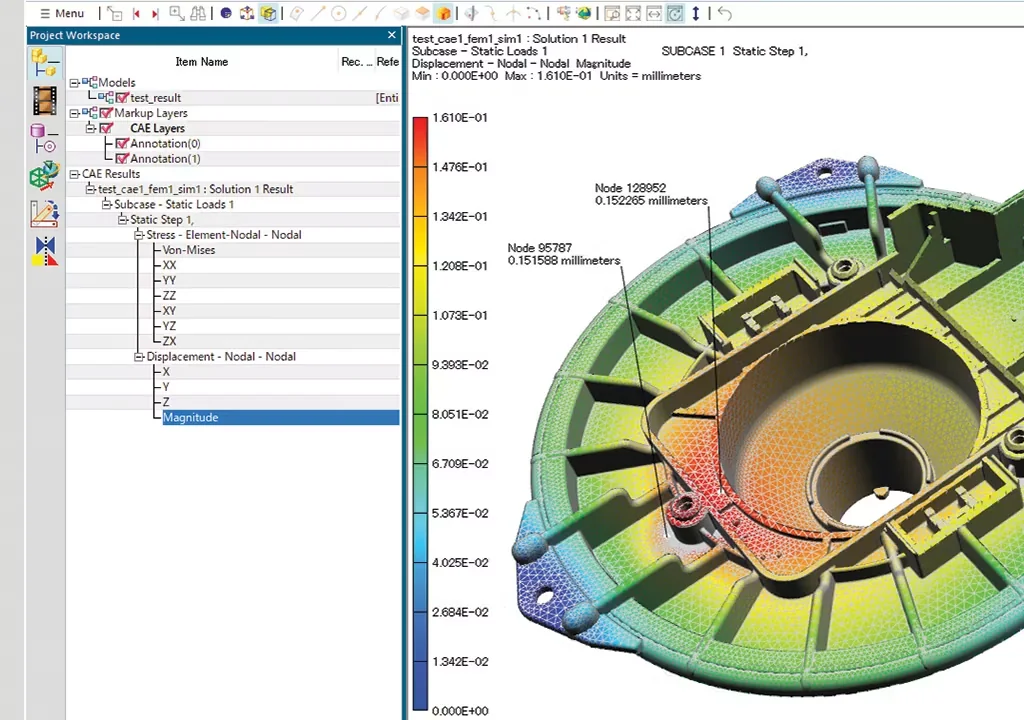
The designer can then run the simulation and review the results.
If geometry needs to be modified to reduce stress or improve another aspect of performance, the designer can update the model and rapidly rerun the simulation workflow.
The integrated DENSO workflow
→ Color Coding
→ FEM Template
→ Automated FE Mesh
→ SIM Template
→ Loads & Boundary Conditions
→ Simulation
→ Results
→ Geometry Update
→ Re-run Analysis
The key principle is that simulation knowledge from CAE analysts is captured inside templates rather than requiring analysts to manually repeat routine setup steps for every component.
Extending the process to assemblies
DENSO also tested the integrated approach on assemblies.
Siemens describes an early test involving more than 30 components in an assembly, with the objective of preparing the models and performing linear static analysis.
Despite the large number of color-coded geometry features, the simulation templates could define the mesh, boundary conditions and parameters across the assembly using the established rules.
Results: up to 80% reduction in CAE analysis time
Siemens reports that DENSO achieved the following results:
- Automated simulation processes to streamline automotive design workflows
- Reduced the simulation process for one component by 80%, from five days to one
- Identified and corrected design problems earlier, improving overall quality
- Eliminated errors caused by manual processes and data translation
DENSO estimated that average analysis time was reduced by up to 80% using the integrated process.
“By using the NX CAD and Simcenter 3D integrated process and CAE template, we reduced the time spent for CAE analysis by up to 80 percent.”
Yuichi Kondo
Project Assistant Manager, DENSO
Reducing manual errors and data translation
Siemens notes that reducing file sharing and communication between departments helped decrease human error.
The integrated workflow also reduced issues associated with:
- Manual data handling
- Data translation
- Geometry-version management
- Repeated simulation-model preparation
Extending the workflow into simulation data management
DENSO is also working to extend the integrated process into data and lifecycle management.
The company uses Teamcenter for design-data management.
Previously, the master model was stored in Teamcenter while analysts worked outside Teamcenter using a separate storage and management system.
This meant CAD data had to be exported and imported, while CAD variants and simulation data required additional manual tracking.
The proposed workflow is to store simulation-data versions and related templates in Teamcenter, reducing the need to repeatedly export and import CAD data for analysis.
Explore
Teamcenter software.
Key points from the DENSO case study
The Siemens case study shows an integrated engineering workflow built around:
- NX CAD for design geometry
- Simcenter 3D for simulation
- CAE templates for process automation
- Teamcenter for the planned extension into simulation-data management
The approach enables DENSO to reduce routine manual work and bring selected simulation activities closer to the design process.
Frequently Asked Questions
How much did DENSO reduce CAE analysis time?
According to Siemens, DENSO reduced CAE analysis time by up to 80% using the integrated NX CAD, Simcenter 3D and CAE-template process.
How long did one component simulation process take before and after?
Siemens reports that the process was reduced by 80%, from five days to one day.
Which Siemens products did DENSO use?
The case study centers on NX CAD and Simcenter 3D. Siemens also states that DENSO uses Teamcenter for design-data management.
What is the role of the CAE templates?
The templates capture analyst-developed simulation knowledge and automate activities such as FE mesh creation, boundary-condition setup and simulation parameters.
Did DENSO apply the workflow to assemblies?
Yes. Siemens describes an early test involving an assembly of more than 30 components for linear static analysis.
Are NX and Simcenter 3D integrated?
Yes. Siemens states that they share a common platform, enabling design geometry and simulation models to remain associated as the design changes.
Explore NX, Simcenter and Teamcenter
Evaluating a more integrated CAD–CAE workflow?
Contact Top Solutions to discuss NX, Simcenter 3D and simulation workflows for your engineering environment.
Source: Siemens Digital Industries Software – DENSO customer case study.