In product development, the reliability of engineering simulation depends not only on the solver but also on how effectively the analysis model is prepared.
Geometry cleanup, mesh generation, material assignment, connections, loads and boundary conditions can significantly affect simulation accuracy and turnaround time. When these activities rely heavily on repetitive manual work, engineering teams may face longer analysis cycles, inconsistent model quality and costly rework.
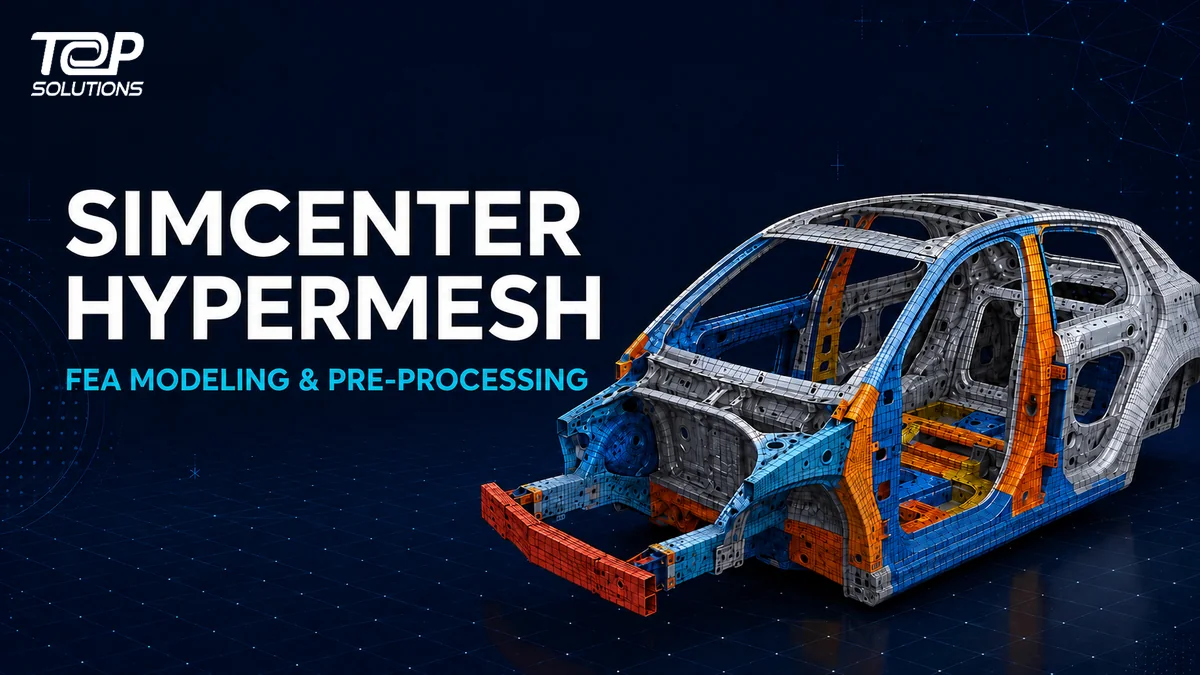
Simcenter Hypermesh is a high-performance finite element environment for building, setting up, running, visualizing and analyzing simulations. It helps CAE teams prepare high-quality simulation models, automate repetitive processes and manage complex geometries and assemblies within an open, programmable environment.
What Is Simcenter Hypermesh?
Simcenter Hypermesh is part of the Siemens Simcenter portfolio for simulation modeling and visualization.
The software provides capabilities for preparing CAD geometry, generating finite element meshes, assembling analysis models, defining solver-specific inputs and reviewing simulation results.
Its role extends beyond basic meshing. Simcenter Hypermesh supports the broader model preparation workflow:
CAD Geometry → Geometry Preparation → Meshing → Model Setup → Solver → Results → Engineering Decision
By connecting these stages in one environment, engineering teams can reduce fragmented handoffs and maintain greater consistency throughout the simulation process.
Altair HyperMesh Is Now Simcenter Hypermesh
Simcenter Hypermesh was previously known as Altair HyperMesh.
Following the integration of Altair’s simulation technologies into the Siemens portfolio, the product was renamed:
Altair HyperMesh → Simcenter Hypermesh
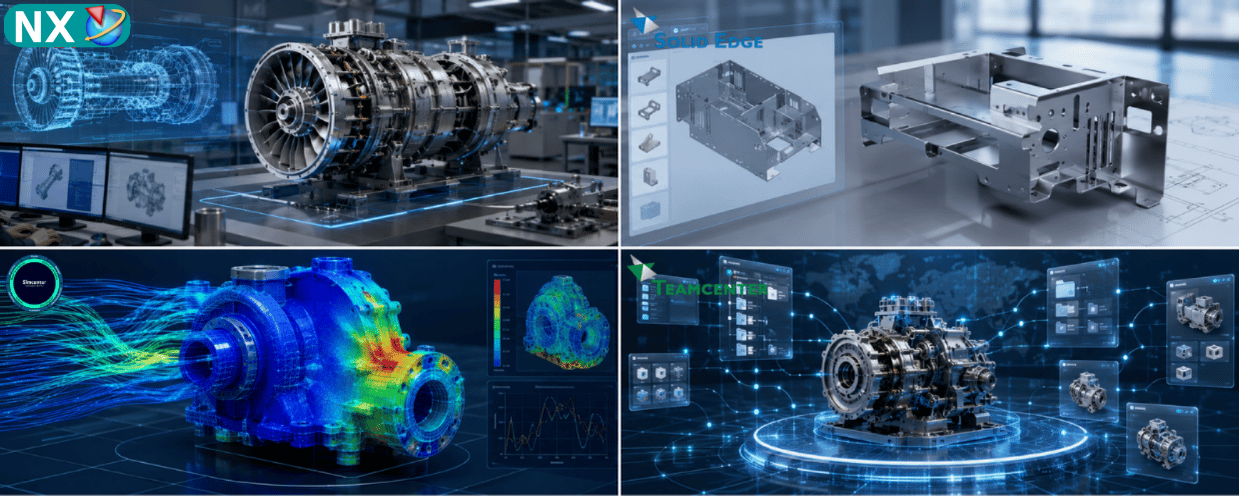
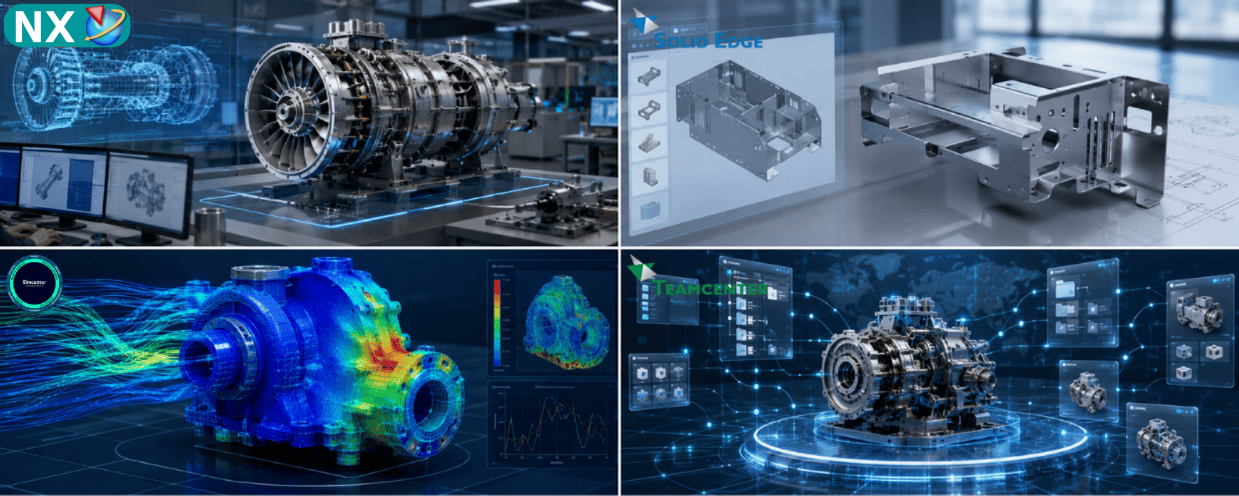
The name change places the software within the broader Simcenter ecosystem, alongside solutions for simulation modeling, structural analysis, computational fluid dynamics, system simulation, electromagnetics, engineering optimization, data science and artificial intelligence.
Companies previously using Altair HyperMesh should recognize both names when searching for documentation, evaluating product roadmaps or planning future simulation workflows. However, Simcenter Hypermesh should be used as the current product name in new technical and marketing content.
Why Is Simulation Pre-processing Important?
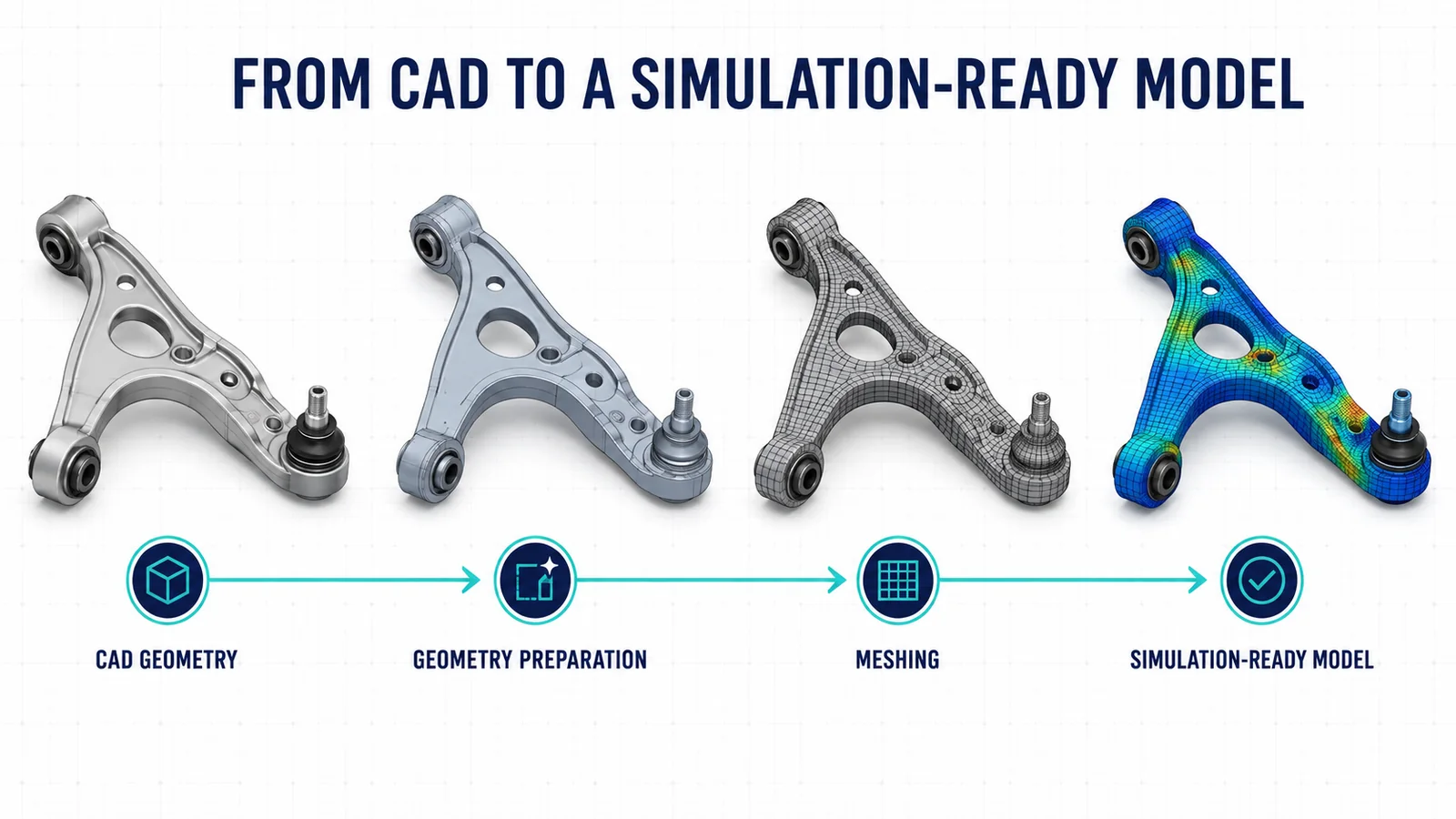
Finite element simulation does not begin when the solver starts calculating.
Before an analysis can be performed, engineers must convert product geometry into a simulation-ready model. This normally involves:
- Importing and organizing CAD geometry
- Removing unnecessary geometric details
- Repairing gaps and geometry errors
- Creating shell, solid or one-dimensional representations
- Generating and checking finite element meshes
- Defining materials and properties
- Creating contacts and connections
- Applying loads and boundary conditions
- Preparing solver-specific input data
Poor-quality geometry or mesh can produce inaccurate results, convergence problems or misleading stress distributions, regardless of the solver’s capabilities.
A reliable pre-processing environment therefore helps engineers spend less time repairing models and more time evaluating product performance.
Key Capabilities of Simcenter Hypermesh
Geometry Cleanup and Model Preparation
CAD models often contain small holes, fillets, gaps and manufacturing details that are unnecessary for simulation.
Simcenter Hypermesh provides tools for geometry cleanup, defeaturing, simplification and editing. Engineers can prepare imported geometry for meshing while retaining the features that are important to the intended analysis.
These capabilities are particularly valuable when working with complex CAD data or large assemblies originating from different engineering systems.
Advanced Finite Element Meshing
Simcenter Hypermesh supports multiple mesh-generation techniques for two-dimensional and three-dimensional CAE models.
Available workflows include:
- Surface meshing
- Shell meshing
- Tetrahedral meshing
- Hexahedral meshing
- Acoustic cavity meshing
- Shrink-wrap meshing
- SPH meshing
- Automated batch meshing
Engineers can control element type, mesh size, density and quality criteria at both global and local levels.
Reusable mesh controls can also help organizations standardize model quality across projects and engineering teams.
Automated Model-Build Workflows
Preparing large assemblies manually can consume a significant amount of engineering time.
Simcenter Hypermesh can help automate activities such as:
- Importing CAD models
- Classifying components
- Cleaning geometry
- Joining parts
- Generating meshes
- Applying predefined modeling rules
- Preparing solver input data
Automation is especially valuable for organizations that repeatedly analyze similar products, component families or design variants.
Instead of rebuilding every model from the beginning, engineering teams can capture and reuse established modeling practices.
Assembly and Model Management
Complex products may contain hundreds or thousands of components, multiple configurations and different model representations.
Simcenter Hypermesh helps engineering teams organize parts, subsystems, assemblies and their associated simulation data. It also supports traceability between design updates and analysis models.
This connected approach helps reduce the risk of engineers working with outdated components or inconsistent simulation data.
Solver-connected Model Setup
Simcenter Hypermesh supports broad CAD, finite element and solver workflows.
Within the same environment, engineers can prepare geometry, build finite element models, define solver-specific inputs and review results. Support for multiple solver formats helps organizations integrate the software with existing CAE processes instead of rebuilding their entire simulation infrastructure around one isolated tool.
The exact solver support and available capabilities should be evaluated according to the organization’s software configuration and analysis requirements.
Open and Programmable Architecture
Engineering organizations frequently need to adapt CAE workflows to internal standards, product types and quality requirements.
Simcenter Hypermesh provides an open, programmable environment that supports process automation and workflow customization. Teams can create custom utilities, configure the user interface and build repeatable modeling processes.
This capability is particularly useful for high-volume simulation programs where model consistency, process control and repeatability are critical.
Pre-processing and Results Visualization
Although the product is strongly associated with meshing and pre-processing, Simcenter Hypermesh also supports solver-connected workflows for running, visualizing and analyzing simulation results.
This enables engineers to review model behavior and identify issues without constantly moving data between disconnected applications.
Dedicated Simcenter products may still be required for specialized solvers, advanced post-processing or discipline-specific analysis.
Business Benefits of Simcenter Hypermesh
Reduce Manual Model Preparation
Automated geometry processing, meshing and model-build workflows help decrease repetitive engineering activities.
This allows CAE specialists to focus more of their time on simulation strategy, result interpretation and engineering decisions.
Improve Simulation Model Quality
Mesh controls, quality checks and standardized workflows help teams create more consistent finite element models.
Improved model quality can reduce solver failures, unnecessary iteration and errors caused by inconsistent preparation methods.
Accelerate Simulation Turnaround
Faster geometry preparation and reusable workflows can shorten the time required to move from CAD data to analysis-ready models.
This supports earlier simulation within the product development process.
Standardize CAE Best Practices
Companies can capture internal modeling rules and convert them into reusable processes.
This makes simulation workflows less dependent on individual working methods and supports knowledge transfer across the engineering organization.
Support Complex Products and Large Assemblies
Model organization, assembly management and automation capabilities help engineering teams work more effectively with large and complex product structures.
Connect Simulation Data to the Digital Thread
By maintaining relationships among parts, subsystems, model data and engineering changes, Simcenter Hypermesh can contribute to a more connected simulation process.
This helps improve traceability and collaboration across engineering teams.
Applications of Simcenter Hypermesh
Simcenter Hypermesh can support simulation model preparation across multiple engineering disciplines and industries.
Typical applications include:
- Structural analysis
- Noise, vibration and harshness analysis
- Fatigue and durability studies
- Crash and safety analysis
- Thermal analysis
- Aerospace structural modeling
- Automotive body and chassis simulation
- Heavy equipment engineering
- Industrial machinery development
- Electronics and electric motor simulation
- Large assembly model preparation
The appropriate workflow depends on the analysis discipline, solver, model complexity and engineering objectives.
Simcenter Hypermesh within the Simcenter Ecosystem
Simcenter is not a single simulation application. It is a broad portfolio covering multiple engineering disciplines.
Within this ecosystem, Simcenter Hypermesh primarily supports simulation modeling and visualization. Other Simcenter products provide specialized capabilities for areas such as:
- Structural analysis and optimization
- Computational fluid dynamics
- System simulation
- Electromagnetics
- Multibody dynamics
- Physical testing
- Engineering data science and AI
- High-performance computing
This distinction is important when selecting a solution.
Simcenter Hypermesh prepares and manages analysis models, but it should not automatically be treated as a replacement for every specialized simulation solver. The final software configuration should be based on the company’s required physics, solver environment, model size and existing engineering workflow.
Learn more about the broader Simcenter simulation portfolio.
Who Should Evaluate Simcenter Hypermesh?
Simcenter Hypermesh is particularly relevant to organizations that:
- Spend significant time preparing CAD models for simulation
- Work with complex geometries or large assemblies
- Need repeatable meshing and model-build processes
- Use multiple CAE solvers
- Want to automate repetitive pre-processing activities
- Need greater consistency across simulation teams
- Want to connect CAE data with a broader digital engineering workflow
Stakeholders involved in evaluating the software may include:
- CAE engineers
- Simulation engineers
- Structural analysts
- Mechanical engineers
- R&D engineers
- Engineering managers
- Technical managers
- Simulation team leaders
What Should Companies Consider Before Implementation?
The selection process should begin with the engineering problem rather than a list of software features.
Companies should evaluate:
Existing Simulation Workflow
Identify how CAD data is currently prepared, meshed, transferred to solvers and reviewed.
Solver Requirements
Confirm which solvers and analysis disciplines must be supported.
Model Complexity
Assess typical geometry size, assembly structure, mesh volume and required model representations.
Automation Potential
Determine which repetitive tasks could be standardized or automated.
Data Management
Review how simulation models, revisions and engineering changes are currently controlled.
Skills and Training
Evaluate the experience of current CAE users and the level of training required.
Expected Business Impact
Define measurable goals such as shorter model-preparation time, fewer modeling errors, improved workflow consistency or faster simulation turnaround.
Simcenter Hypermesh Consulting and Implementation in Vietnam
Top Solutions provides Siemens software solutions for engineering, simulation, manufacturing and product lifecycle management in Vietnam.
Companies evaluating Simcenter Hypermesh can work with the Top Solutions team to review:
- Current CAE and simulation workflows
- Geometry preparation and meshing requirements
- Solver compatibility
- Model size and complexity
- Workflow automation opportunities
- Software licensing and configuration
- User training and technical support
- Integration with existing engineering systems
A technical assessment helps ensure that the selected configuration addresses the company’s actual simulation challenges rather than simply adding another software tool.
Conclusion
Simcenter Hypermesh is a high-performance finite element environment for simulation model preparation, meshing, model setup, automation and solver-connected analysis workflows.
Previously known as Altair HyperMesh, the software is now part of the Siemens Simcenter portfolio for simulation modeling and visualization.
Its primary value lies in helping engineering teams create higher-quality analysis models, reduce repetitive pre-processing work, standardize CAE workflows and manage complex simulation data more effectively.
For companies considering Simcenter Hypermesh, the next step should be an assessment of their current CAD-to-CAE process, solver requirements and automation opportunities.
Looking to Improve Your CAE Pre-processing Workflow?
Contact Top Solutions to discuss your simulation requirements and evaluate a suitable Simcenter configuration for your engineering team.