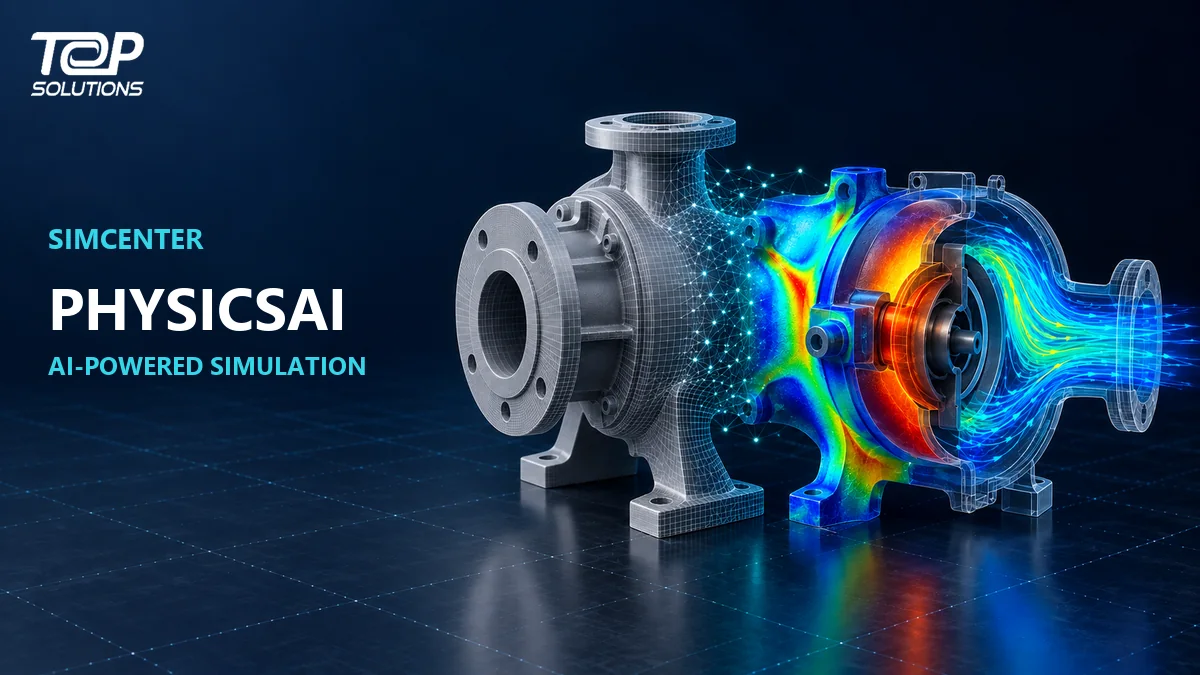
What Is Simcenter PhysicsAI? AI-Powered Product Performance Prediction
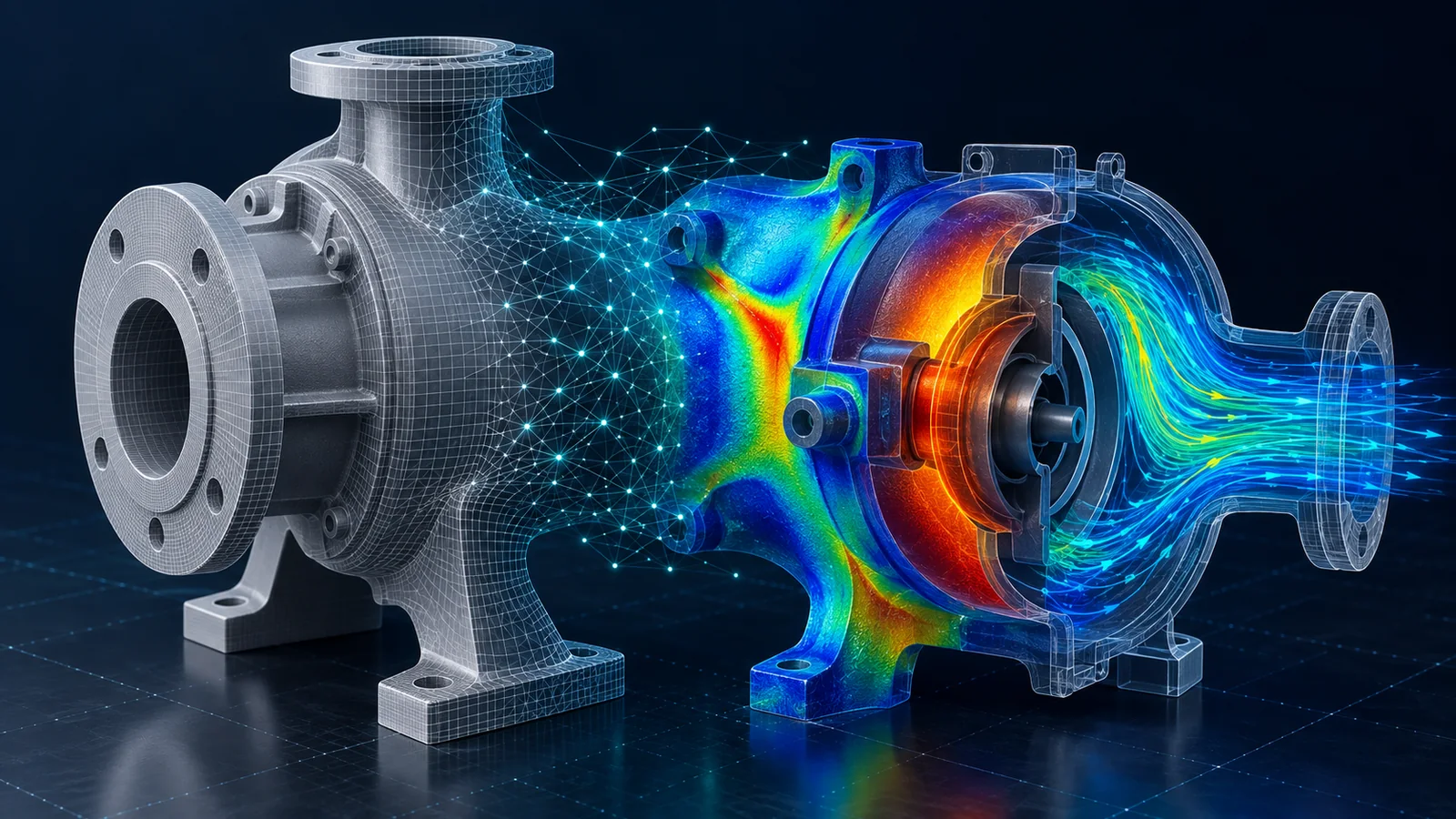
High-fidelity engineering simulations can require significant time and computing resources.
That is manageable when a team evaluates only a handful of designs. It becomes more difficult when engineers want to investigate hundreds or thousands of possible geometry variations.
Simcenter PhysicsAI approaches this problem differently.
Instead of running a complete physics solver for every new geometry, it learns relationships between shape, engineering inputs and simulation results from existing CAE data.
Once the model has been trained and validated, it can predict product performance on new designs much faster than repeating the complete solver workflow each time.
This does not make traditional simulation obsolete.
A more useful approach is to combine high-fidelity simulation with AI prediction: physics-based solvers generate trustworthy engineering data, while PhysicsAI helps teams explore a much larger design space and identify the designs that deserve detailed analysis.
Organizations exploring the broader simulation environment can also review
Top Solutions engineering software and Simcenter solutions.
What is Simcenter PhysicsAI?
Simcenter PhysicsAI is an AI-powered engineering simulation technology that uses geometric deep learning to create predictive models from existing CAE data.
Unlike traditional machine-learning models based mainly on tabular input variables, PhysicsAI can work directly with engineering geometry and mesh-based information.
A typical workflow includes:
- CAD or mesh representations of multiple designs
- Simulation results for those designs
- Relevant loads, materials or operating conditions
- Geometric deep-learning model training
- Validation against known simulation results
- Prediction on new geometries
The workflow can be summarized as:
Historical CAE Data → Train AI Model → Validate → New Geometry → Predict Performance → Engineering Decision
Once the model demonstrates sufficient quality for its intended use, engineers can evaluate new designs without performing a complete solver run for every candidate.
Why use AI in engineering simulation?
Simulation models continue to become more detailed.
Larger meshes, more complex physics and more design variables provide richer engineering insight but also increase computational cost.
A project may comfortably evaluate ten concepts with a traditional solver but struggle when the team wants to investigate hundreds or thousands.
Engineering teams often need to answer broader questions:
- What happens when geometry changes?
- Which concepts have the most potential?
- Which variables influence performance most strongly?
- Can weak concepts be eliminated earlier?
- Which designs deserve expensive high-fidelity simulation?
AI prediction provides another layer within this workflow.
Instead of using a full solver across the entire design space, teams can use AI for rapid screening and reserve high-fidelity simulation for the most important configurations.
For structural projects where rapid analysis of complex CAD assemblies is required, teams may also evaluate
Simcenter Simsolid for mesh-free structural simulation.
How does Simcenter PhysicsAI work?
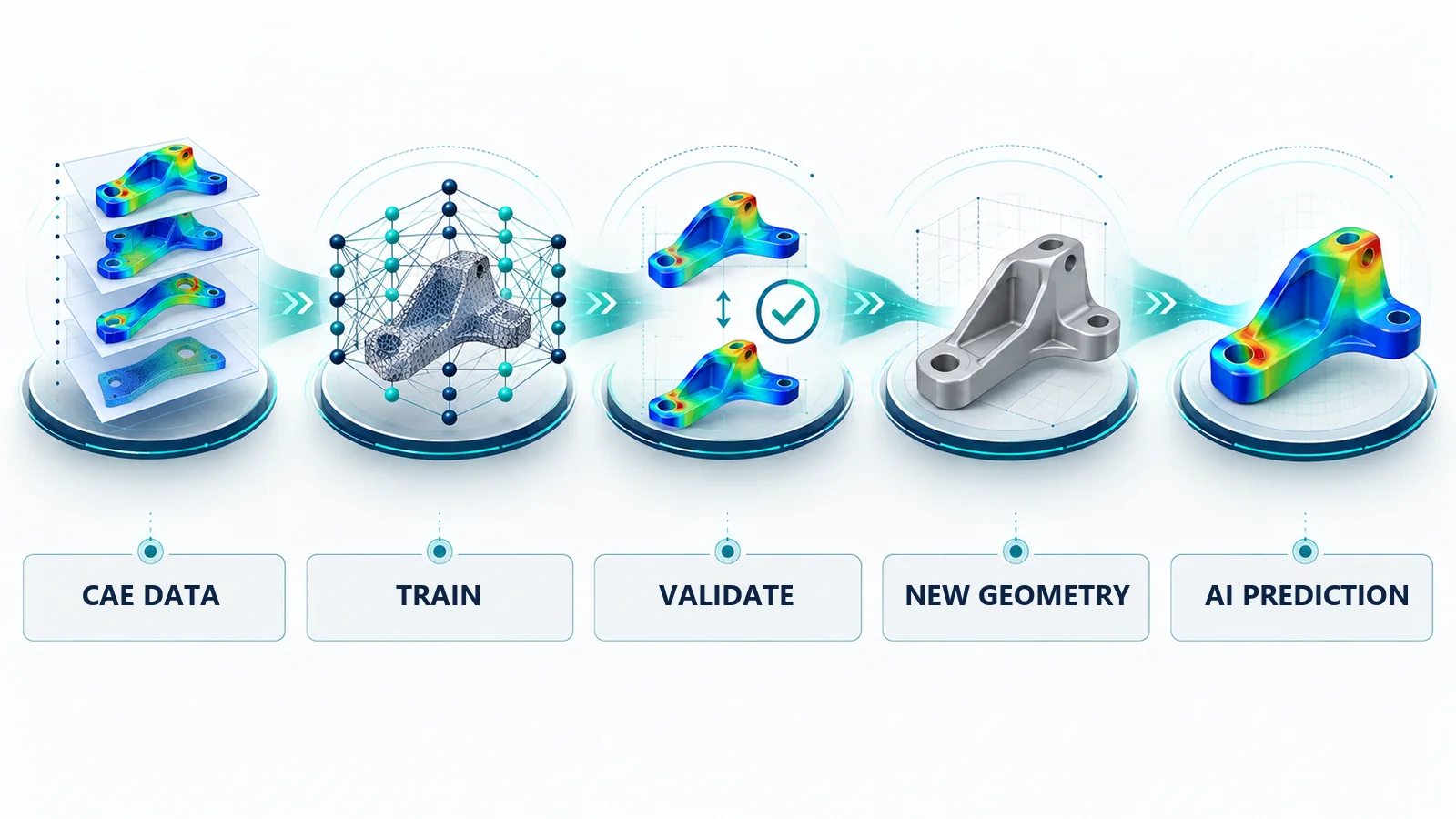
1. Collect simulation data
PhysicsAI learns from engineering data.
Training data may come from historical simulation projects or from a deliberately created design-of-experiments study.
Potential inputs include:
- CAD geometry
- FE meshes
- CFD meshes
- Structural results
- Thermal results
- CFD results
- Loads
- Boundary conditions
- Material information
Data quality and design-space coverage are important.
A large dataset does not automatically produce a reliable AI model if the samples do not represent the designs the model will eventually encounter.
2. Geometric deep learning
A key characteristic of PhysicsAI is its ability to learn the relationship between shape and performance.
This allows the model to work with meaningful geometry changes rather than reducing every design to only a few scalar parameters.
Geometry or mesh information can therefore become a direct component of the training process.
This is important in engineering because product behavior is frequently governed by complex three-dimensional shape.
3. Train the AI model
Training identifies relationships between engineering inputs and the desired outputs.
Potential outputs include:
- Stress
- Strain
- Displacement
- Temperature
- Pressure
- Velocity
- Aerodynamic quantities
- Other engineering KPIs
Training time depends on dataset size, physics complexity, output type and available computing hardware.
GPU computing can accelerate training for suitable models, but hardware requirements should be evaluated according to the specific use case.
4. Validate the model
An AI model should not be trusted simply because training has finished.
Predictions need to be compared against simulation cases that were not used for model training.
Metrics such as prediction errors and Mean Absolute Error can help quantify model quality.
More importantly, engineering teams need to understand the domain in which the model can be trusted.
5. Predict new designs
After successful validation, the model can evaluate geometries that were not present in the training dataset.
Instead of running a complete solver workflow, PhysicsAI generates a rapid performance prediction.
This makes it especially useful for design screening and exploration.
What can PhysicsAI predict?
PhysicsAI is not limited to a single engineering discipline.
Depending on the available training data, potential applications include:
- Structural mechanics
- Crash and impact
- Durability
- Computational fluid dynamics
- Aerodynamics
- Thermal performance
- Electromagnetics
- Manufacturing simulation
The common requirement is useful, representative engineering simulation data.
For example, a company with structural simulation data covering many bracket designs may train a model to predict stress or displacement on new geometries within the relevant design space.
A CFD dataset may be used to learn pressure, velocity or aerodynamic performance.
3D field prediction versus scalar KPI prediction
Traditional surrogate models often focus on a limited number of scalar values.
For example:
Geometry Parameters → Maximum Stress
Geometric deep-learning approaches can extend prediction to rich three-dimensional fields:
3D Geometry → Stress / Temperature / Pressure Field Across the Product
This provides additional engineering value.
A designer may not only need the maximum stress value but also its location and how the overall stress distribution changes when geometry is modified.
For workflows that require detailed structural model preparation before simulation or AI model creation, see
Simcenter Hypermesh for FEA modeling and simulation preprocessing.
Why is similarity assessment important?
One important risk in AI engineering is applying a model to a geometry that is very different from its training examples.
PhysicsAI includes geometric similarity assessment to help teams identify designs that may sit outside the model’s familiar domain.
Similarity does not automatically prove that a prediction is correct.
Instead, it provides additional information for deciding whether:
- The AI result is suitable for screening
- The prediction should be treated cautiously
- A full high-fidelity simulation should be performed
This is an important part of using predictive AI responsibly in engineering workflows.
Does PhysicsAI replace traditional CAE solvers?
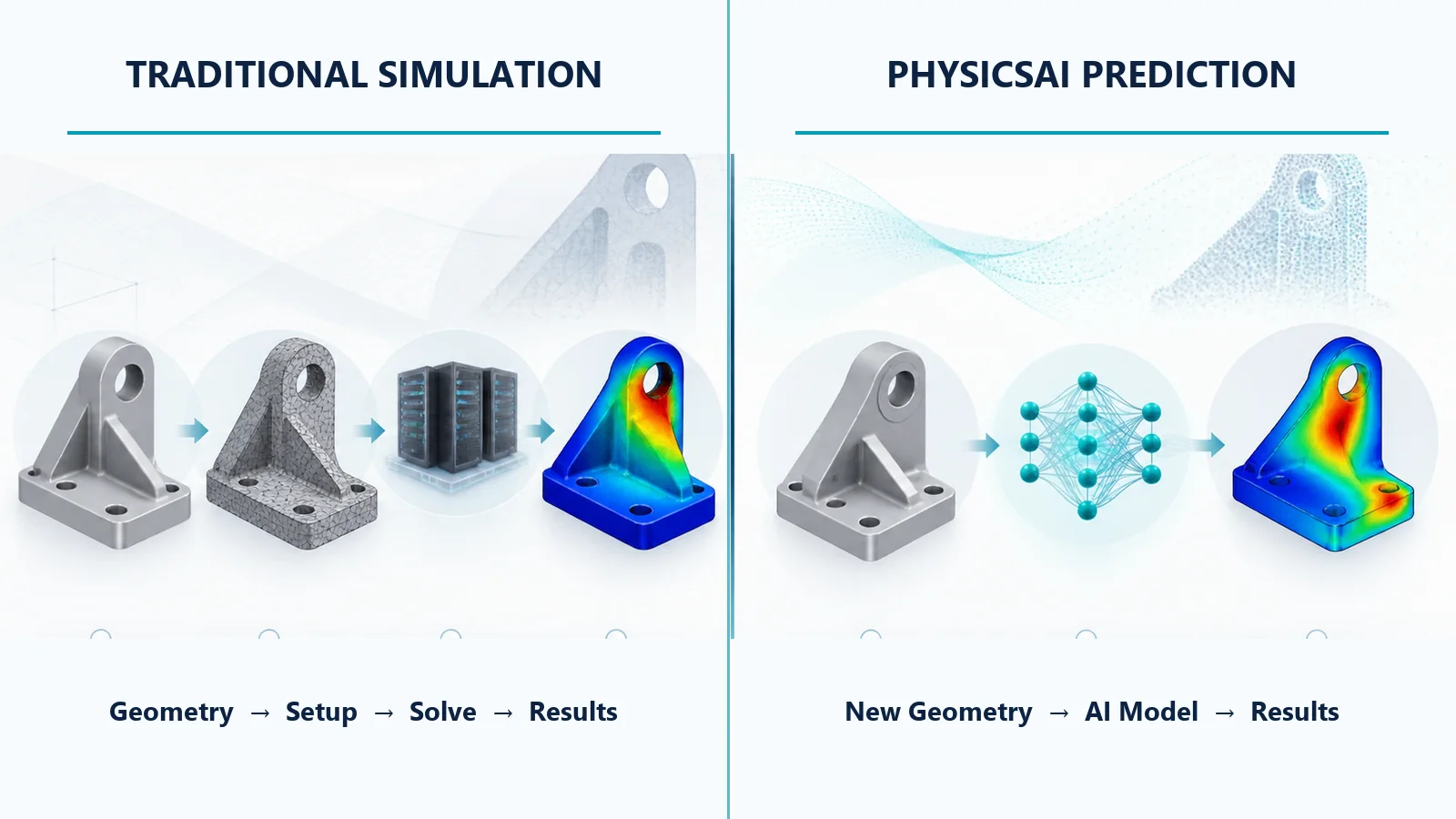
PhysicsAI should not be treated as a complete replacement for physics-based solvers.
Its predictive capability depends on the data used to train and validate the model.
A practical workflow is:
High-Fidelity Solver → Training Data → PhysicsAI → Rapid Design Screening → Solver Validation for Critical Designs
Traditional solvers remain important for:
- Generating high-quality training data
- Analyzing designs outside the AI model’s known domain
- Introducing new physics not represented in training data
- Validating critical product configurations
- Creating new data for future model updates
PhysicsAI delivers the greatest value when prediction and high-fidelity simulation complement each other.
For projects focused on structural optimization rather than rapid AI prediction alone, engineers can also explore
Simcenter Optistruct for structural analysis and optimization.
PhysicsAI and Simcenter Hypermesh
PhysicsAI can be incorporated into Simcenter Hypermesh workflows.
This is relevant to structural CAE because Hypermesh is frequently used for simulation-model preparation and management.
Historical analysis results can be used to train AI models that predict fields such as:
- Stress
- Strain
- Displacement
- Selected modal quantities
For a deeper look at simulation modeling and preprocessing, read
what Simcenter Hypermesh is and how it supports CAE model preparation.
PhysicsAI and Simcenter Inspire
Simcenter Inspire focuses on simulation-driven design and early design exploration.
PhysicsAI complements this workflow by providing rapid predictions on new geometries without requiring a complete solver run during every design iteration.
This can help designers obtain performance insight earlier and compare more ideas before committing engineering resources to detailed validation.
Learn more about
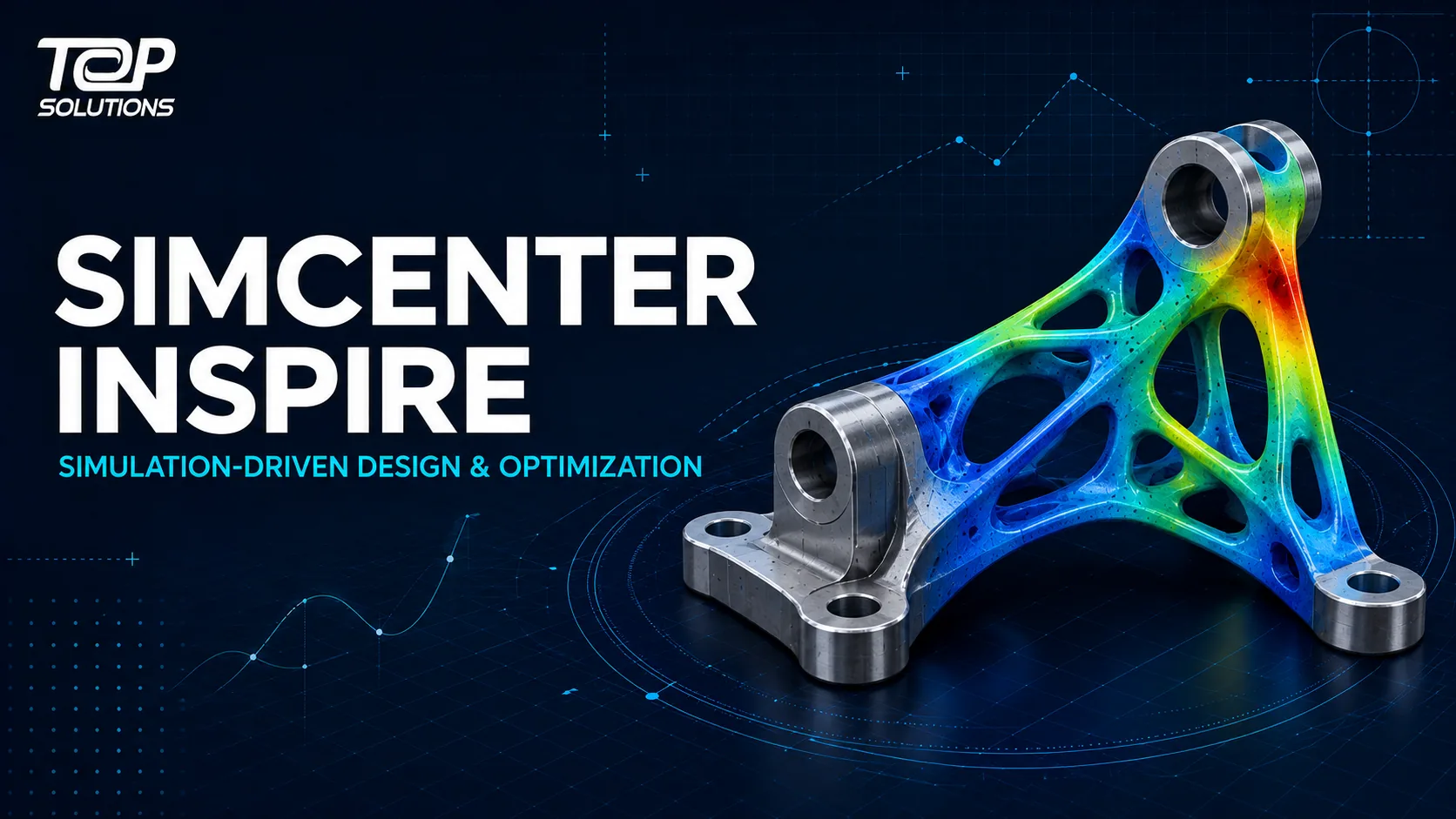
Simcenter Inspire and simulation-driven product design.
PhysicsAI and Simcenter STAR-CCM+
CFD is particularly suitable for AI acceleration because individual simulations can require significant computing resources.
A PhysicsAI workflow can use representative CFD results to train a predictive model for design exploration.
A practical process may include:
- Run representative CFD simulations
- Train PhysicsAI using the results
- Validate the predictive model
- Evaluate many new geometries
- Identify promising concepts
- Run high-fidelity STAR-CCM+ simulations on selected designs
AI therefore does not eliminate CFD.
It provides another way to use CFD data more efficiently across a larger design space.
Read more about
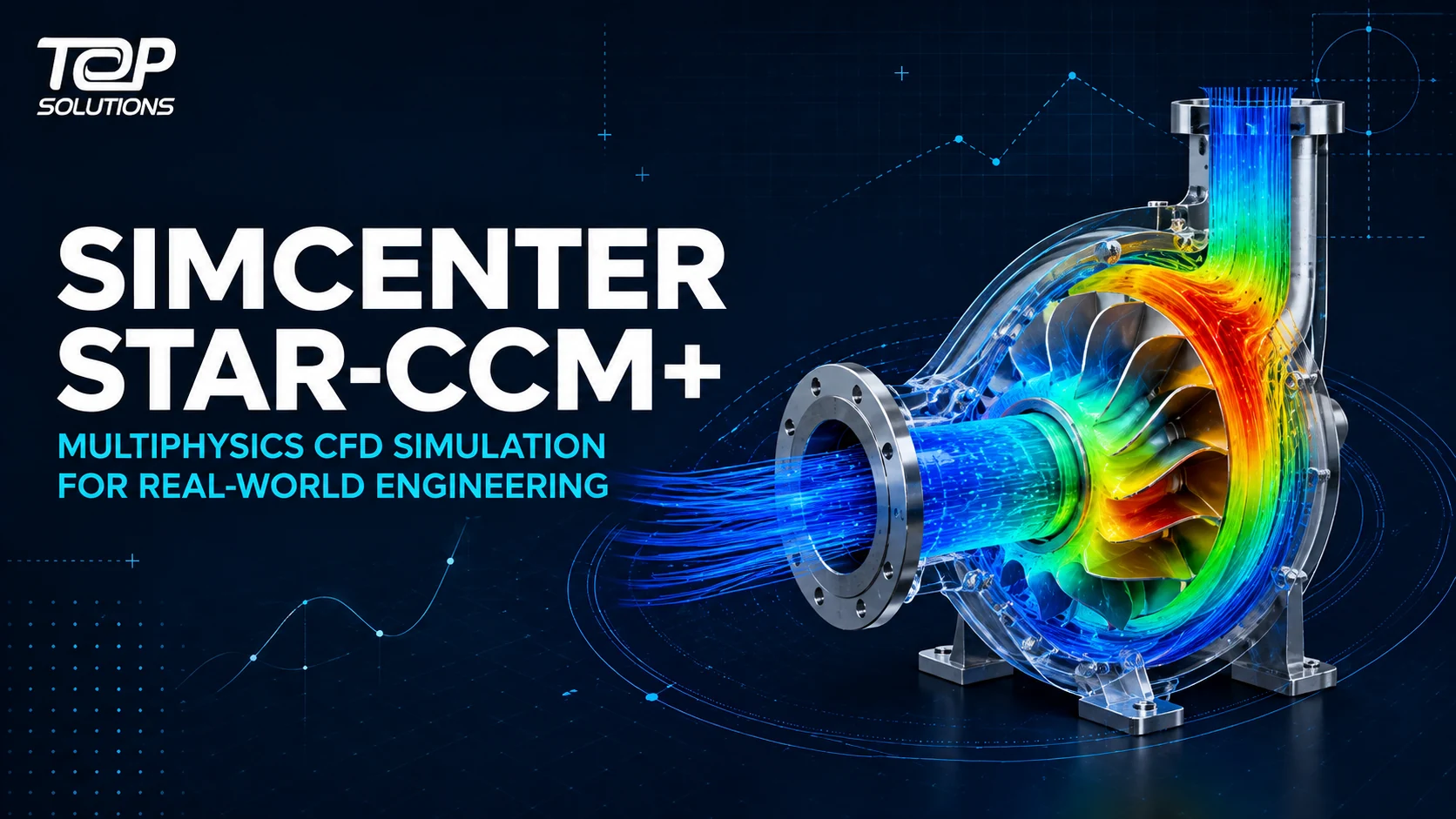
Simcenter STAR-CCM+ multiphysics CFD simulation.
What is Simcenter PhysicsAI Generate?
PhysicsAI is expanding from performance prediction toward engineering concept generation.
PhysicsAI Generate can use historical design and simulation knowledge together with requirements such as:
- Dimensional targets
- Design constraints
- Performance KPIs
to generate new three-dimensional engineering concepts.
This is different from general-purpose generative AI used to create images or text.
The output is intended to support engineering design exploration based on learned product and physics information.
AI-generated concepts still require engineering review, refinement and validation before they can become production designs.
Where can Simcenter PhysicsAI be applied?
Automotive and transportation
Potential applications include:
- Crash analysis
- Durability
- Aerodynamics
- Thermal management
- Electromagnetics
- Manufacturing simulation
Aerospace
AI-based prediction can help screen large numbers of configurations where high-fidelity simulation is expensive.
Electronics
Thermal, structural and manufacturing simulation data can support predictive models for new product configurations.
Heavy equipment
Organizations with extensive structural, durability and thermal simulation histories may be able to extract additional value from those datasets.
Manufacturing
Data from casting, molding, forming and other manufacturing simulation processes can become training information for suitable AI models.
How much training data is required?
There is no universal number.
The required amount of data depends on:
- Geometry variation
- Number of engineering inputs
- Physics complexity
- Outputs being predicted
- Required accuracy
- Design-space coverage
A simple engineering problem may require fewer examples than a highly diverse design space.
A practical approach is to begin with a representative dataset, train an initial model and measure prediction quality before generating additional simulations.
Can historical CAE data be reused?
Potentially, yes.
Companies that have used engineering simulation for many years may already have substantial data from:
- Design iterations
- CAE projects
- DOE studies
- Optimization studies
- Validated simulation models
When managed appropriately, historical simulation data can become an engineering asset rather than simply archived project files.
PhysicsAI provides another way to extract knowledge from this accumulated information.
What are the practical benefits of PhysicsAI?
The objective should not simply be to “use AI.”
Value needs to be measured through engineering outcomes.
Examples include:
- Shorter concept-evaluation time
- More design variants investigated
- Fewer unnecessary full solver runs
- Earlier elimination of weak concepts
- Faster access to simulation insight for designers
- Greater reuse of historical CAE data
- Shorter CAD-to-CAE iteration loops
If an AI implementation does not improve a meaningful engineering KPI, adding AI alone is unlikely to create significant value.
What should companies evaluate before deploying PhysicsAI?
Important questions include:
- How much usable simulation data already exists?
- Is the data consistent?
- How broad is the target design space?
- Which engineering KPIs need prediction?
- What prediction error is acceptable?
- Who will use the results?
- When must engineers return to a full solver?
- Are GPU or HPC resources required?
- Are there special data-security requirements?
These questions help determine whether AI prediction fits the existing engineering process.
A Proof of Concept workflow for Simcenter PhysicsAI
A useful PoC should begin with an engineering problem for which simulation data already exists.
A practical process may include:
- Select a clearly defined use case
- Identify the required engineering KPI
- Gather historical simulation data
- Review data quality and design-space coverage
- Separate training and validation datasets
- Train the PhysicsAI model
- Measure prediction error
- Test unseen geometries
- Compare AI predictions against a full solver
- Measure the resulting time and resource savings
At the end of the PoC, the organization should be able to answer:
- Is the model sufficiently accurate for the intended task?
- Does prediction materially accelerate the current workflow?
- Is enough data and process maturity available to scale the approach?
Simcenter PhysicsAI consulting in Vietnam
Top Solutions supports organizations evaluating CAD/CAM/CAE/PLM technologies based on real engineering requirements.
A PhysicsAI evaluation may consider:
- Existing CAE datasets
- Current FEA and CFD workflows
- Target design space
- Required engineering KPIs
- Training-data strategy
- Model validation
- GPU and HPC requirements
- Integration with Simcenter solutions
- Proof-of-Concept projects
- User training
Organizations that want to understand the engineering background and implementation capabilities of the supplier can also visit
About Top Solutions.
Do you already have simulation data that could be used to accelerate design exploration with AI?
Frequently asked questions about Simcenter PhysicsAI
What is Simcenter PhysicsAI?
Simcenter PhysicsAI is an AI-powered engineering simulation technology that uses geometric deep learning to learn from CAE data and predict product performance on new geometries.
Does PhysicsAI replace CAE software?
No. PhysicsAI is best used alongside physics-based solvers. Solver results provide training and validation data, while critical designs should still be validated using appropriate high-fidelity simulation.
Can PhysicsAI be used with CFD?
Yes. CFD simulation results can be used to train predictive models for rapid design exploration.
Can PhysicsAI be used with FEA?
Yes. Structural fields such as stress, strain and displacement are examples of results that can be predicted using suitable trained models.
How much data does PhysicsAI require?
There is no fixed requirement. The necessary dataset size depends on geometry complexity, physics, design-space variation and the required prediction accuracy.
Does PhysicsAI require a GPU?
GPU computing can significantly accelerate training for appropriate models, although hardware requirements depend on the scale and complexity of the application.
What is PhysicsAI Generate?
PhysicsAI Generate extends AI from performance prediction to engineering concept generation using historical product knowledge, dimensional requirements and performance KPIs.
How should a company start with PhysicsAI?
A practical first step is to select one use case with historical simulation data and measurable engineering KPIs, then compare AI predictions against trusted solver results through a Proof of Concept.
Conclusion
Simcenter PhysicsAI introduces AI into engineering simulation in a way that directly uses the data engineering organizations already generate.
It learns relationships between geometry and performance from CAE results and applies that knowledge to new designs.
This allows teams to investigate a broader design space without performing a full solver run for every concept.
However, PhysicsAI does not remove the need for physics-based simulation.
A robust workflow combines both technologies: high-fidelity solvers generate trustworthy data and validate critical designs, while AI accelerates screening, exploration and selected design iterations.
For engineering organizations with substantial historical CAE data, the most useful question may therefore not be:
“Can AI replace simulation?”
A better question is:
“How can the simulation data we already have help us make design decisions faster?”