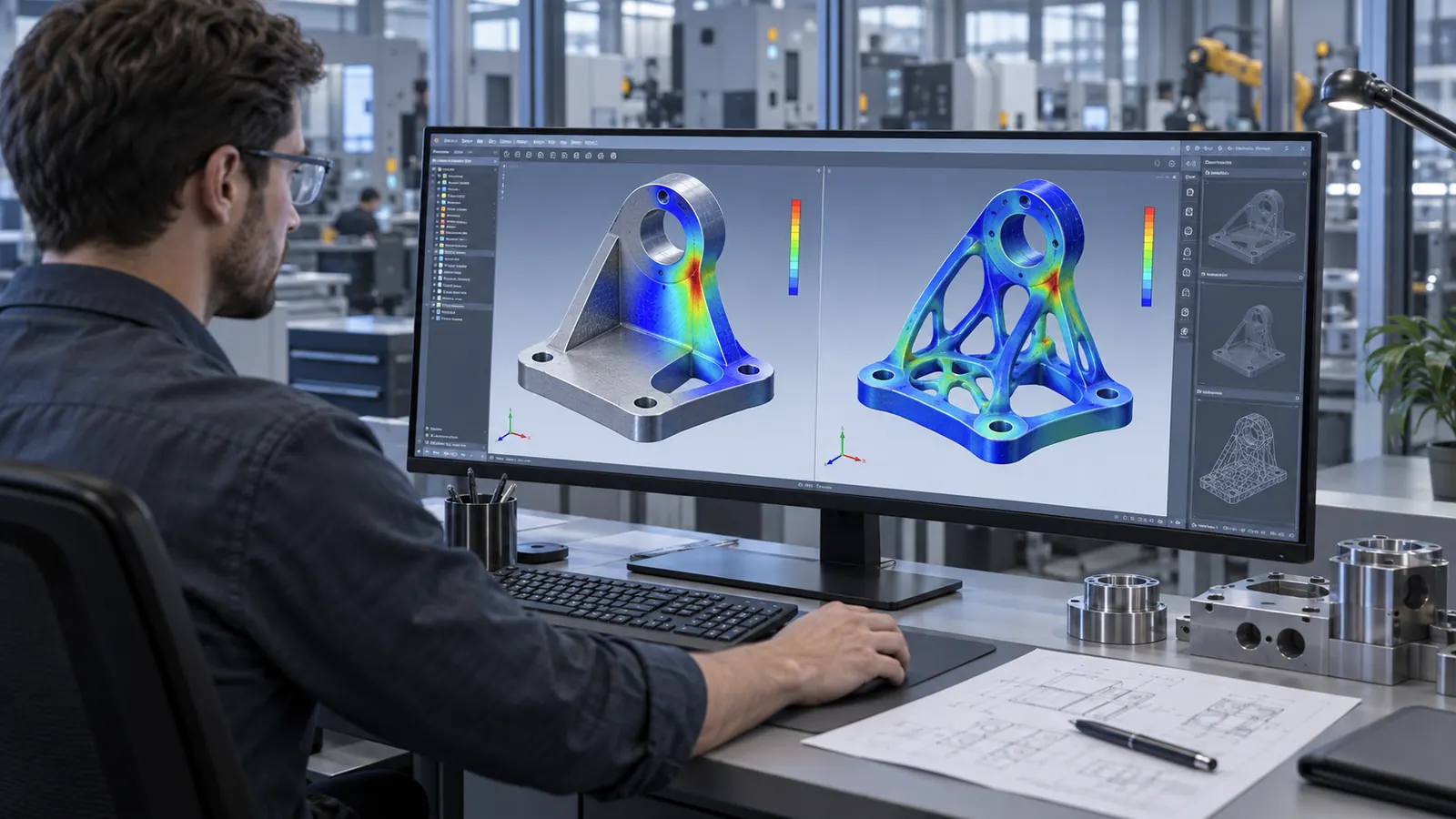
Many of the most important engineering decisions affecting weight, stiffness, geometry, motion and manufacturability are made during the early stages of product development. When simulation is introduced only after a design is nearly complete, engineering teams may discover problems too late and be forced to redesign geometry, materials or structural concepts.
Simcenter Inspire is a CAE solution designed to bring simulation and optimization closer to the design process. It combines geometry modeling, engineering simulation, design optimization and manufacturing-oriented capabilities within a unified environment.
Instead of using CAE only as a final verification step, engineering teams can use Simcenter Inspire to explore alternatives, evaluate performance and improve product concepts while the design is still evolving.
For a broader overview of Siemens simulation technologies, explore
Simcenter software and engineering simulation solutions.
What is Simcenter Inspire?
Simcenter Inspire is a simulation-driven design platform that enables engineers to create geometry, evaluate performance, optimize structures and explore design alternatives earlier in the product-development process.
A key advantage is its ability to make engineering simulation more accessible to design engineers. Teams do not necessarily need to complete the full CAD model before obtaining useful performance feedback.
A conventional workflow may look like:
Concept → Design → Finalize CAD → Simulation → Discover Issues → Redesign
A simulation-driven workflow can instead become:
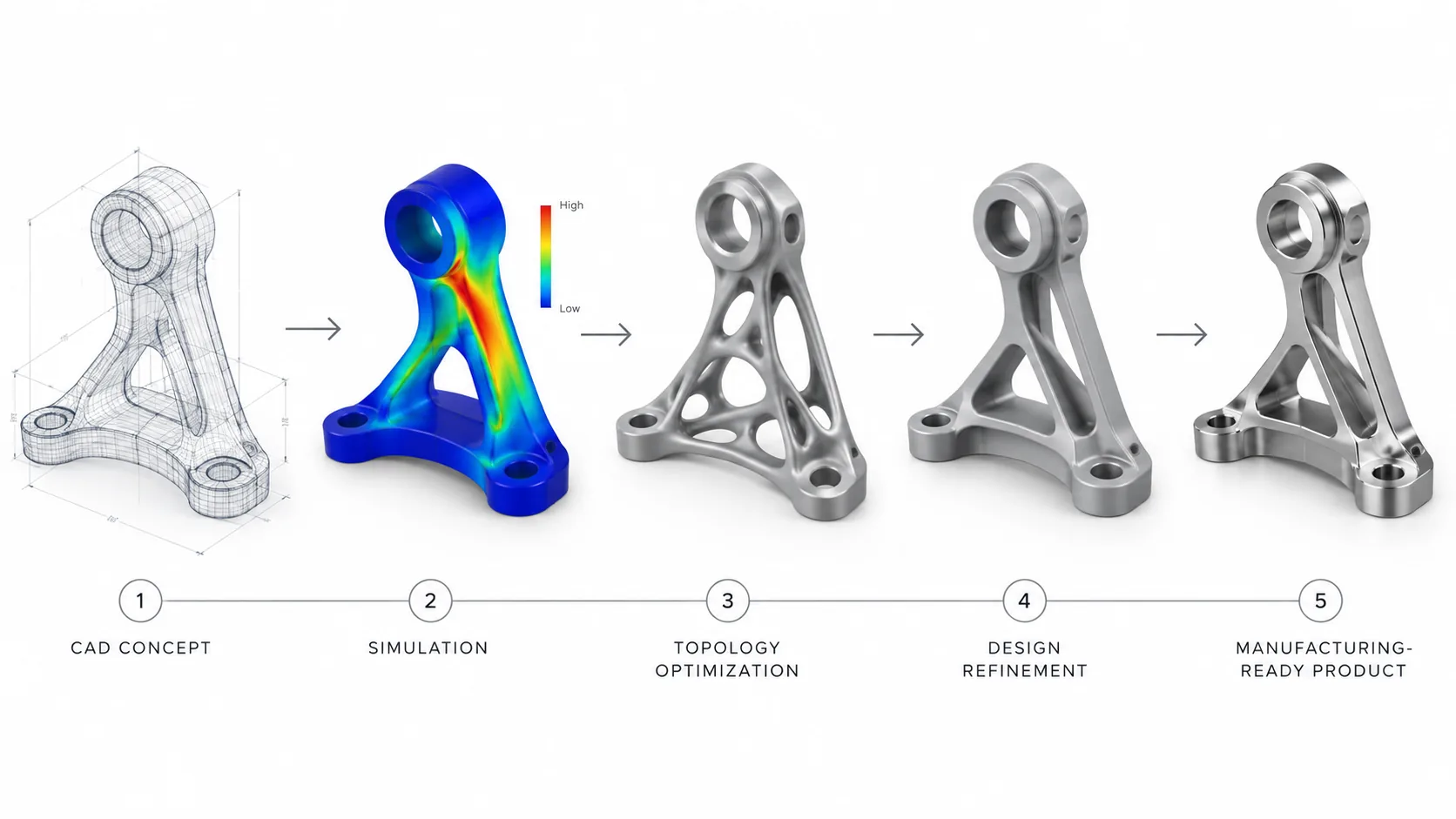
Concept → Simulate → Optimize → Refine Design → Validate → Manufacture
This approach is commonly described as simulation-driven design: using simulation as a decision-making tool during design rather than only as a final verification activity.
What happened to Altair Inspire?
Following the integration of Altair technologies into Siemens’ simulation portfolio, Altair Inspire is now named Simcenter Inspire.
Altair Inspire → Simcenter Inspire
Users may still search for legacy terms such as “Altair Inspire” or “Inspire topology optimization.” However, the current product name should be presented as Simcenter Inspire.
What engineering challenges does Simcenter Inspire address?
Mechanical product design rarely involves optimizing a single requirement. Engineers often need to balance several objectives at the same time:
- Reduce product mass
- Maintain or improve structural stiffness
- Control stress and deformation
- Evaluate mechanism motion
- Improve manufacturability
- Use material more efficiently
- Reduce design iterations
- Evaluate more product concepts
Simcenter Inspire helps bring these considerations into the design process earlier so engineering teams can make more informed decisions before the geometry becomes difficult or expensive to change.
Key capabilities of Simcenter Inspire
1. Geometry modeling for simulation-driven design
Simcenter Inspire provides geometry tools that allow engineers to create, modify and prepare product concepts for simulation and optimization.
Hybrid modeling capabilities make it possible to work with different forms of geometry within the same workflow, supporting faster movement from an engineering idea to an analyzable design.
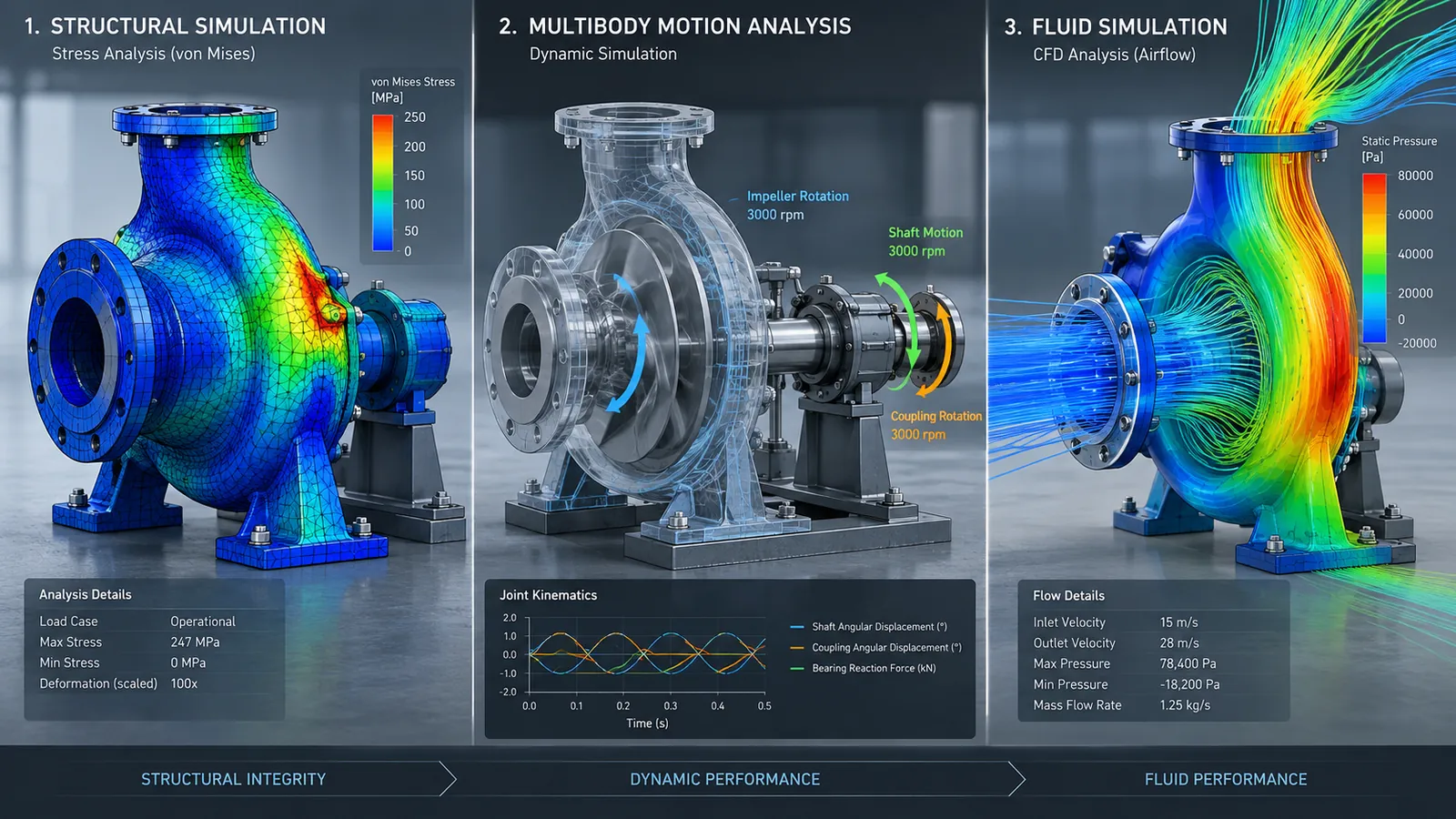
2. Early structural simulation
Design engineers can evaluate structural performance before the product definition is fully finalized.
Early structural simulation can help identify high-stress regions, excessive deformation and areas where material may not be used efficiently.
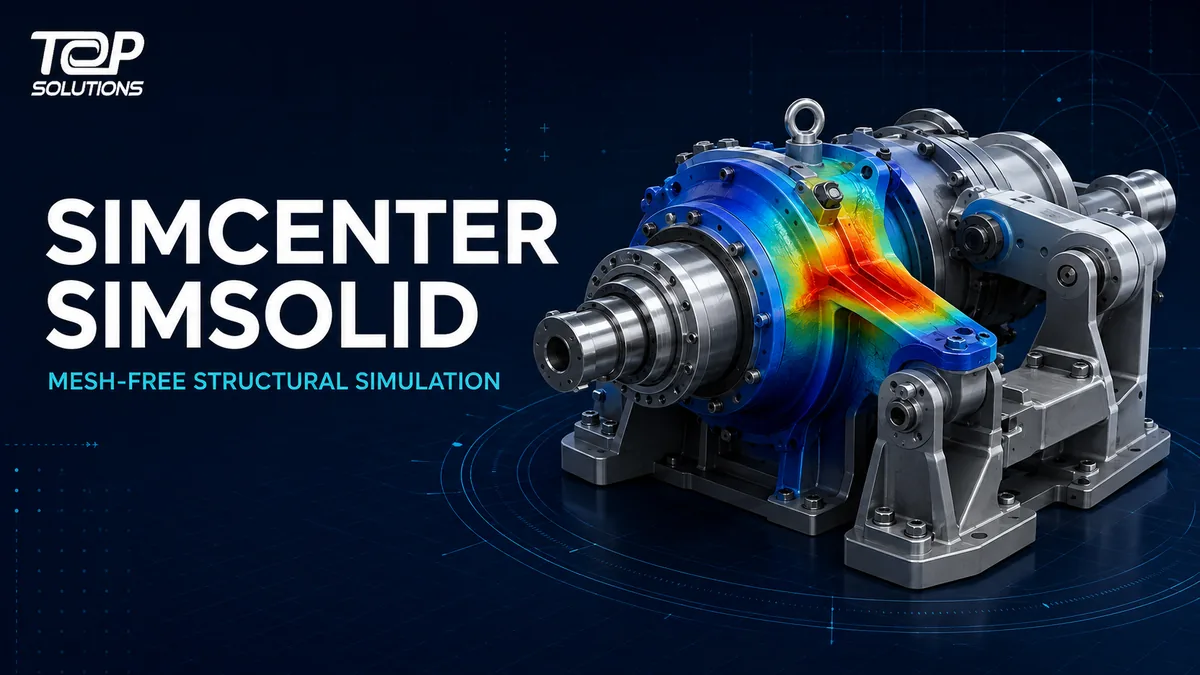
For companies that need structural analysis directly on complex CAD assemblies without a conventional meshing workflow, see
Simcenter Simsolid mesh-free structural simulation.
3. Topology optimization
Topology optimization is particularly valuable when engineering teams need to reduce mass while maintaining structural performance.
The engineer defines a design space, loads, constraints and objectives. Optimization then helps identify a more efficient distribution of material within the allowable design region.
A simplified workflow may include:
- Define the design space
- Assign materials
- Apply loads and boundary conditions
- Define optimization objectives
- Specify engineering constraints
- Run topology optimization
- Review the optimized material layout
- Refine geometry
- Validate the final concept
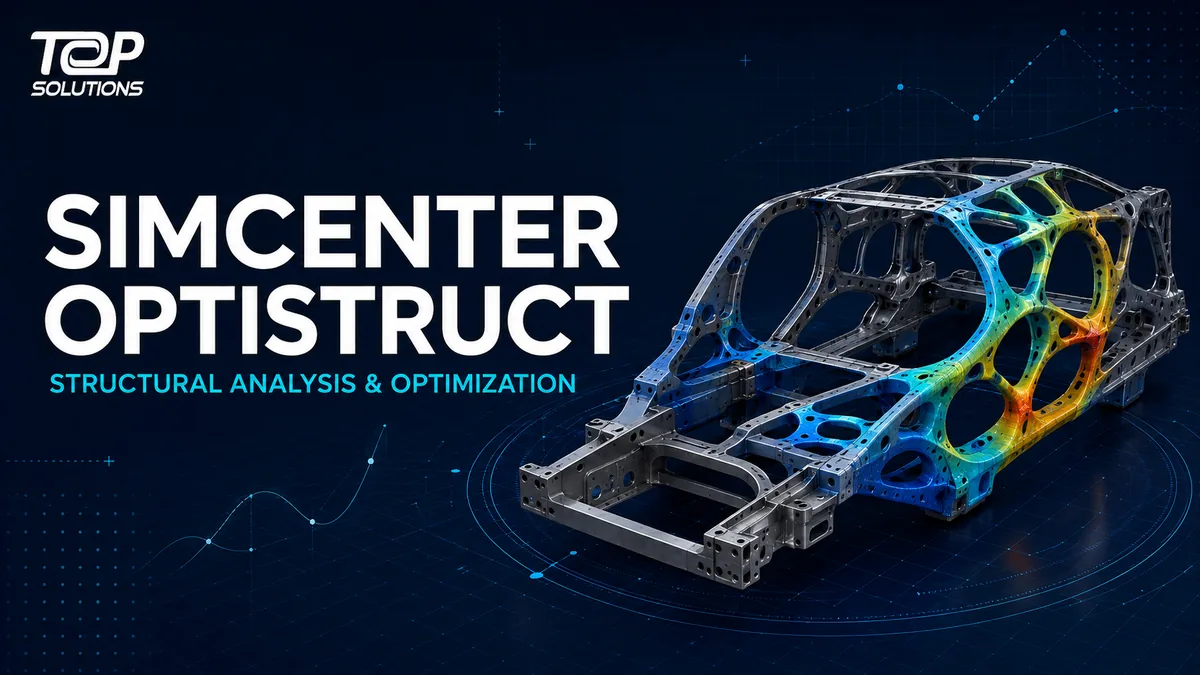
For more specialized structural analysis and optimization workflows, explore
Simcenter Optistruct structural analysis and optimization.
4. Generative design and concept exploration
Instead of evaluating only one manually created design, engineering teams can use optimization and generative design techniques to explore multiple candidate solutions based on defined requirements.
The purpose is not to allow software to make every design decision automatically. Instead, these tools give engineers more technically informed alternatives to evaluate.
5. Design for manufacturability
A design that performs well in simulation is not automatically a good production design.
Simcenter Inspire therefore connects performance optimization with manufacturing-oriented workflows, helping engineers consider manufacturability earlier in the product-development process.
6. Motion simulation
Products containing moving mechanisms require engineers to understand relationships between geometry, joints, loads, displacement and dynamic behavior.
Motion simulation allows teams to evaluate mechanism performance virtually and improve concepts before investing in physical prototypes.
7. Fluid-performance exploration
Simcenter Inspire also extends simulation-driven design into fluid-related engineering workflows, enabling designers to evaluate how geometry changes may influence fluid performance during early development.
For advanced multiphysics CFD requirements, companies can evaluate additional specialized solutions within the Simcenter portfolio.
Typical Simcenter Inspire workflow
→ Define Engineering Requirements
→ Set Up Simulation
→ Evaluate Performance
→ Optimize
→ Compare Alternatives
→ Refine Geometry
→ Validate
→ Manufacturing-Ready Design
The key benefit is that simulation does not remain disconnected from design iteration.
Engineering teams can use simulation results as direct input for the next design decision.
Simcenter Inspire vs. Simcenter Hypermesh
| Criteria | Simcenter Inspire | Simcenter Hypermesh |
|---|---|---|
| Primary focus | Simulation-driven design and optimization | Simulation modeling and preprocessing |
| Primary users | Designers and product engineers | CAE and simulation engineers |
| Typical stage | Concept and early design | Detailed simulation-model preparation |
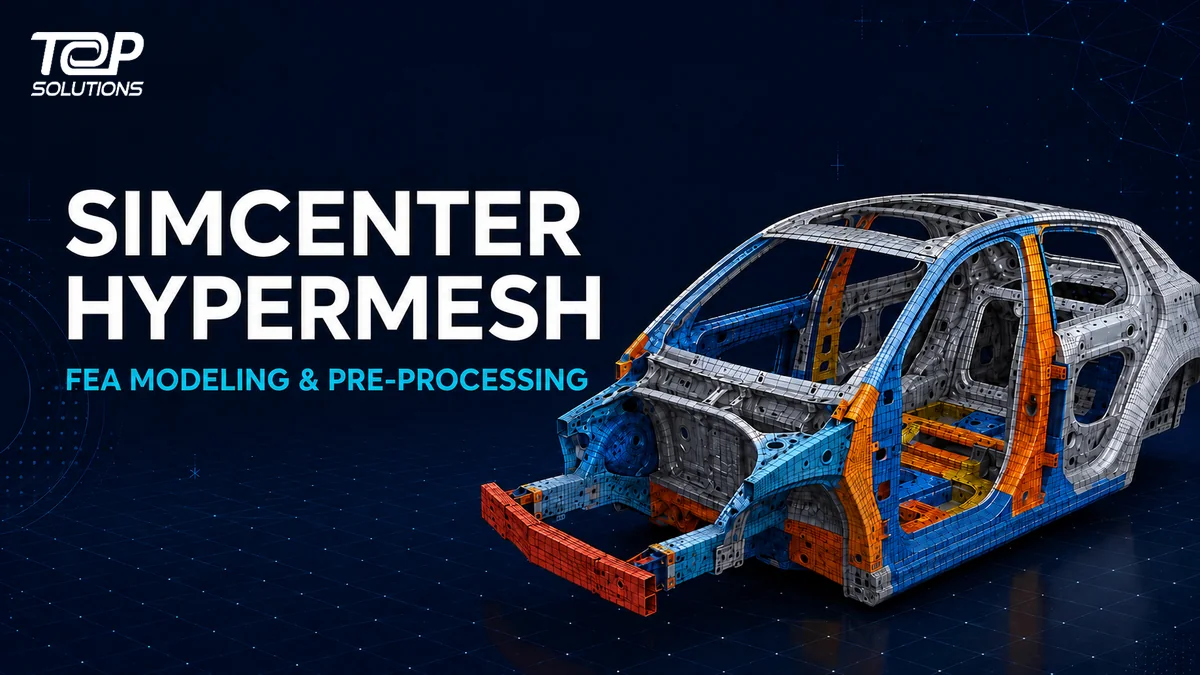
Learn more in
What Is Simcenter Hypermesh?
Simcenter Inspire vs. Simcenter Simsolid
Simcenter Inspire focuses on simulation-driven product design, concept exploration and optimization.
Simcenter Simsolid focuses strongly on structural analysis directly from detailed CAD geometry and assemblies without a traditional meshing workflow.
The appropriate solution depends on the simulation problem, input data, engineering role, product complexity and deployment objectives.
Simcenter Inspire vs. Simcenter Optistruct
Simcenter Inspire provides designers with an environment for simulation-driven exploration and optimization during product development.
Simcenter Optistruct is a structural solver and optimizer for more specialized analysis and optimization workflows.
Companies should therefore evaluate questions such as:
- Who will use the solution?
- Is the priority concept exploration or advanced optimization?
- How complex are the models and load cases?
- Which solvers are currently used?
- How should the solution integrate with existing CAE workflows?
Who should consider Simcenter Inspire?
Simcenter Inspire is especially relevant for organizations seeking to bring simulation closer to design and R&D teams.
Typical user roles may include:
- Mechanical Design Engineer
- Product Design Engineer
- CAE Engineer
- R&D Engineer
- Product Development Engineer
- Engineering Manager
- R&D Manager
Typical use cases include:
- Reducing product weight
- Optimizing structures earlier
- Evaluating more design alternatives
- Reducing early physical-prototype dependency
- Bringing simulation into the designer’s workflow
- Connecting concept design, performance and manufacturability
Does Simcenter Inspire replace advanced CAE software?
Simcenter Inspire should not be viewed as a replacement for every specialized CAE tool.
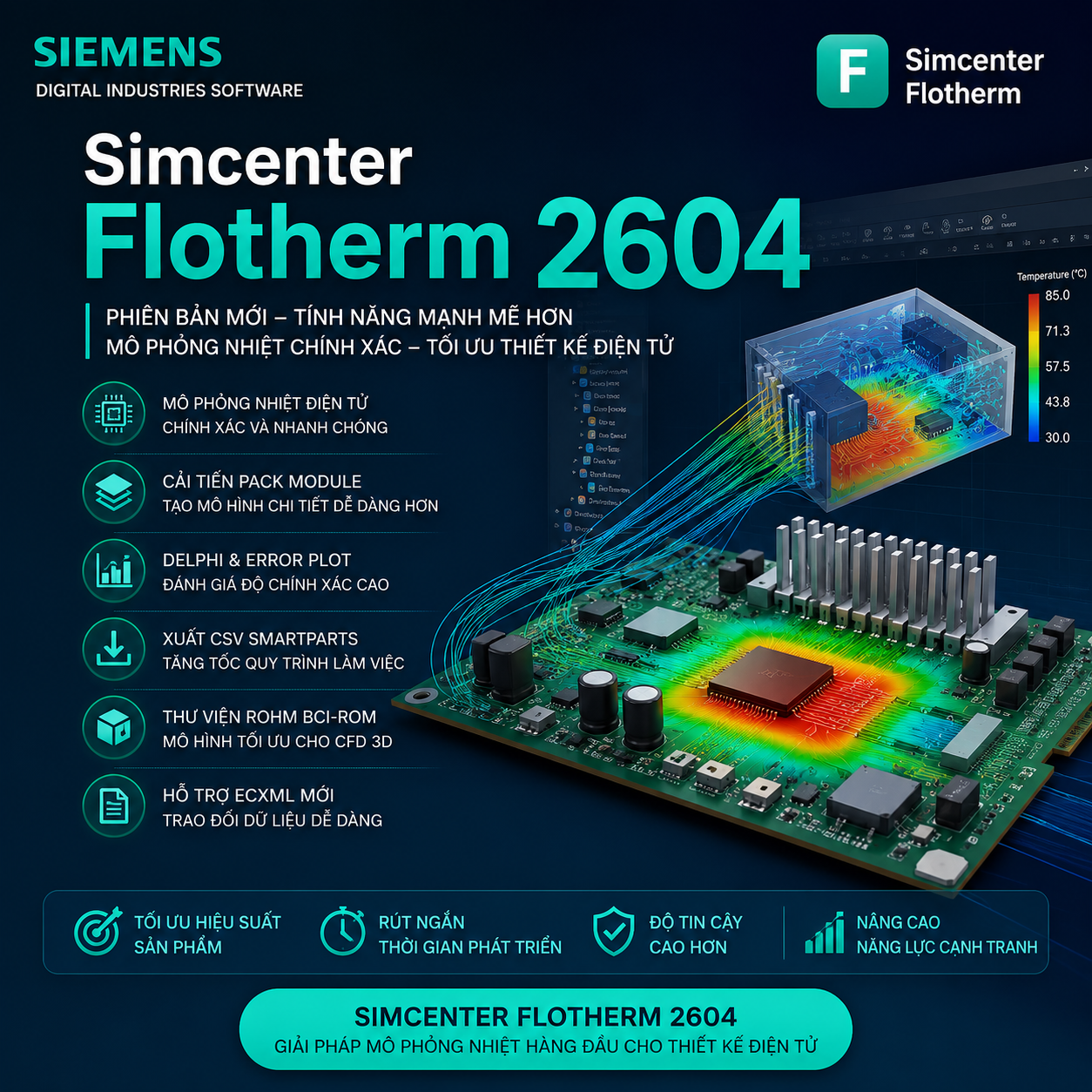
The Simcenter portfolio includes technologies for simulation modeling, structural analysis, CFD, thermal simulation, electromagnetics, system simulation and physical testing.
- Simcenter Inspire: simulation-driven design and concept optimization
- Simcenter Hypermesh: simulation modeling and preprocessing
- Simcenter Simsolid: mesh-free structural analysis
- Simcenter Optistruct: structural analysis and optimization
Explore the broader
Simcenter software portfolio
and
CAE simulation solutions for manufacturers.
How should a company evaluate Simcenter Inspire?
Instead of starting from a feature checklist, companies should begin with a real engineering problem.
A Proof of Concept can include:
- Select a representative component or assembly
- Define the current baseline
- Set an objective such as lower mass or increased stiffness
- Define loads and constraints
- Perform simulation and optimization
- Compare the optimized concept against the baseline
- Review manufacturability
- Measure potential workflow improvements
This helps answer the most important implementation question: Does Simcenter Inspire create measurable value within the company’s actual product-development workflow?
Simcenter Inspire consulting from Top Solutions
Top Solutions provides CAD/CAM/CAE/PLM solutions and supports companies with evaluation, implementation and training for engineering simulation technologies.
Organizations considering Simcenter Inspire can discuss:
- Existing design and simulation workflows
- Topology-optimization objectives
- CAD/CAE integration requirements
- Product and assembly complexity
- Software configuration and licensing
- Implementation approach
- Engineering-team training
Want to bring simulation and optimization earlier into your product-design workflow?
Frequently Asked Questions about Simcenter Inspire
What is Simcenter Inspire?
Simcenter Inspire is a simulation-driven design solution that combines design, simulation, optimization and manufacturability assessment within the product-development process.
What is the new name for Altair Inspire?
Altair Inspire is now named Simcenter Inspire as part of the Simcenter product portfolio.
Does Simcenter Inspire support topology optimization?
Yes. Topology optimization can help engineers identify more efficient material distribution based on a defined design space, loads, constraints and engineering objectives.
Who uses Simcenter Inspire?
Typical users include mechanical designers, product engineers, CAE engineers, R&D engineers and product-development teams that want to introduce simulation earlier in design.
Is Simcenter Inspire the same as Simcenter Optistruct?
No. Simcenter Inspire focuses on simulation-driven design and concept exploration, while Simcenter Optistruct is a structural-analysis solver and optimizer for advanced analysis and optimization workflows.
Is Simcenter Inspire a CAD system?
Simcenter Inspire includes geometry creation and editing capabilities, but its primary role is to integrate simulation, optimization and manufacturability into engineering design rather than replace every enterprise CAD workflow.
Conclusion
Simcenter Inspire enables organizations to move from a “design first, simulate later” process toward a workflow in which simulation and optimization influence product decisions from the concept stage.
By combining geometry modeling, structural simulation, motion, fluid-performance exploration, generative design and optimization, engineering teams can evaluate more alternatives earlier and improve product concepts before investing heavily in physical prototypes or manufacturing.
Explore
Simcenter software,
CAE simulation solutions
and
CAD/CAM/CAE/PLM consulting and training from Top Solutions.